Part I · The Range · Chapter 1
The Container Lab
Commands only. What each step does, why it is built this way, and the judgment behind it are in the book.
Workstation tier
6 labs
≈ 4–6 h
4 GB RAM
Windows · macOS · Linux
Labs in this chapter
What you'll be able to do
- Get Docker running and clone the lab repository (Lab 1.0 - Clone the lab repository); the Windows WSL2 and Docker setup is in the appendix
- Stand up the lab stack and confirm every service is healthy (Lab 1.1 - First light)
- Say exactly which containers can reach the internet, and which cannot (Lab 1.2 - Anatomy of the stack)
- Demonstrate that the workstation's isolation is structural, not configured (Lab 1.3 - The gateway route)
- Reset a lab to a known state without losing collected evidence (Lab 1.4 - Reset discipline)
- Verify what's actually inside an image before you run it (Lab 1.5 - Image provenance)
LAB 1.0
Clone the lab repository
0.5 h
Docker required
$ cd ~
$ git config --global core.autocrlf input
$ git clone https://github.com/toniall/darkweblabs.git
$ cd darkweblabs && ls
Verify in the Docker host
$ wsl.exe --list --verbose | grep -c "2"
$ docker version --format '{{.Server.Version}}'
$ docker compose version --short
$ docker run --rm hello-world | head -2
$ pwd | grep -q "^/home/" && echo "repo location OK"
$ git config --global core.autocrlf
$ ls ~/darkweblabs
- Ubuntu reports WSL VERSION 2
- Docker Engine 24+ and Compose v2 both respond
hello-worldruns withoutsudo- The repository lives under
/home/, not/mnt/c/ .wslconfigexists and allocates at least 8 GBcore.autocrlfisinputand the repository is cloned
LAB 1.1
First light
1–1.5 h
4 GB
All platforms
Step 1, Confirm your toolchain
$ docker version --format '{{.Server.Version}}'
$ docker compose version --short
$ uname -m
Expected
27.3.1
2.29.7
x86_64        # or aarch64 on Apple Silicon
Step 2, Get the repository up to date
$ cd ~/darkweblabs
$ git pull
$ cd ~
$ git clone https://github.com/toniall/darkweblabs.git
$ cd darkweblabs
$ ls -R . | head -20
Expected layout
darkweblabs/
├── lab                    the CLI you'll use throughout
├── compose.yml            the lab stack
├── images/
│   ├── tor/               Dockerfile, torrc, entrypoint.sh
│   └── workstation/       Dockerfile, *.desktop, branding/
├── labs/checks/           what `lab check` runs
└── site/                  this site, served by the portal
Step 3, Make the tools executable
$ chmod +x lab labs/checks/*.sh
$ ls -l lab | cut -c1-11
Expected
-rwxr-xr-x
Step 3b, Check the repo agrees with itself
$ ./lab selftest
Expected
Repo self-test  (lab 5.1.3)

  compose.yml      present
  Dockerfile       present
  entrypoint.sh    present
  xstartup         present
  rebrand.py       present
  gateway image    our own dual-homed gateway, not a stock one
  fail closed      unroutable traffic rejected in FORWARD
  lab creds        derived, not cached
  ...

  result           repo is consistent
Step 4, Run the preflight check
$ ./lab doctor
Expected
DARKWEB LAB — preflight

  platform        linux / x86_64
  docker          27.3.1  (engine, rootless: no)
  compose         2.29.7
  memory          31.2 GB available
  cgroup          v2
  kvm             available

  lab coverage    55 / 55 labs supported natively
  note            Lab 2.4 requires native netfilter — OK on this host

  → write report to ~/evidence/preflight.json
Step 5, Bring up the base stack
$ ./lab up base
$ ./lab stop base     # stop — containers kept; ./lab up base resumes them
$ ./lab down base     # delete — removes containers (the evidence volume is always kept)
$ docker compose ps
Expected
NAME                 SERVICE      STATUS            PORTS
darkweb-gateway      gateway      Up 42s (healthy)
darkweb-portal       portal       Up 40s (healthy)
darkweb-workstation  workstation  Up 38s (healthy)  127.0.0.1:6901->6901/tcp

# one published port in the whole stack — on the workstation
Step 6, Open the desktop
$ ./lab open

# or browse to http://127.0.0.1:6901 yourself
# the password is generated at first run:
$ ./lab creds
$ ./lab creds
Step 6b, Confirm you are actually behind Tor
$ curl -s https://check.torproject.org/api/ip
$ curl -s https://icanhazip.com
Expected
{"IsTor":true,"IP":"185.220.101.34"}
185.220.101.34
Step 7, Stopping and restarting
# what stacks exist
$ ./lab list

# stop everything; volumes and images are kept
$ ./lab down

# start again — seconds this time, nothing rebuilds
$ ./lab up base
Verify in the Docker host
$ ./lab check 1.1
- All three services report
healthy - The desktop port is bound to
127.0.0.1, and listed underdarkweb-workstation - The workstation reaches the internet and reports
"IsTor":true - ICMP from the workstation is refused rather than forwarded
~/evidence/preflight.jsonexists and is well-formed
What this lab looks like
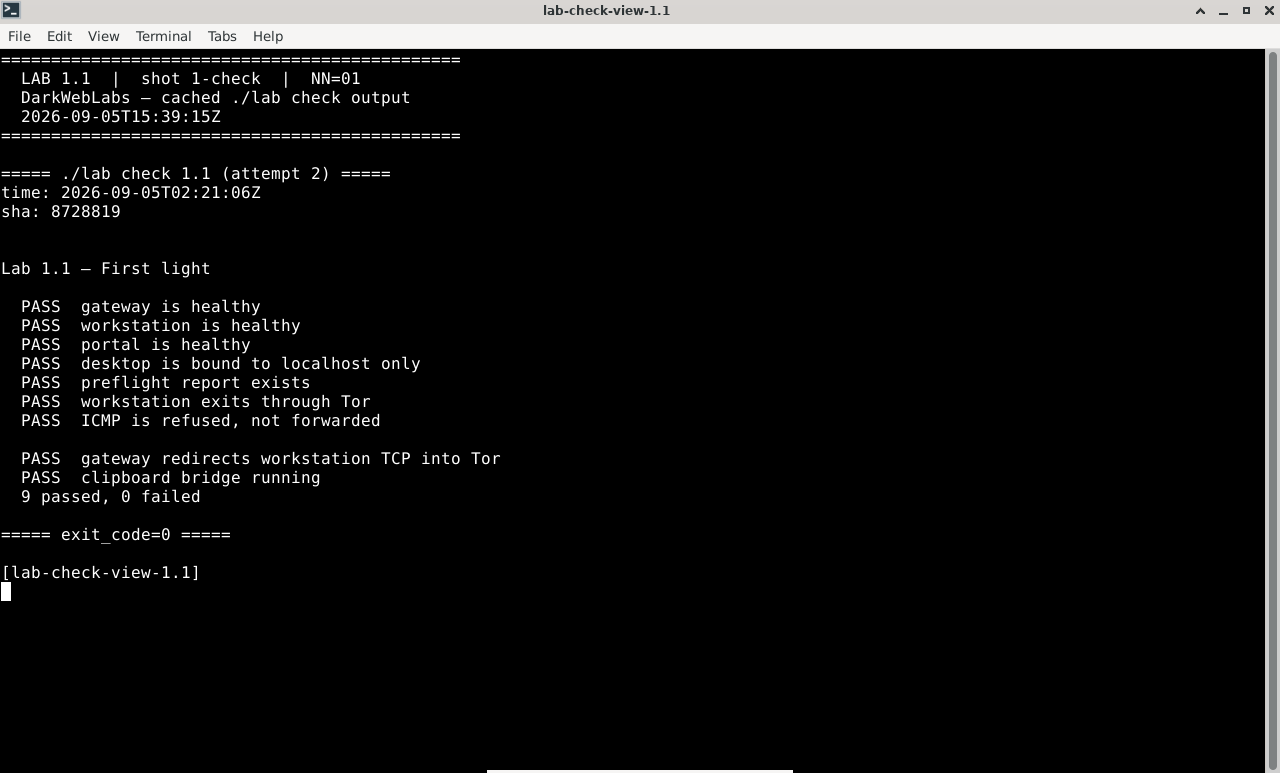
Terminal:
./lab check 1.1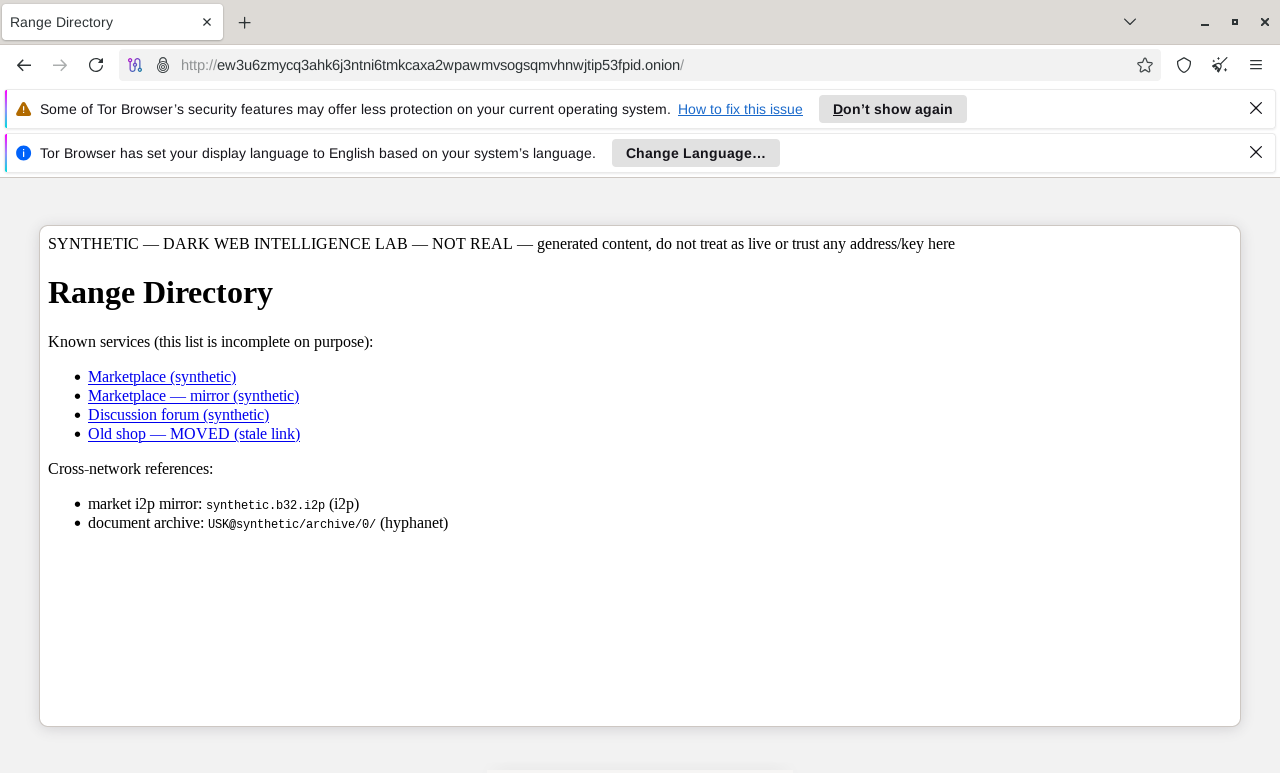
Tor Browser on a live range onion
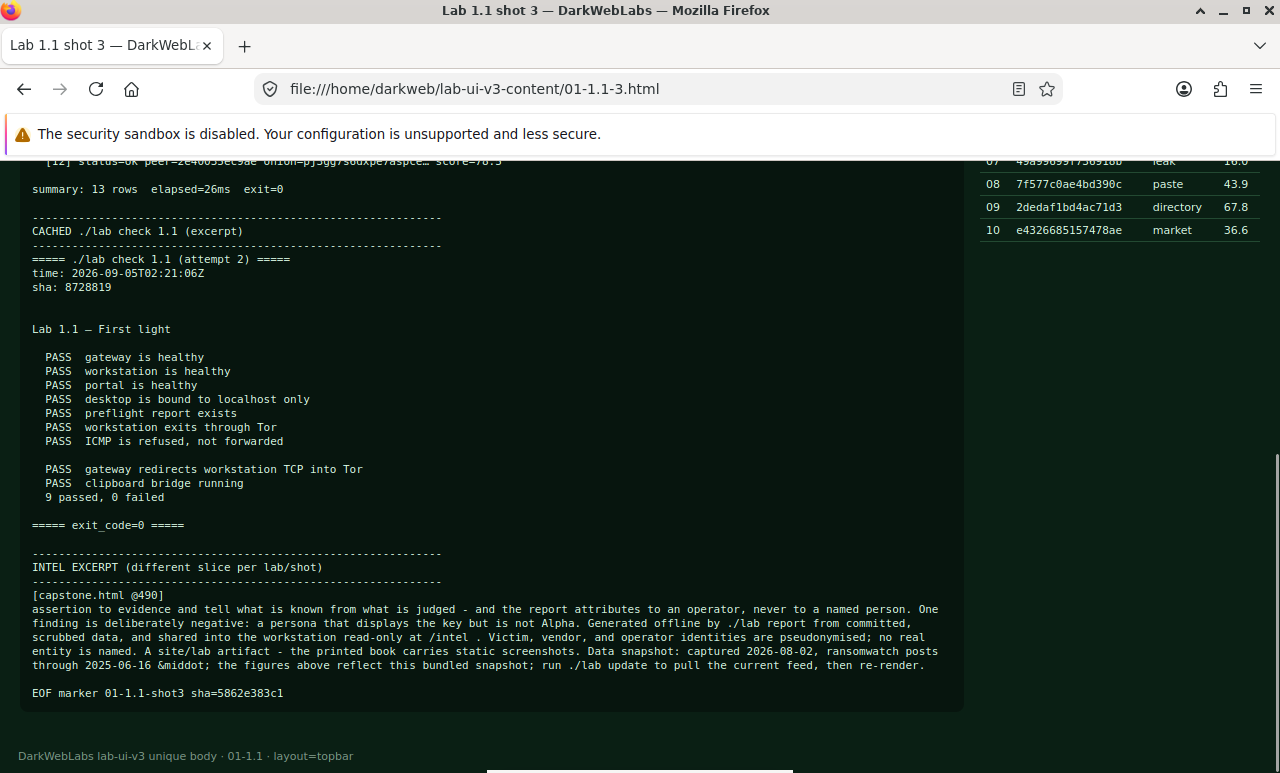
Firefox on this lab's HTML view
LAB 1.2
Anatomy of the stack
0.5–1 h
4 GB
All platforms
Step 1, List the networks
$ docker network ls --filter name=darkweb
Expected
NETWORK ID     NAME                 DRIVER    SCOPE
3f9a1c7e88d2   darkweb_external     bridge    local
7b2e04a19f5c   darkweb_internal     bridge    local
c4d1a90f22e7   darkweb_deskaccess   bridge    local
Step 2, Inspect who is attached to what
$ TPL='{{range $k,$v := .NetworkSettings.Networks}}'
$ TPL="$TPL"'{{$k}} {{$v.IPAddress}}{{"\n"}}{{end}}'

$ for c in darkweb-gateway darkweb-workstation darkweb-portal; do
    echo "== $c"
    docker inspect "$c" --format "$TPL"
  done
Expected
== darkweb-gateway
darkweb_external 172.19.0.2
darkweb_internal 10.152.152.10

== darkweb-workstation
darkweb_internal 10.152.152.11
darkweb_deskaccess 10.152.153.11

== darkweb-portal
darkweb_internal 10.152.152.20
Step 3, Confirm the internal network really is sealed
$ docker network inspect darkweb_internal --format \
    '{{.Name}} internal={{.Internal}}
     subnet={{range .IPAM.Config}}{{.Subnet}}{{end}}'
Expected
darkweb_internal internal=true subnet=10.152.152.0/24
# the portal is on the internal network only — it should not reach the internet
$ docker exec darkweb-portal sh -c \
    'timeout 5 curl -sS -o /dev/null -w "%{http_code}\n" http://1.1.1.1'
$ echo "exit=$?"
Expected
curl: (28) Connection timed out after 5000 milliseconds
exit=124
Verify in the Docker host
$ ./lab check 1.2
- You named
darkweb-gatewayas the only container on the external network - You placed
darkweb-workstationon the internal net at 10.152.152.11, with no external route darkweb_internalconfirmed asinternal=true- The portal's egress attempt timed out rather than being refused
What this lab looks like
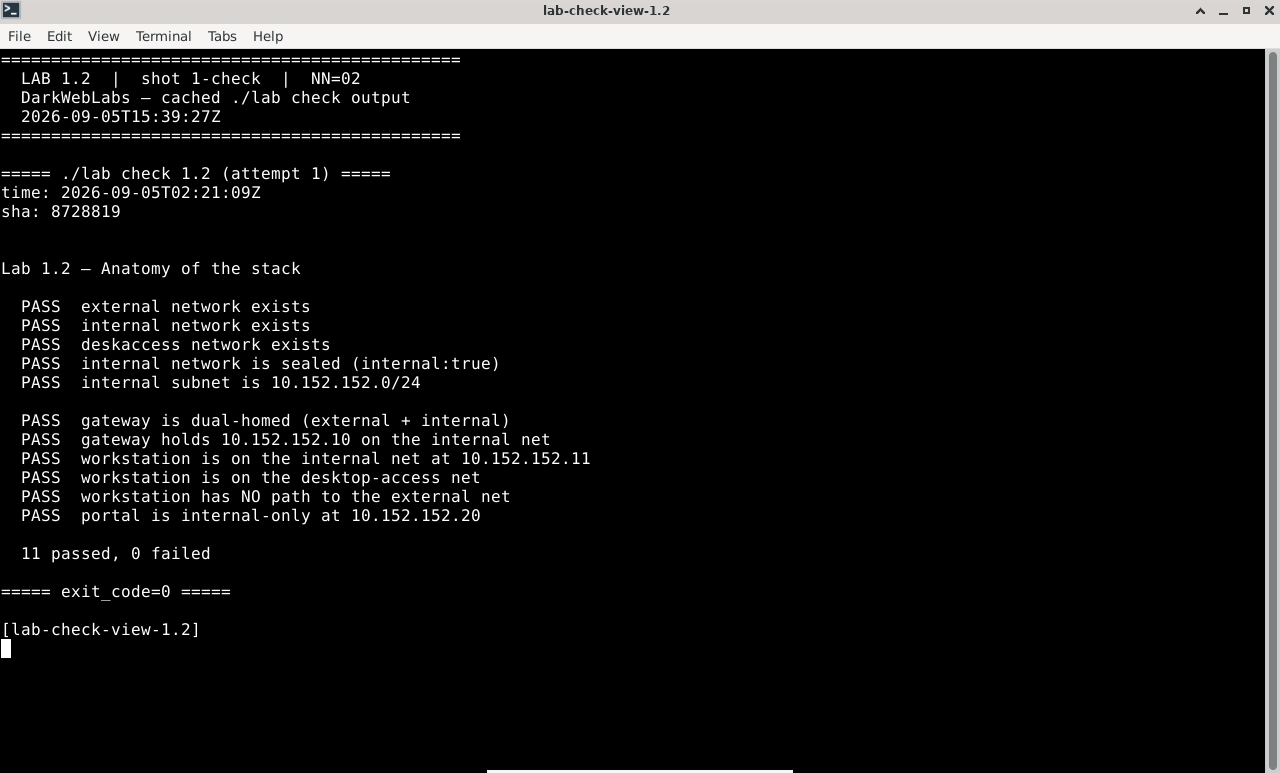
Terminal:
./lab check 1.2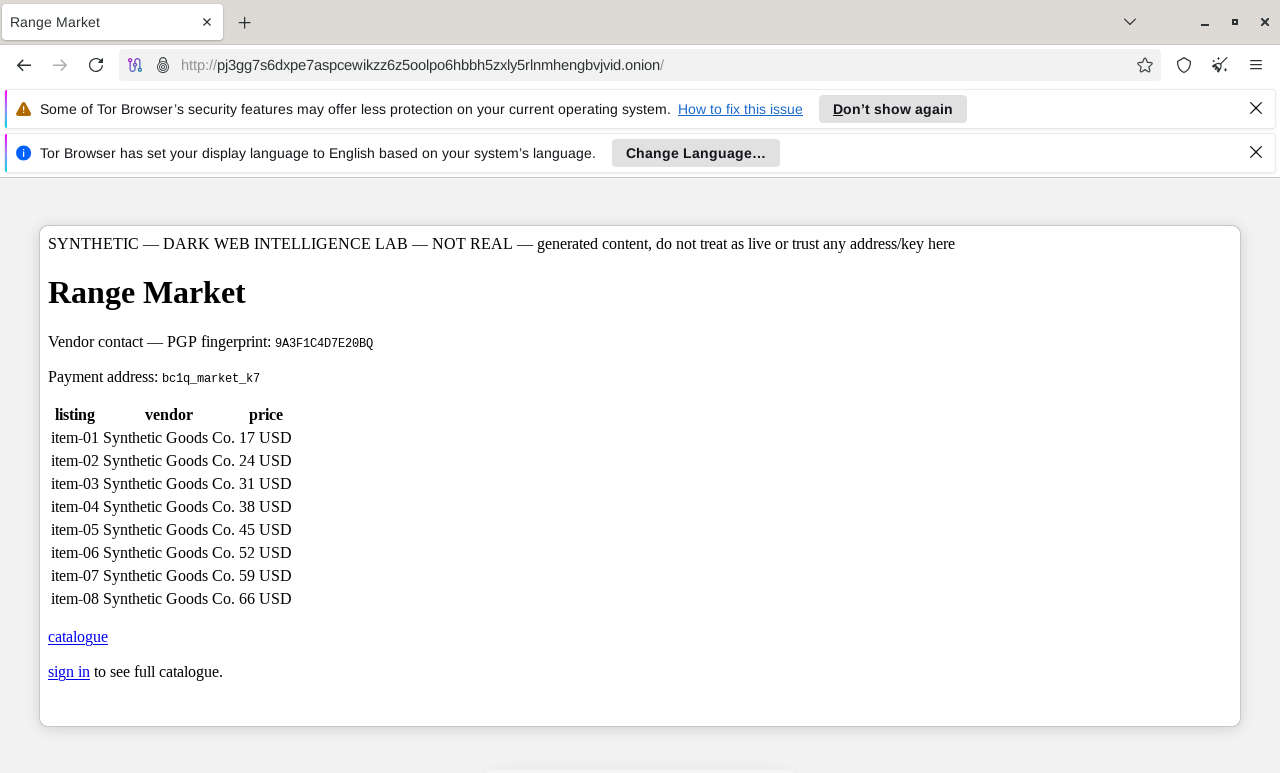
Tor Browser on a live range onion
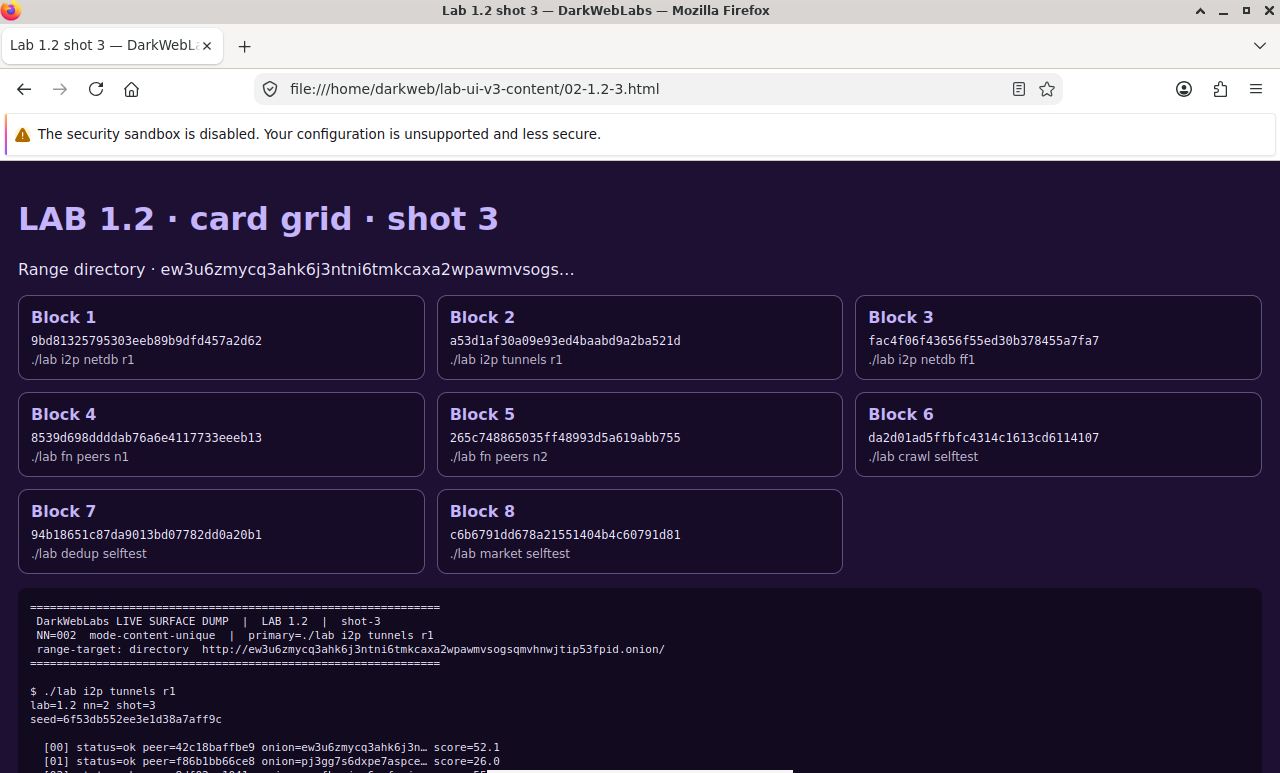
Firefox on this lab's HTML view
LAB 1.3
The gateway route
1 h
4 GB
All platforms
Key concept
Step 1, Compare the two containers' interfaces
$ docker exec darkweb-gateway     ip -brief addr
$ docker exec darkweb-workstation ip -brief addr
Expected, different on each
# gateway
lo               UNKNOWN        127.0.0.1/8
eth0@if12        UP             172.19.0.2/16
eth1@if14        UP             10.152.152.10/24

# workstation
lo               UNKNOWN        127.0.0.1/8
eth0@if16        UP             10.152.152.11/24
eth1@if18        UP             10.152.153.11/24
Step 2, Confirm they are separate namespaces
$ docker exec darkweb-gateway     readlink /proc/self/ns/net
$ docker exec darkweb-workstation readlink /proc/self/ns/net
$ docker exec darkweb-portal      readlink /proc/self/ns/net
Expected, three different inodes
net:[4026532561]     # gateway
net:[4026532640]     # workstation — different
net:[4026532749]     # portal — different again
  workstation:
    image: darkweb-lab-workstation:4.11
    networks:
      internal:      # 10.152.152.11 — the torified path
      deskaccess:    # 10.152.153.11 — desktop port only
    # start-up points the default route at the gateway and
    # locks the desktop-access interface to inbound only
Step 3, Read the route, then watch it fail closed
$ docker exec darkweb-workstation ip route
Expected
default via 10.152.152.10 dev eth0
10.152.152.0/24 dev eth0 proto kernel scope link src 10.152.152.11
10.152.153.0/24 dev eth1 proto kernel scope link src 10.152.153.11
# open a terminal on the lab desktop, then try a torified path and a raw one:
$ curl --socks5-hostname 10.152.152.10:9050 -s https://check.torproject.org/api/ip
$ ping -c1 -W3 1.1.1.1
Expected
{"IsTor":true,"IP":"185.220.101.34"}

PING 1.1.1.1 (1.1.1.1) 56(84) bytes of data.
--- 1.1.1.1 ping statistics ---
1 packets transmitted, 0 received, 100% packet loss
Verify in the Docker host
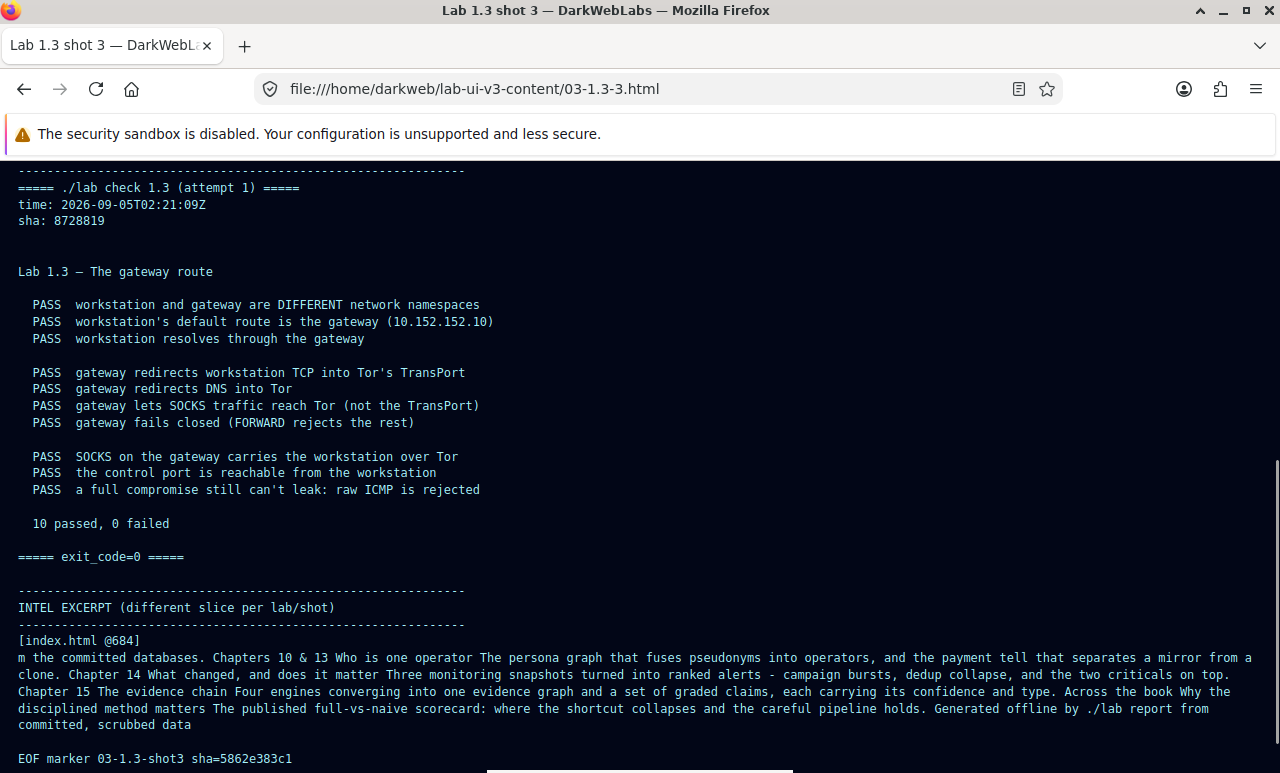
$ ./lab check 1.3
- The workstation and gateway report different namespace inodes
- The workstation's default route is the gateway (10.152.152.10)
- The Tor check from inside the workstation returns
"IsTor":true - A raw ping from the workstation gets no reply, rejected, not forwarded
What this lab looks like
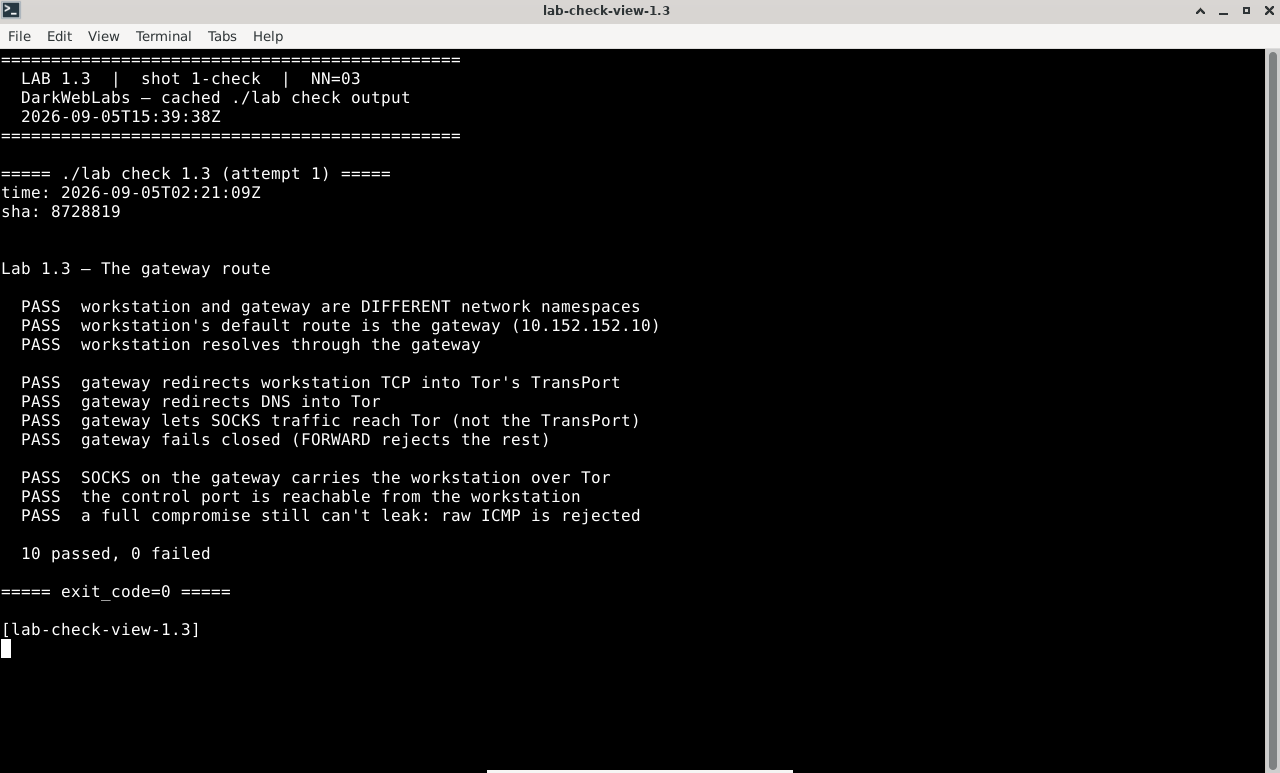
Terminal:
./lab check 1.3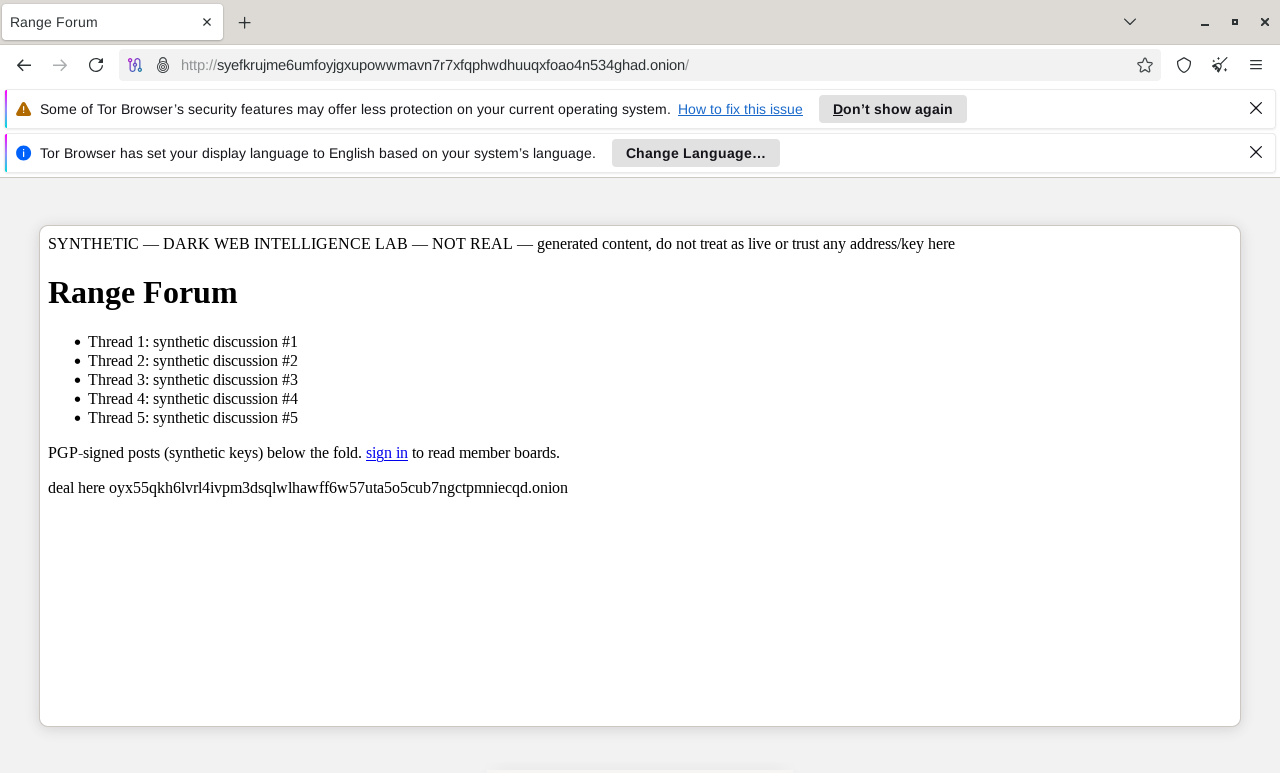
Tor Browser on a live range onion
Firefox on this lab's HTML view
LAB 1.4
Reset discipline
0.5–1 h
4 GB
All platforms
Step 1, See what persists
$ docker volume ls --filter name=darkweb
Expected
DRIVER    VOLUME NAME
local     darkweb_evidence     # your work — survives reset
local     darkweb_tor_data     # guard state — survives reset
local     darkweb_ws_scratch      # scratch — discarded on reset
Step 2, Break something
# leave a marker in evidence, and a marker in scratch
$ docker exec darkweb-workstation \
    sh -c 'echo "collected 2026-07-26" > /evidence/marker.txt'
$ docker exec darkweb-workstation sh -c 'echo "scratch" > ~/scratch.txt'

# now break the desktop session on purpose
$ docker exec darkweb-workstation sh -c 'rm -rf ~/.config/xfce4'
Step 3, Reset and inspect the damage
$ ./lab reset base

# the wrapper is careful about which volumes it removes:
#   compose down, remove only *_scratch volumes, compose up
$ docker exec darkweb-workstation cat /evidence/marker.txt
$ docker exec darkweb-workstation cat ~/scratch.txt
Expected
collected 2026-07-26
cat: /home/darkweb/scratch.txt: No such file or directory
Verify in the Docker host
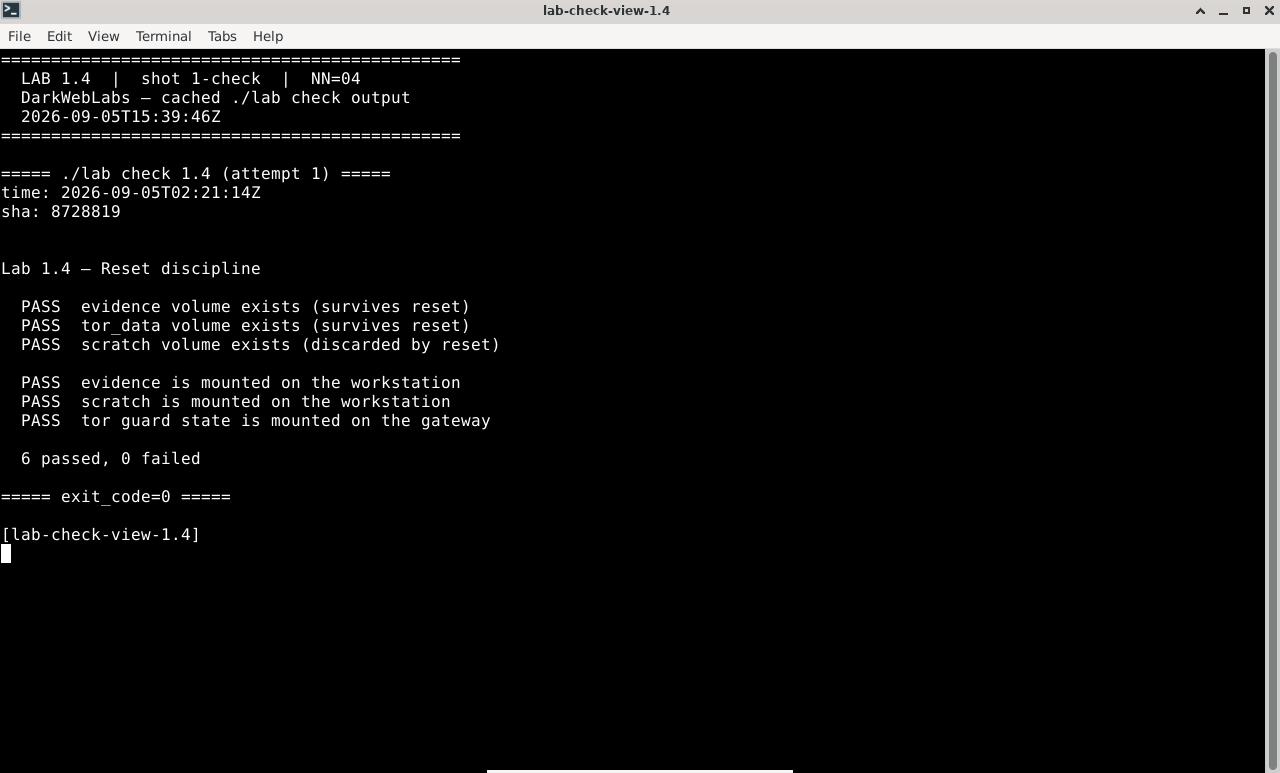
$ ./lab check 1.4
/evidence/marker.txtsurvived the reset- The scratch file did not
- The desktop session came back working
- Tor's guard is unchanged, compare against the value recorded in Lab 1.1
What this lab looks like
Terminal:
./lab check 1.4
Tor Browser on a live range onion
Firefox on this lab's HTML view
LAB 1.5
Image provenance
0.5–1 h
4 GB
All platforms
Find the planted flaw
Step 1, Pin down what you're running
$ docker image ls --filter reference='darkweb-lab-*' \
    --format 'table {{.Repository}}\t{{.Tag}}\t{{.ID}}\t{{.Size}}'
Expected
REPOSITORY                  TAG    IMAGE ID       SIZE
darkweb-lab-workstation     4.11   4b81c9e2a7f0   2.94GB
darkweb-lab-gateway         4.11   9f2ca31de41a   22MB
Step 2, Read the build history
# build the counterexample from the Dockerfile in the repo, then read it back
$ docker build -q -t darkweb-lab-workstation:1.0-vulnerable images/vulnerable
$ docker history --no-trunc --format '{{.CreatedBy}}' \
    darkweb-lab-workstation:1.0-vulnerable | head -30
Expected, truncated
...
RUN /bin/sh -c apk add --no-cache sudo shadow
ENV VNC_PW=D@rkW3b
RUN /bin/sh -c adduser -D darkweb
RUN /bin/sh -c echo "darkweb ALL=(ALL) NOPASSWD:ALL" > /etc/sudoers.d/darkweb
...
Step 3, Check the production image is clean
$ docker inspect -f '{{json .Config.Env}}' \
    darkweb-lab-workstation:4.11 | tr ',' '\n'

$ docker inspect -f 'user={{.Config.User}}' \
    darkweb-lab-workstation:4.11
Expected
["PATH=/usr/local/sbin:/usr/local/bin:/usr/sbin:/usr/bin:/sbin:/bin"
 "LANG=C.UTF-8"
 "TZ=UTC"]

user=darkweb
Verify in the Docker host
$ ./lab check 1.5
- You listed both locally built images and their sizes
- You located the planted credential and reported the layer it appears in
- You identified the second flaw in the same image
- The production image is confirmed non-root with no secrets in its environment
What this lab looks like
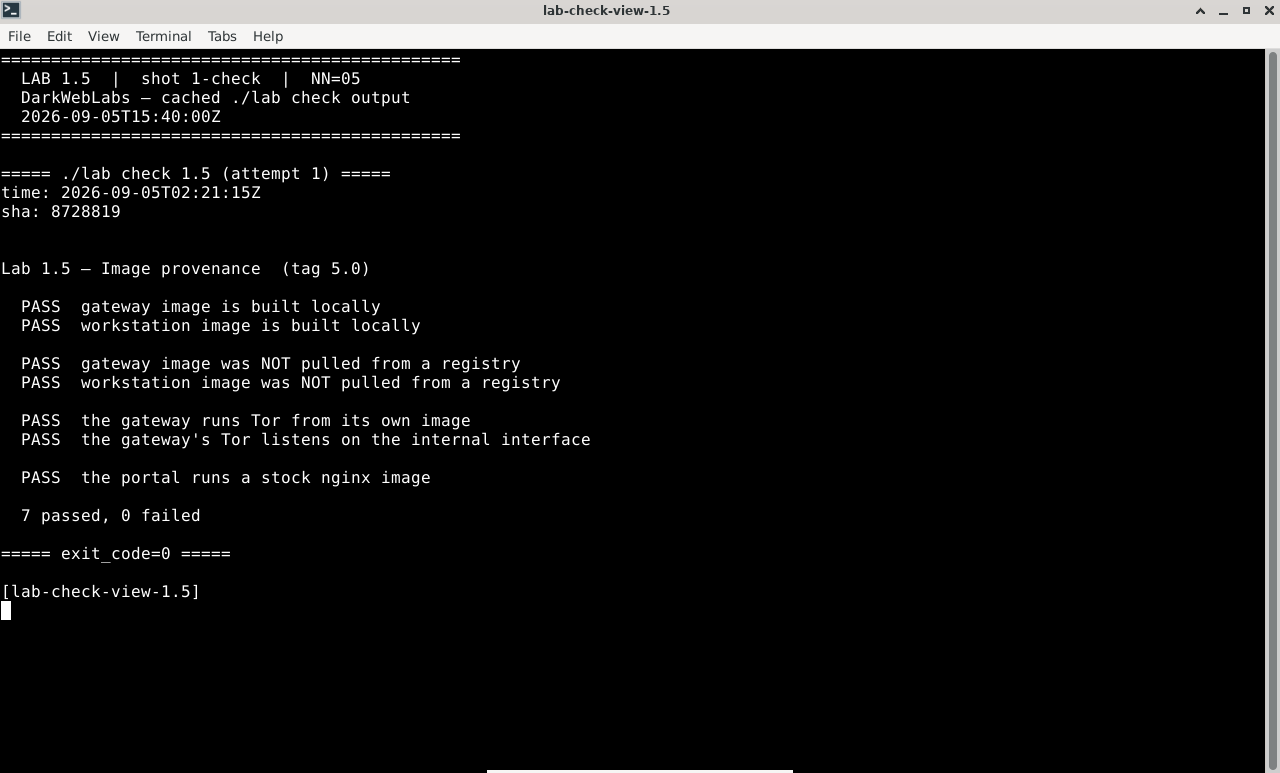
Terminal:
./lab check 1.5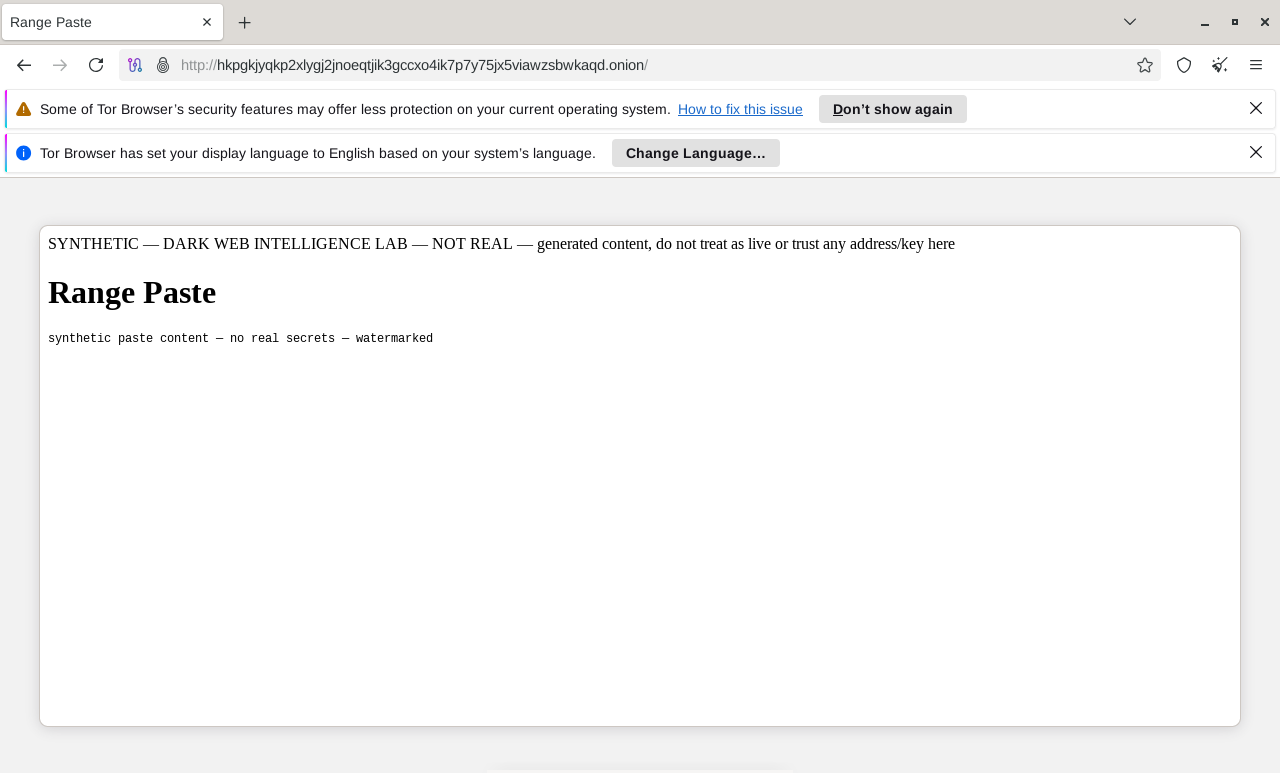
Tor Browser on a live range onion
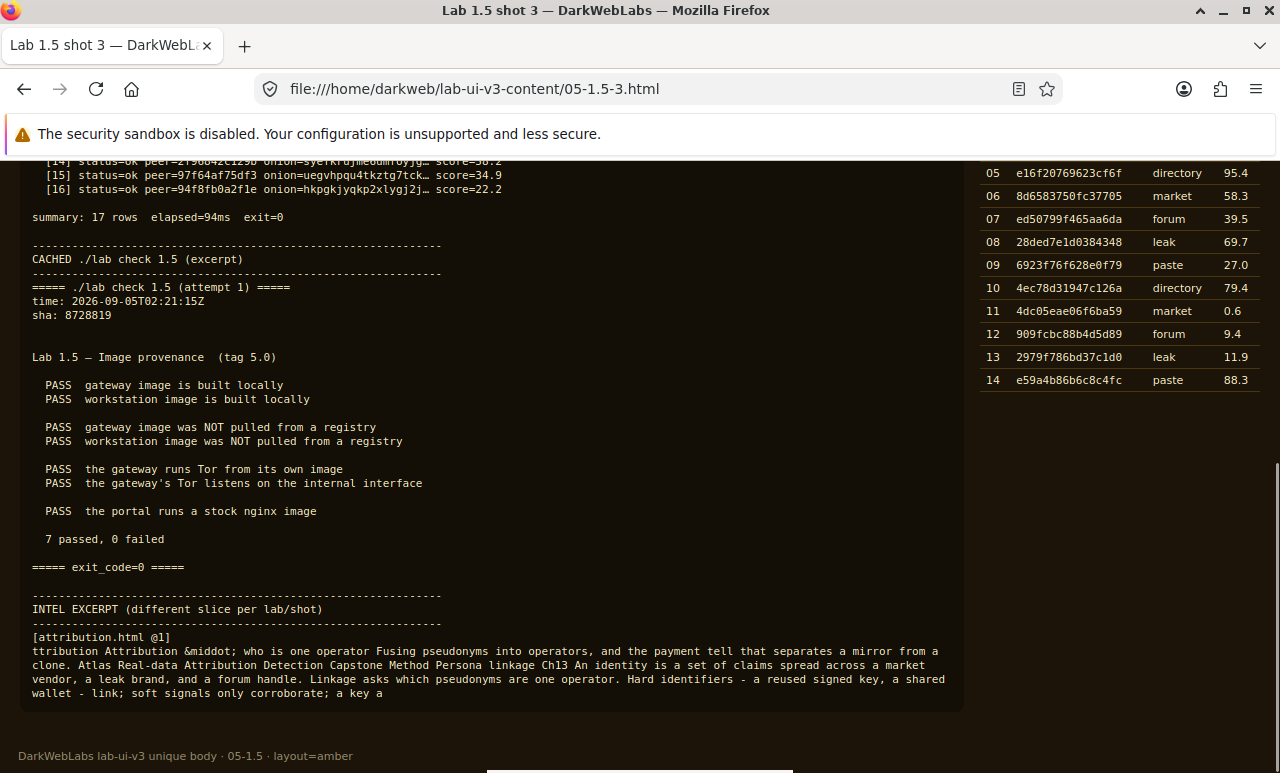
Firefox on this lab's HTML view