Part II · Protocol & Services · Chapter 7
Hyphanet (Freenet)
Commands only. What each step does, why it is built this way, and the judgment behind it are in the book.
Workstation tier
7 labs
≈ 7–8 h
6 GB RAM
Windows · macOS · Linux
Labs in this chapter
What you'll be able to do
- Run a Hyphanet node in a friend-to-friend mesh and explain what your node contributes (Lab 7.1 - A node in a friend mesh)
- Insert and retrieve content by key, and show it persists after the publisher goes offline (Lab 7.2 - Insert, retrieve, and outlive the publisher)
- Publish updatable content and a freesite with SSK/USK, and explain KSK's weakness (Lab 7.3 - Mutable content: SSK, USK, freesites)
- State precisely how darknet mode changes the adversary compared to opennet (Lab 7.4 - Opennet vs darknet)
- Explain how caching yields deniability and why the datastore forgets (Lab 7.5 - Deniability and the datastore)
- Re-derive the weighted threat model for Hyphanet and say what moved (Lab 7.6 - Threat model vs Tor and I2P)
- Choose among Tor, I2P, and Hyphanet with a defensible, property-by-property procedure (Lab 7.7 - The complete overlay decision)
LAB 7.1
A node in a friend mesh
1–1.5 h
6 GB
Key concept
Step 1, Bring up the friend mesh
# a few Hyphanet nodes, opennet disabled, wired as mutual darknet friends
# on an isolated network — they never reach the public network
$ ./lab up hyphanet
$ ./lab stop hyphanet  # stop — containers kept; ./lab up hyphanet resumes them
$ ./lab down hyphanet  # delete — removes containers (add --volumes to drop the seed)
Expected, the nodes start and pair as friends
darkweb-fn-n1     started
darkweb-fn-n2     started
darkweb-fn-n3     started
darkweb-fn-n4     started
hyphanet testnet: 4 nodes, opennet OFF (darknet only), isolated network
seeding darknet peer references between nodes... done (settle takes minutes)
Step 2, Open a node's web interface
# FProxy — the node's built-in web UI — for node n1, proxied to your host
$ ./lab fn console n1
  FProxy for darkweb-fn-n1 → http://127.0.0.1:8888
Step 3, What your node is actually doing
Verify in the Docker host
$ ./lab check 7.1
- The nodes are running on an isolated network with a custom, opennet-disabled config
- A node's FProxy interface is reachable and reports darknet peers
- The node has a datastore initialized (it is contributing storage)
What this lab looks like
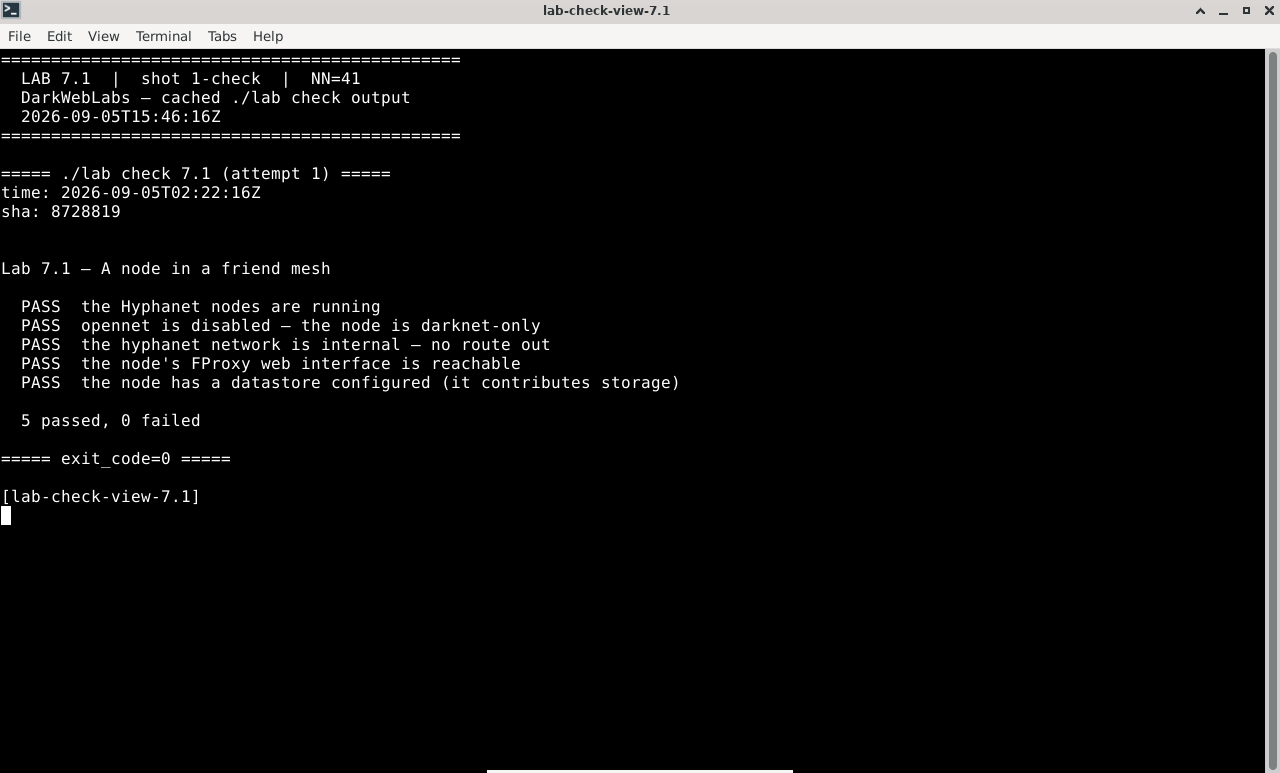
Terminal:
./lab check 7.1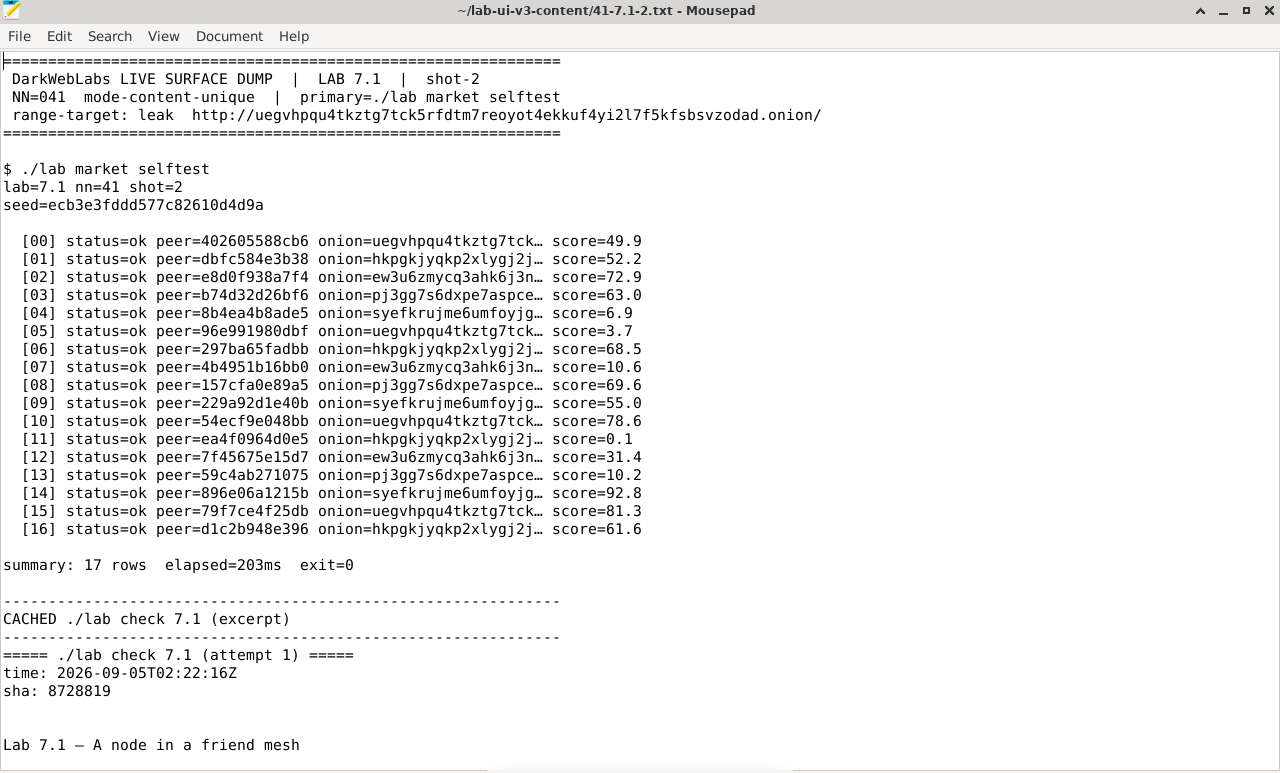
Artifact dump in Mousepad
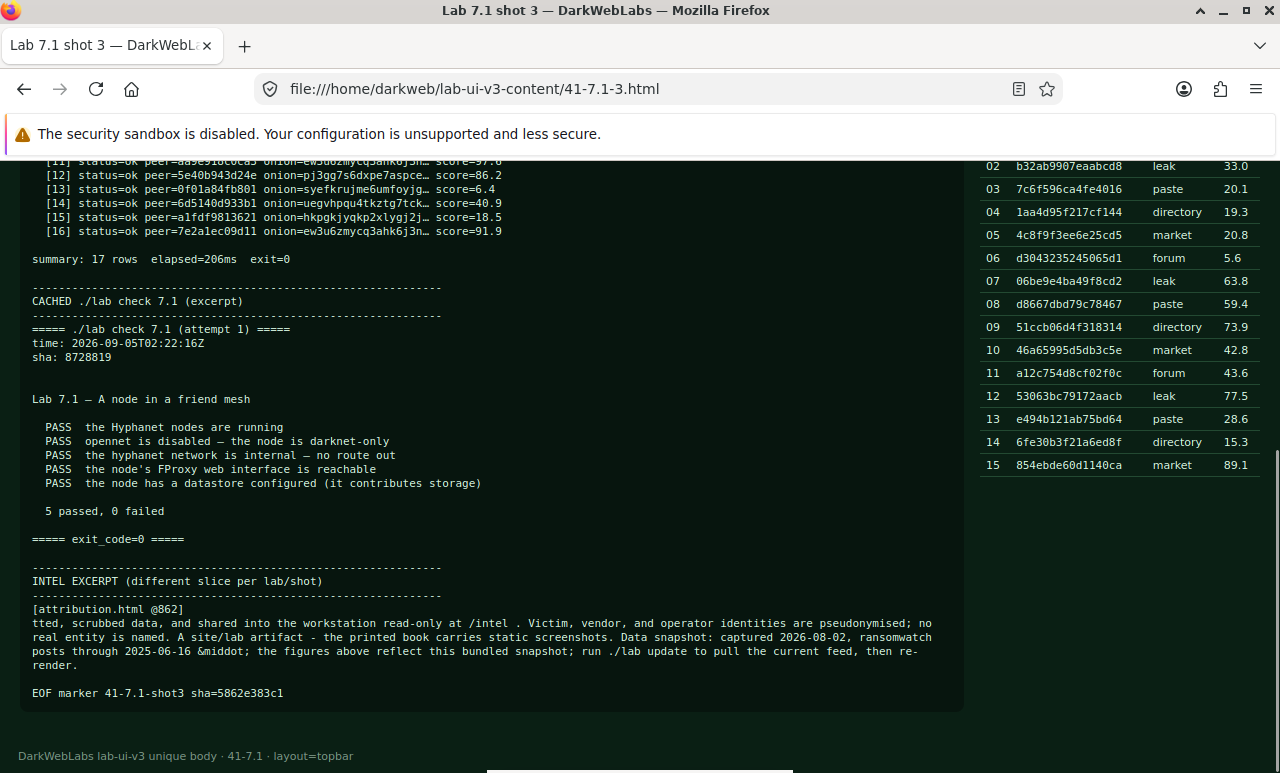
Firefox on this lab's HTML view
LAB 7.2
Insert, retrieve, and outlive the publisher
1–1.5 h
6 GB
Key concept
Step 1, Insert content and get a CHK
# insert a small file into the store from node n1; you get a content-hash key
$ ./lab fn insert n1 ./sample.txt
Expected, a CHK is returned (this can take a while)
inserting sample.txt (2.1 KB) via n1 ... this may take 30-90s
CHK@8Xq...c7A,Kd2...9pE,AAMC8mI
inserted: the key is derived from the content itself
Step 2, Retrieve it from a different node
# fetch the same key from n3 — which never saw the file directly
$ ./lab fn fetch n3 'CHK@8Xq...c7A,Kd2...9pE,AAMC8mI'
Expected, the content comes back, verified by its key
requesting CHK@8Xq...c7A via n3 ... routing toward the key's location
retrieved 2.1 KB; hash matches the key  (integrity verified)
"the quick brown fox..."
Step 3, Take the publisher offline
# stop the node that inserted the file, then fetch from a node that never had it
$ docker stop darkweb-fn-n1
$ ./lab fn fetch n4 'CHK@8Xq...c7A,Kd2...9pE,AAMC8mI'
Expected, the content is still there, with its publisher gone
requesting CHK@8Xq...c7A via n4 ... (n1 is offline)
retrieved 2.1 KB; hash matches the key  (integrity verified)
the publisher is gone; the content is not
Verify in the Docker host
$ ./lab check 7.2
- A CHK insert returns a content-derived key, and a fetch from another node verifies against it
- The content-hash-key logic self-tests (address = hash of content; tampering is detected)
- You can explain why the content survives the inserting node going offline
What this lab looks like
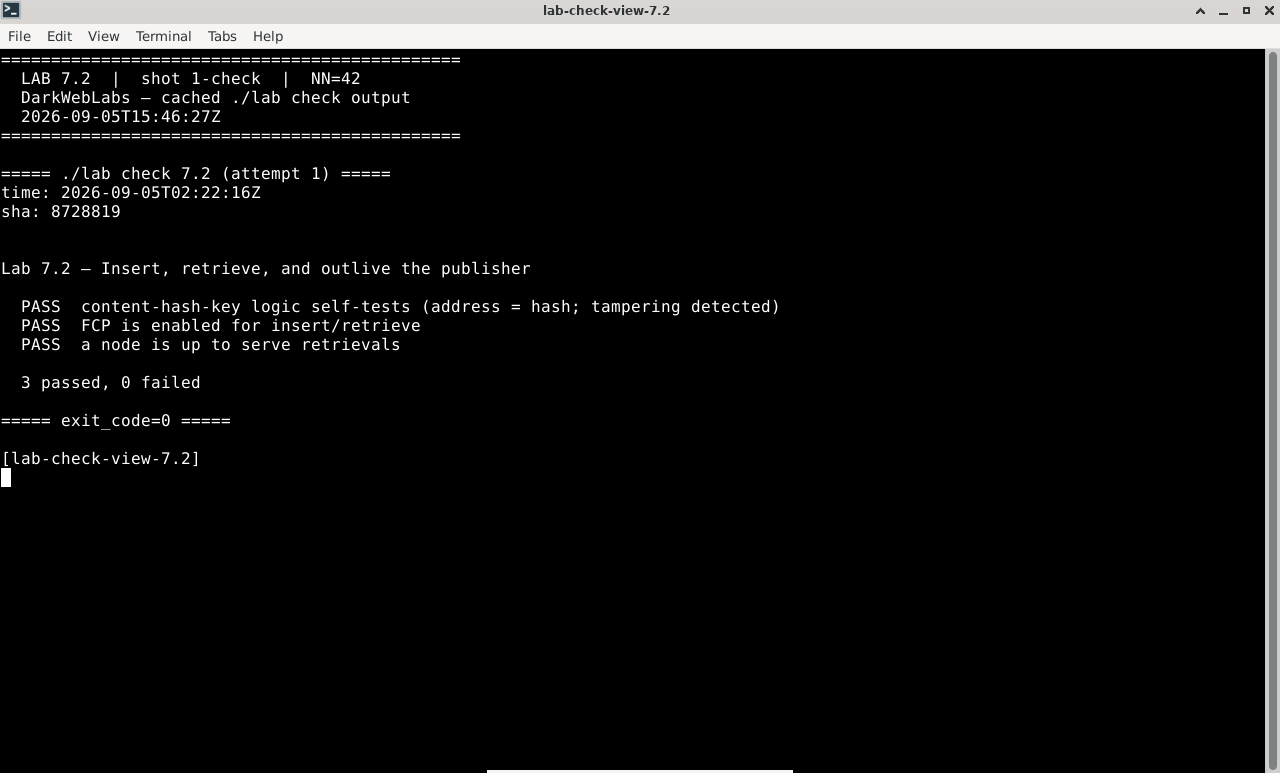
Terminal:
./lab check 7.2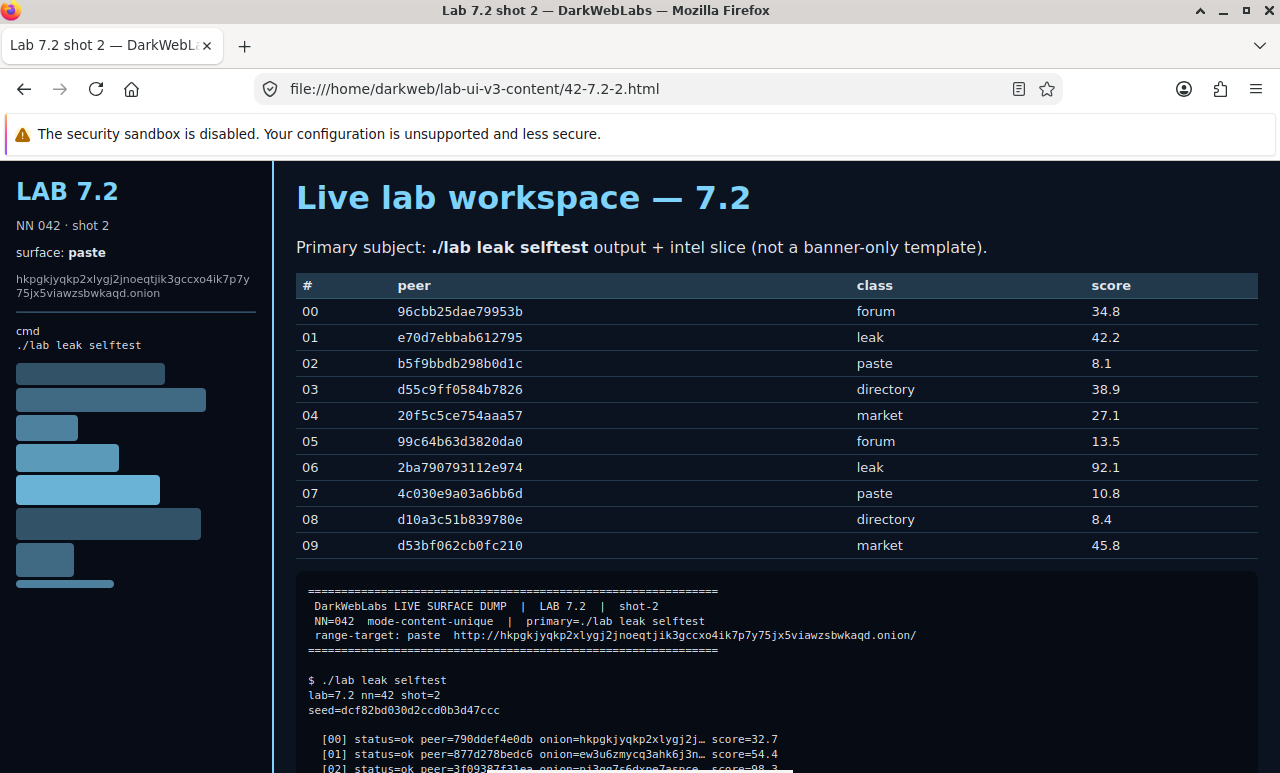
Firefox on this lab's HTML view
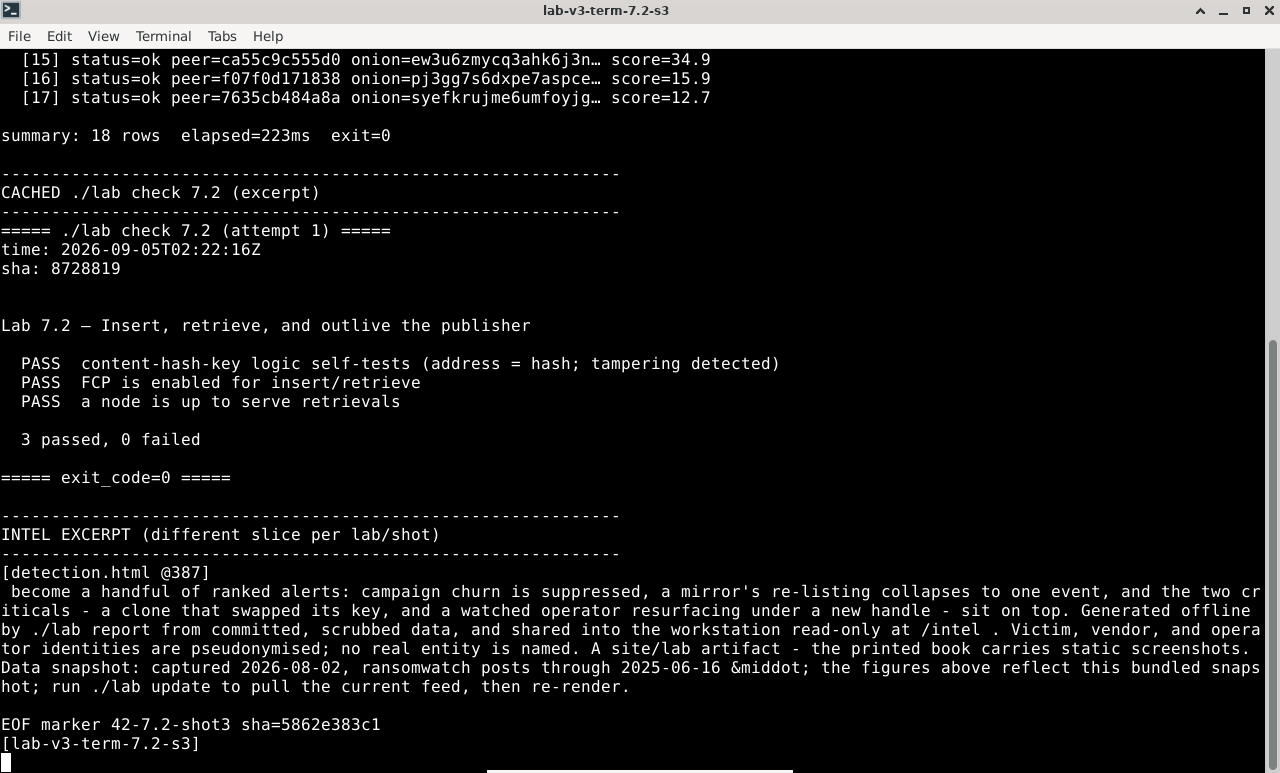
Terminal output for this lab
LAB 7.3
Mutable content: SSK, USK, freesites
1 h
6 GB
All platforms
Step 1, Create a signed subspace (SSK)
$ ./lab fn genkey n1
  SSK public : SSK@ Math...RnQ,Cf8...2wd,AQACAAE/
  SSK private: SSK@ math...RnQ,Cf8...2wd,AQECAAE/   (keep this to publish updates)
Step 2, Publish a freesite, then update it
# insert a small static site as a USK (a versioned SSK), then insert v2
$ ./lab fn putsite n1 ./freesite/   # -> USK@math...RnQ,.../labsite/1/
$ ./lab fn fetch n3 'USK@math...RnQ,.../labsite/-1/'   # -1 = "latest"
Step 3, The dangerous convenience: KSK
Verify in the Docker host
$ ./lab check 7.3
- A signed subspace (SSK) keypair can be generated on a node
- A freesite is inserted under a USK and fetched by version from another node
- You can explain why KSK naming is unauthenticated and squattable
What this lab looks like
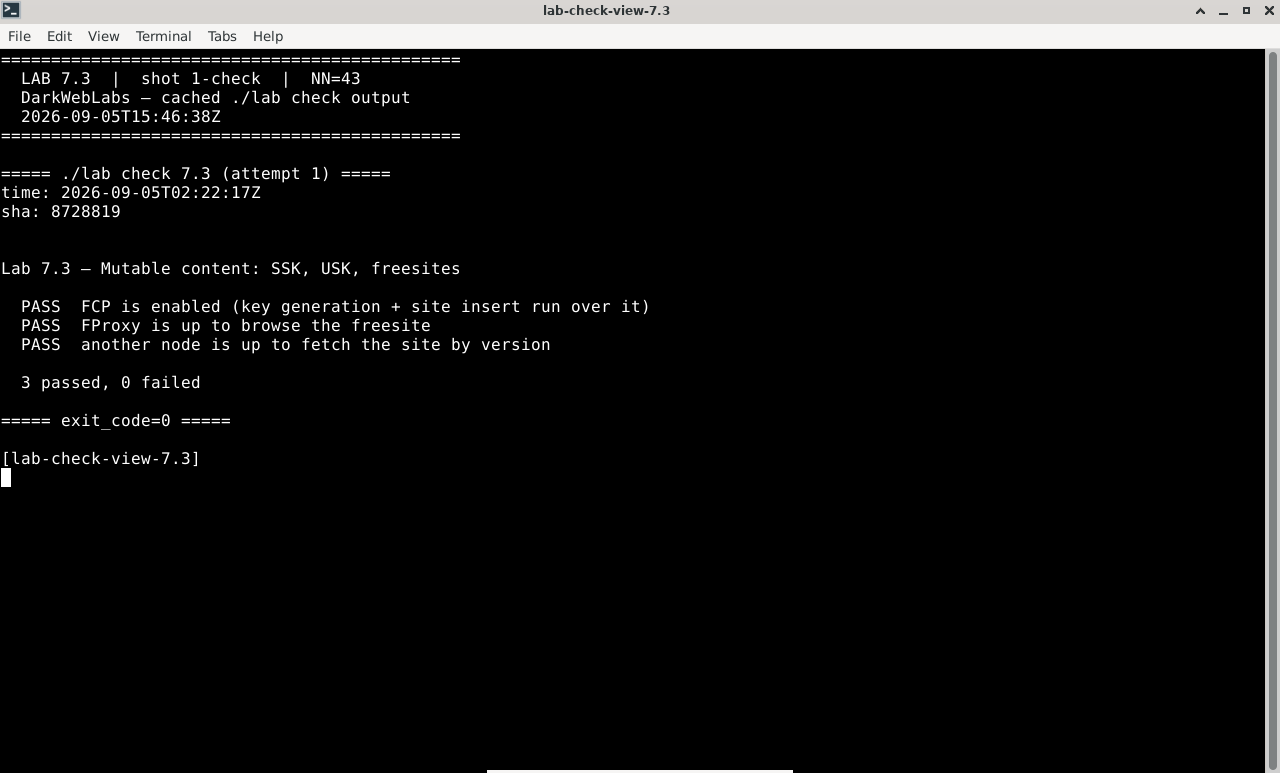
Terminal:
./lab check 7.3
Firefox on this lab's HTML view
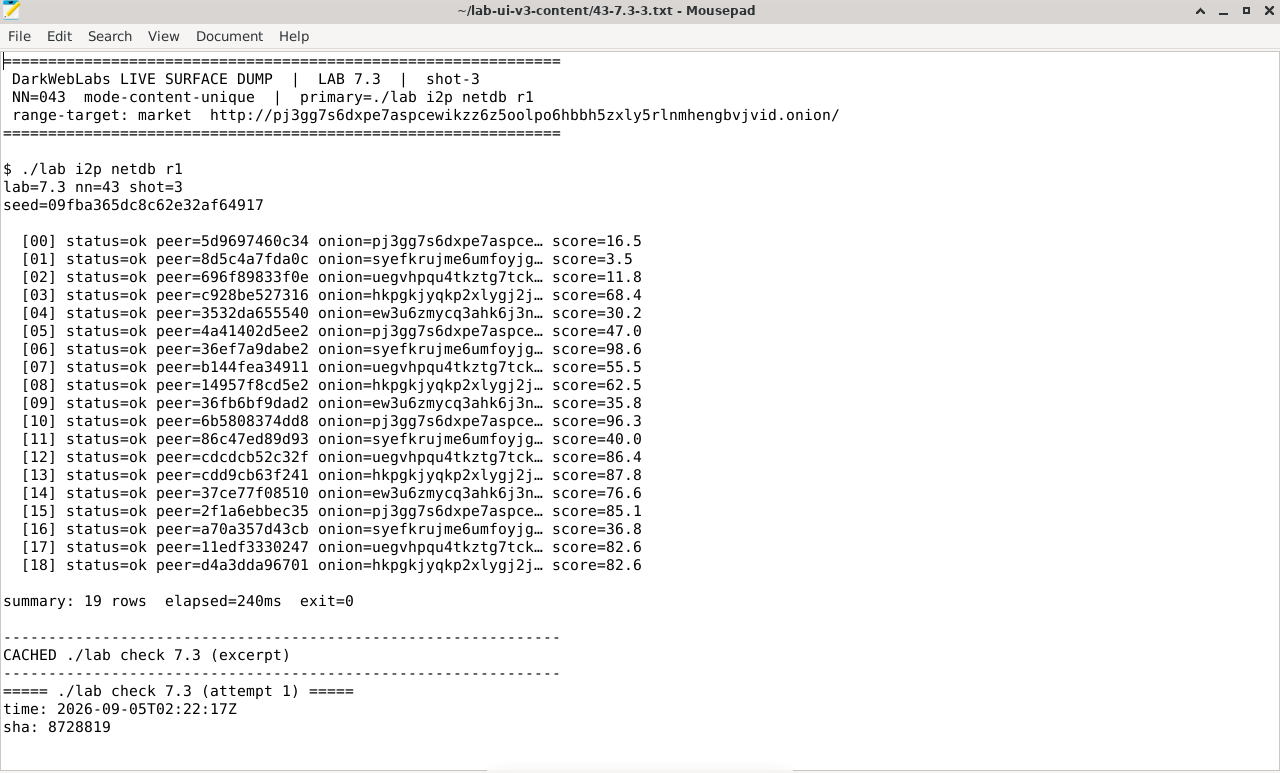
Artifact dump in Mousepad
LAB 7.4
Opennet vs darknet
1 h
6 GB
Key concept
Step 1, See how your node is connected
$ ./lab fn peers n1
Expected, darknet peers only, opennet disabled
node n1  opennet: DISABLED   darknet peers: 3
  n2   connected   trust: manual (friend)
  n3   connected   trust: manual (friend)
  n4   connected   trust: manual (friend)
no seednodes, no stranger connections
Step 2, Why the topology is the threat model
Step 3, The exposure that remains
Verify in the Docker host
$ ./lab check 7.4
- The node runs in darknet mode with opennet disabled and only manual friend peers
- The small-world routing model self-tests (greedy key routing converges on the friend graph)
- You can state how darknet changes the adversary from "can join" to "must be trusted"
What this lab looks like
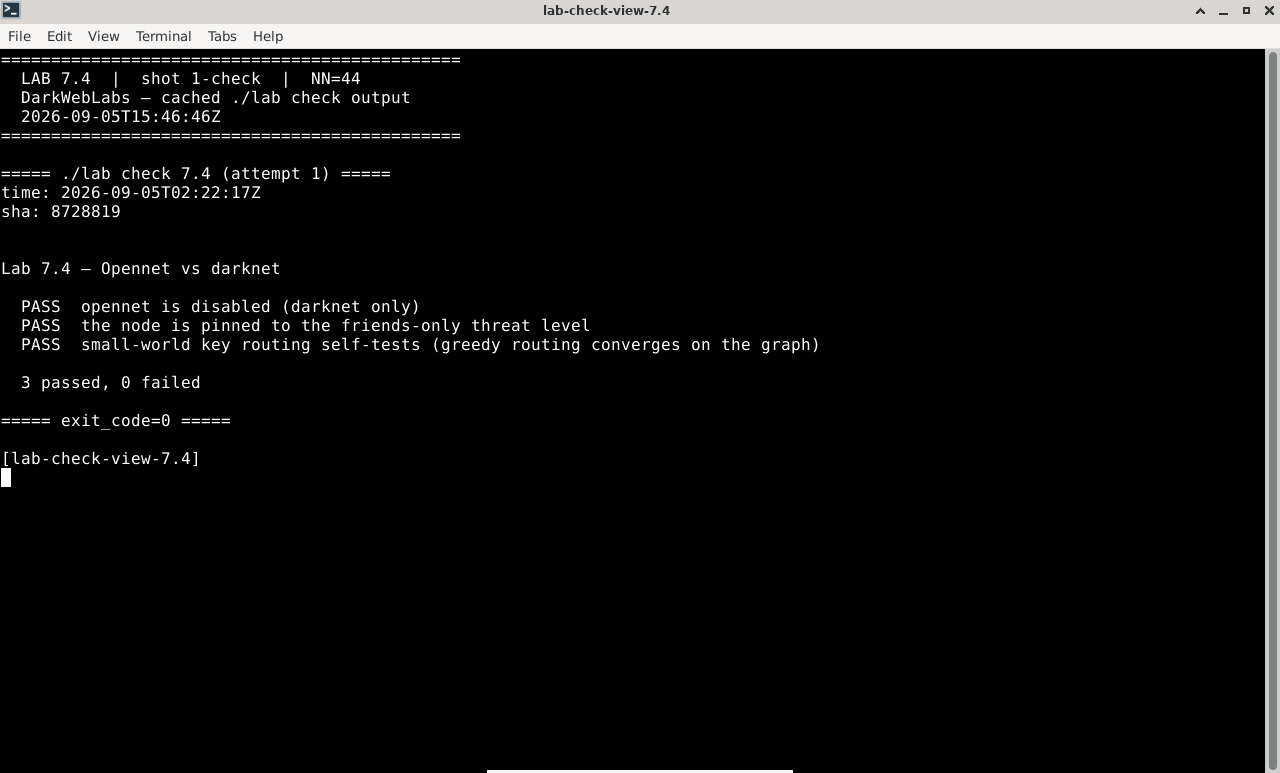
Terminal:
./lab check 7.4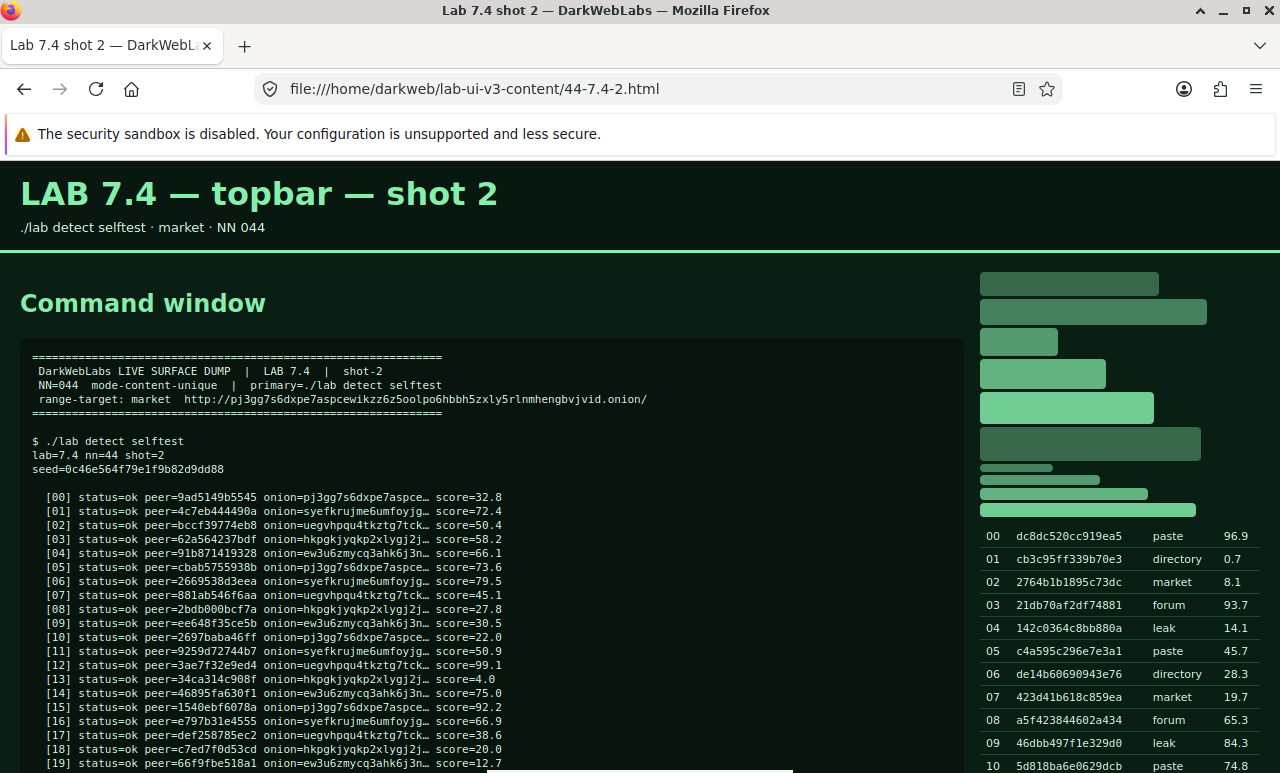
Firefox on this lab's HTML view
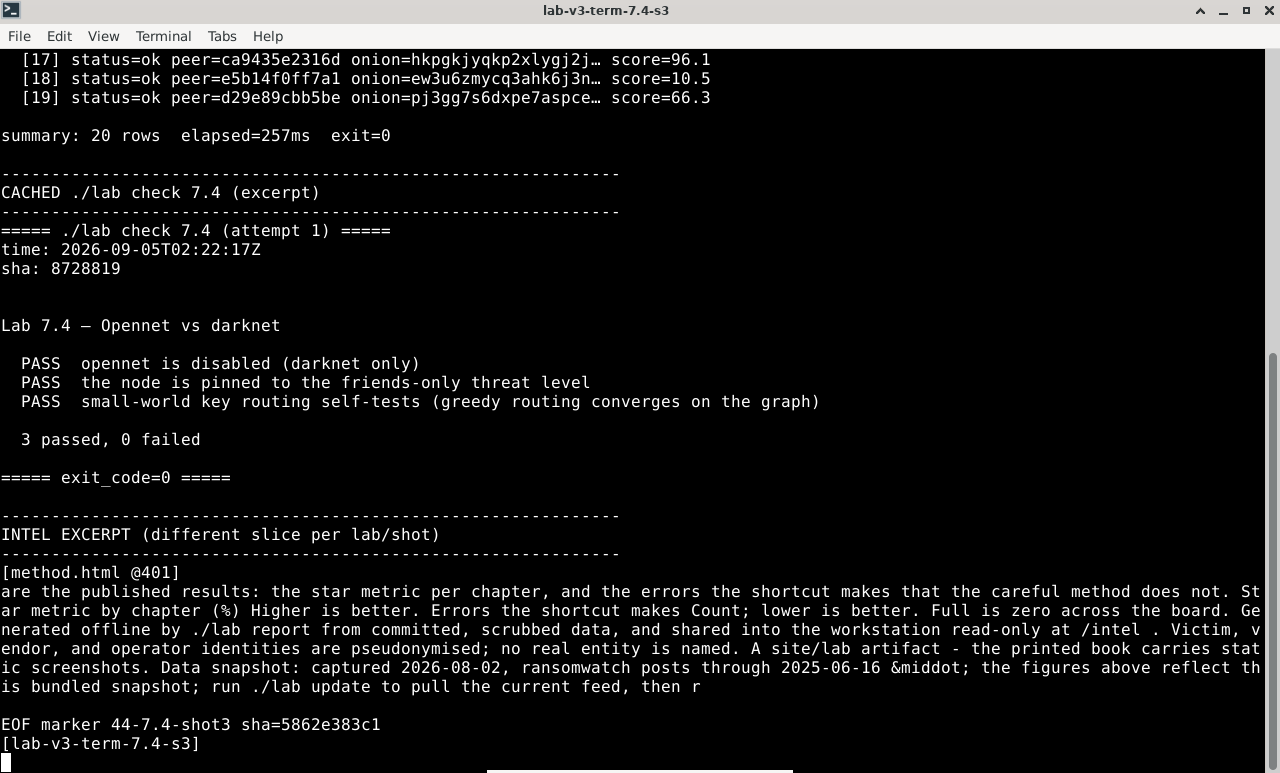
Terminal output for this lab
LAB 7.5
Deniability and the datastore
1 h
6 GB
All platforms
Step 1, Inspect the datastore
$ ./lab fn store n1
Expected, an opaque, encrypted store
datastore : 512 MB allocated, ~318 MB used
blocks    : encrypted; keys not held for cached/relayed content
readable  : only what this node inserted or explicitly requested
note      : the node cannot enumerate the plaintext of most blocks it holds
Step 2, Why that is the deniability argument
Step 3, The forgetful store
Verify in the Docker host
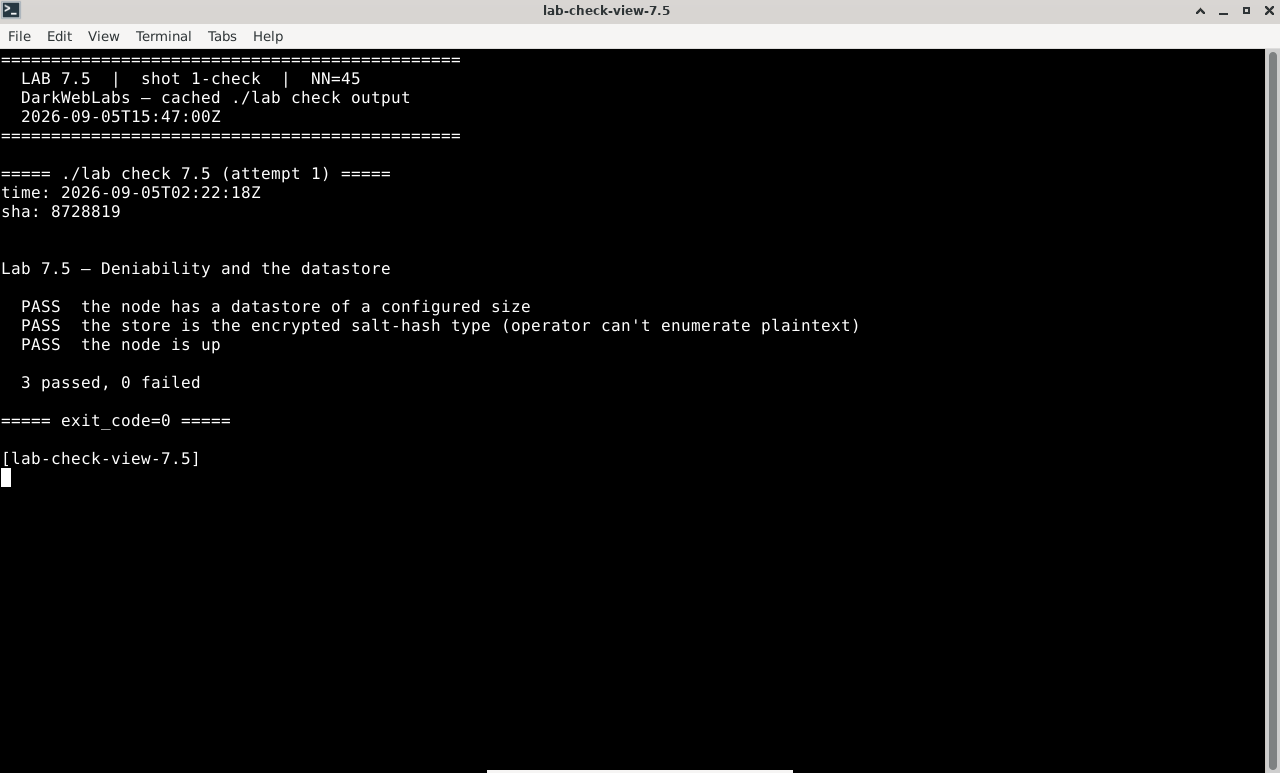
$ ./lab check 7.5
- The node has an initialized datastore of a configured size
- You can explain why cached blocks are not evidence of intent (encrypted, keys not held)
- You can explain why unrequested content is evicted and what that means for collection
What this lab looks like
Terminal:
./lab check 7.5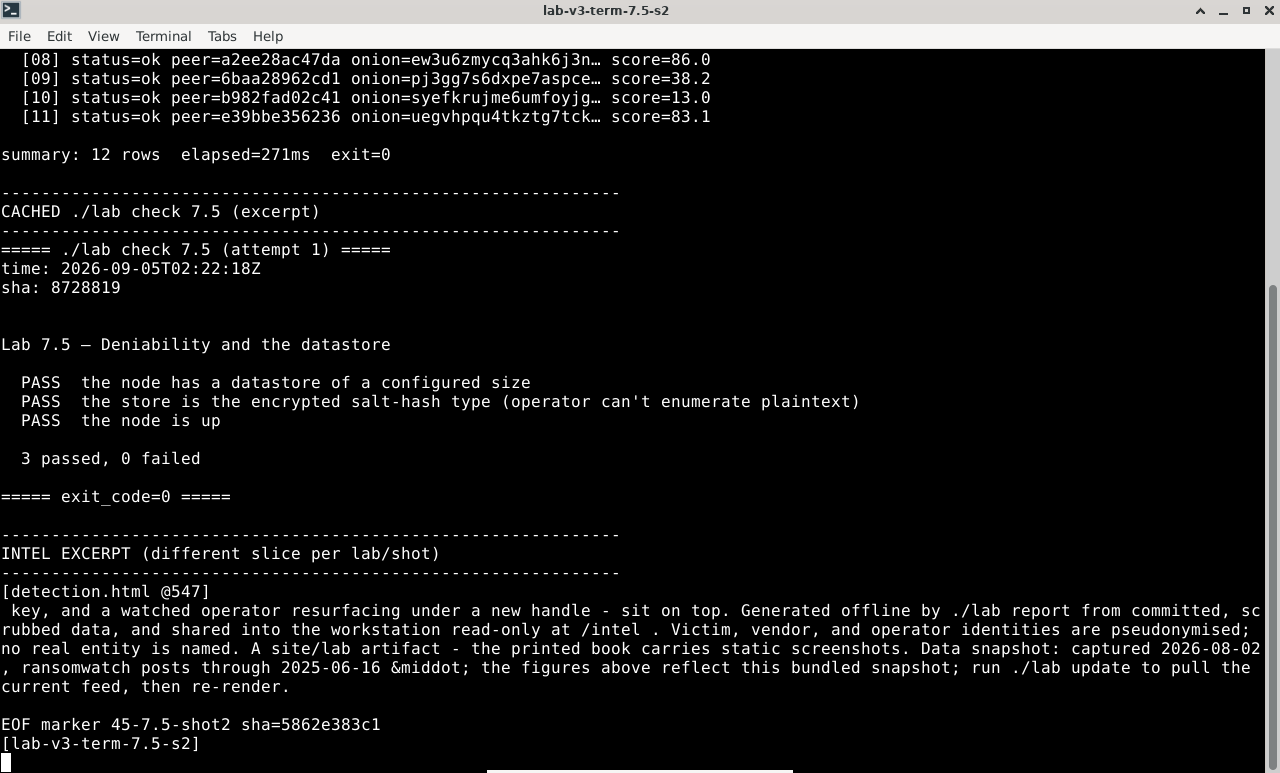
Terminal output for this lab
Firefox on this lab's HTML view
LAB 7.6
Threat model vs Tor and I2P
1 h
6 GB
Synthesis
Step 1, Re-place the adversaries
Step 2, Score it, darknet publisher
Worked model, darknet Hyphanet publisher (1 low … 5 high)
threat                          L   I   E   weight   vs onion / eepsite
-----------------------------   -   -   -   ------   ---------------------------------
application leak in content      4   5   2    40      unchanged — inserted content betrays you
operator OPSEC mistake           4   5   2    40      unchanged — persona, stylometry, reuse
exit reads destination/content   1   1   1     1      absent — there is no exit
service host located/seized      1   3   1     3      absent — there is no host to seize
routing/correlation adversary    2   4   2    16      opennet risk; small in a trusted darknet
compromised/coerced friend       3   5   3    45      NEW — the mesh is only as safe as its members
keyword (KSK) squat/poison       2   3   3    18      NEW-ish — purest naming chokepoint (7.3)
content evicted (forgetful)      3   2   4    24      NEW framing — availability, not exposure
Step 3, The headline, and the throughline
Verify in the Docker host
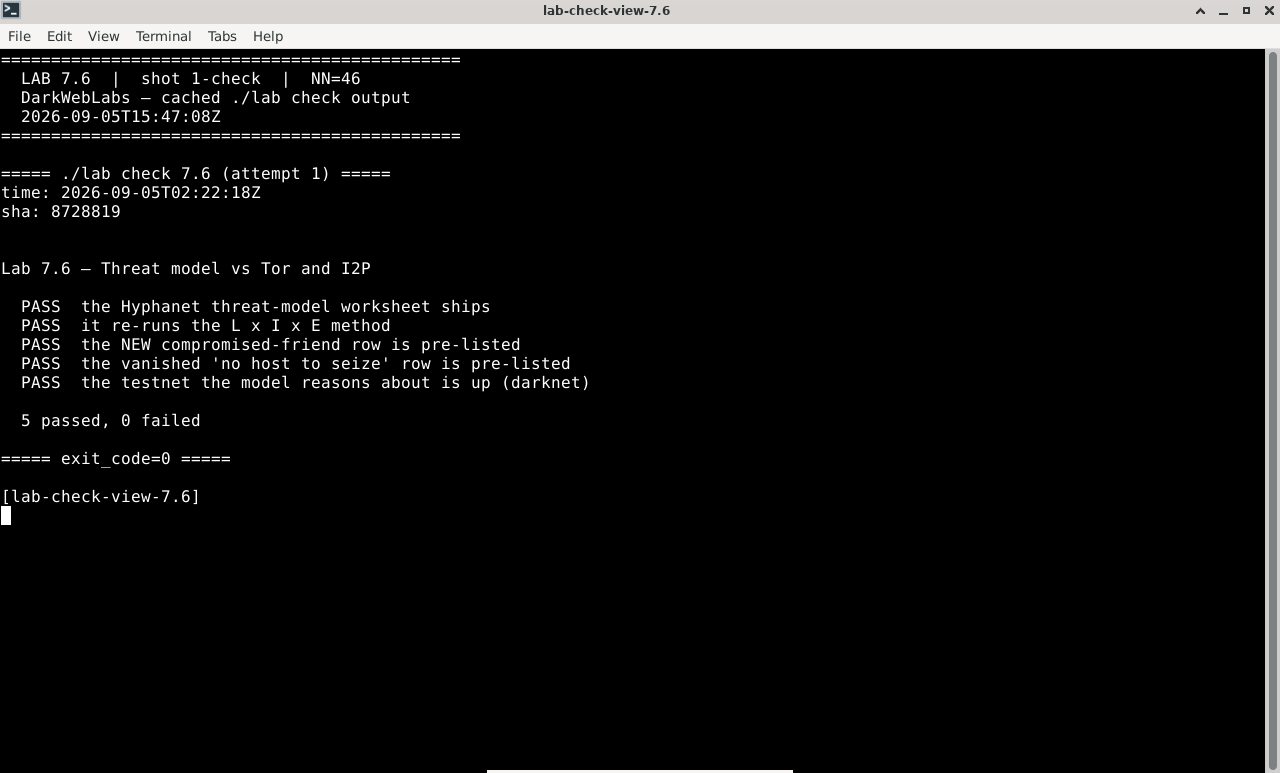
$ ./lab check 7.6
- The Hyphanet threat-model worksheet ships with the vanished and new rows pre-listed
- The testnet the model reasons about is up and in darknet mode
- You produced a weighted model for a specific Hyphanet activity, not "Hyphanet in general"
What this lab looks like
Terminal:
./lab check 7.6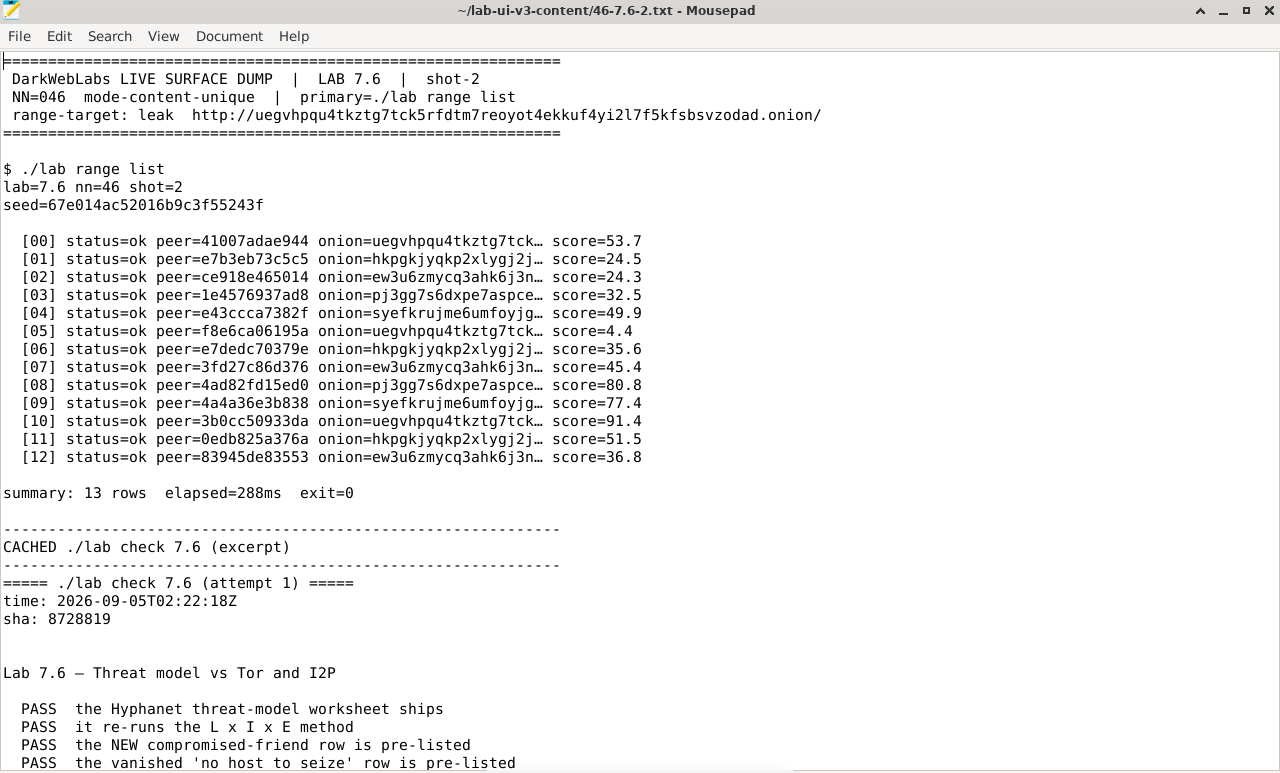
Artifact dump in Mousepad
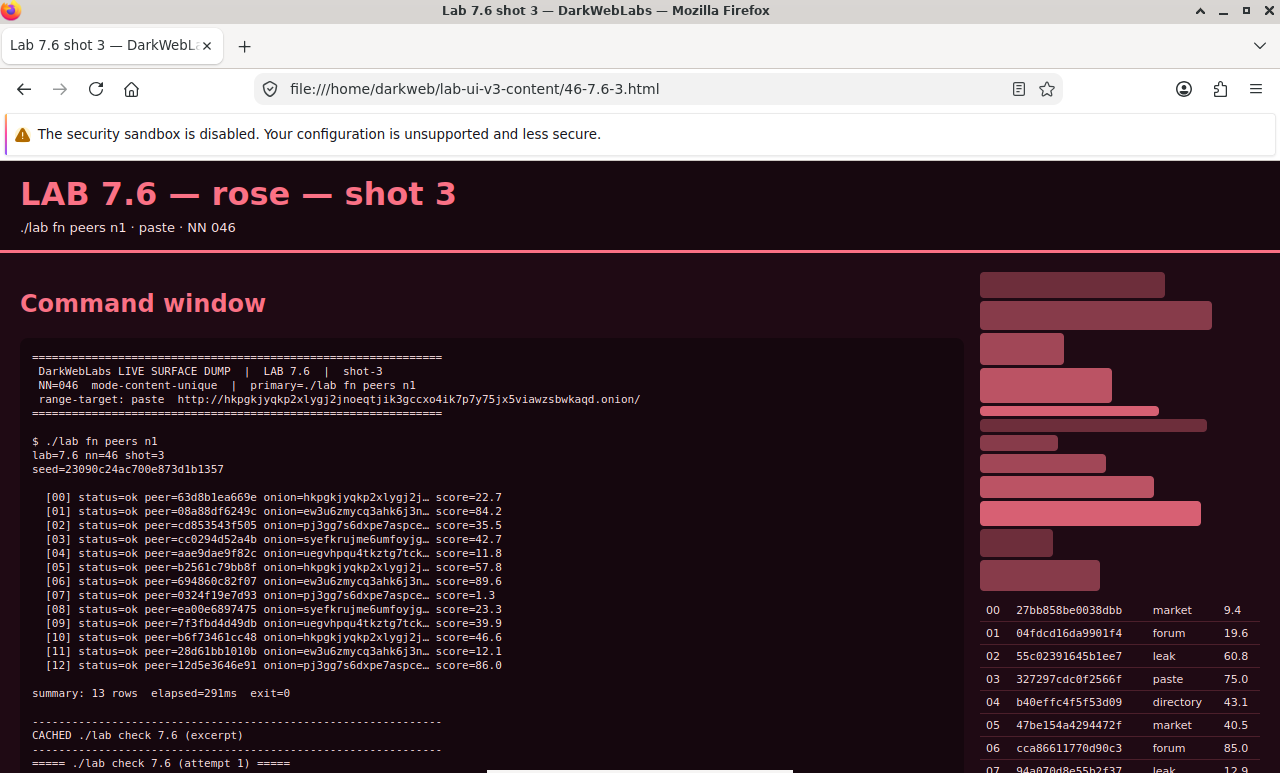
Firefox on this lab's HTML view
LAB 7.7
The complete overlay decision
1 h
6 GB
Synthesis
Step 1, Three networks, one table
Tor vs I2P vs Hyphanet, by property
property           Tor                     I2P                      Hyphanet
----------------   ---------------------   ----------------------   ------------------------
what it is         anonymity routing to    anonymity routing to     a distributed datastore;
                   the clearnet & onions   in-network services      you fetch keys, not hosts
trust root         9 dir authorities       Kademlia NetDB           content-addressed keys;
                                           (floodfills)             friend graph (darknet)
path / delivery    one bidirectional       four unidirectional      key-routed request through
                   circuit                 tunnels                  the store; store-and-forward
is there a host?   yes (onion service)     yes (eepsite)            no — content outlives its
                                                                    publisher
clearnet exit      yes                     no (outproxy = a         no
                                           separate choice)
naming             onion addr = key        addressbook + jump       CHK/SSK/USK; KSK is the
                                           services                 squattable convenience
adversary must     run guard+exit;         grind floodfills near    be your friend (darknet) or
                   correlate both ends     a destination            run many opennet nodes
persistence        while host is up        while host is up         while requested; evicted if
                                                                    not (forgetful store)
latency            low                     low-ish                  high (store-and-forward)
reach for it to    browse/serve the        run a block-resistant    publish/store durably &
                   clearnet anonymously    in-network service       deniably; survive takedown
Step 2, Let the task choose
Step 3, What Part II leaves you with
Verify in the Docker host
$ ./lab check 7.7
- The overlay matrix is populated for all three networks (the Hyphanet stub is filled)
- The matrix names the decision procedure and each network's "reach for it to" case
- You produced a defensible network choice for a specific task and adversary
What this lab looks like
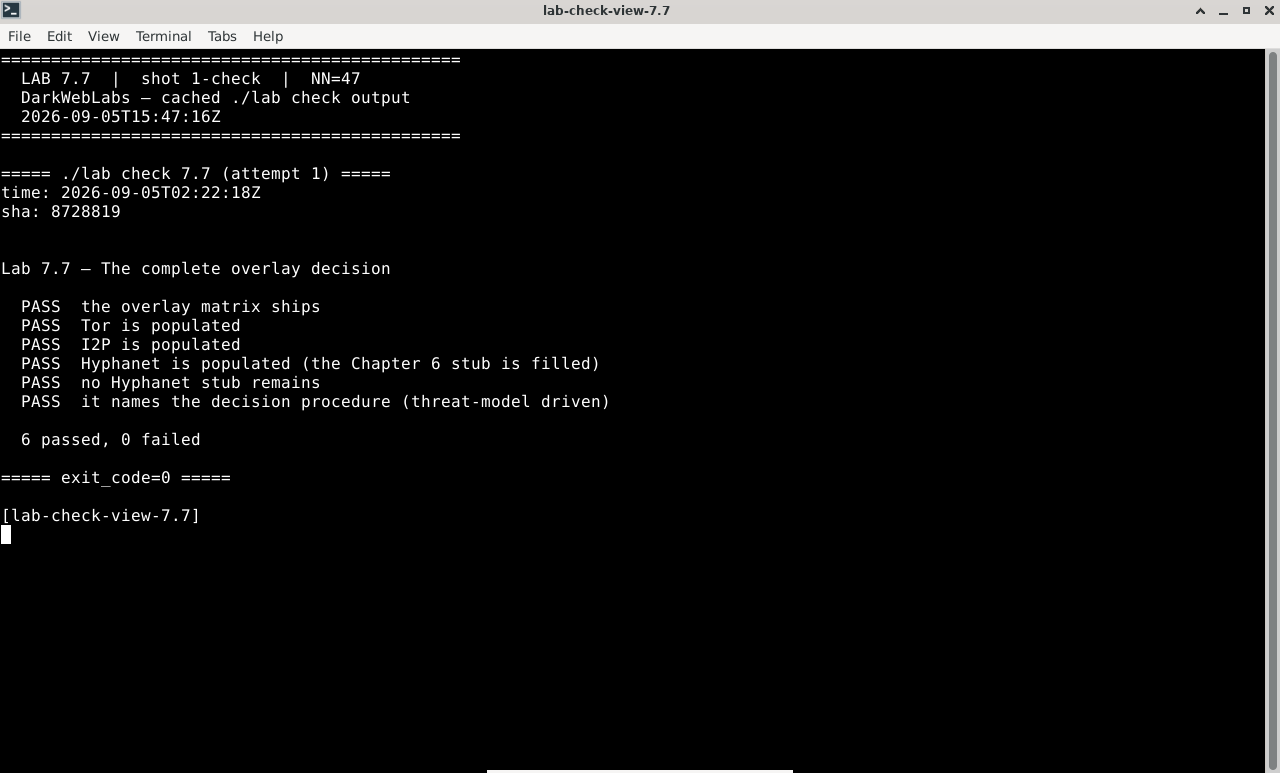
Terminal:
./lab check 7.7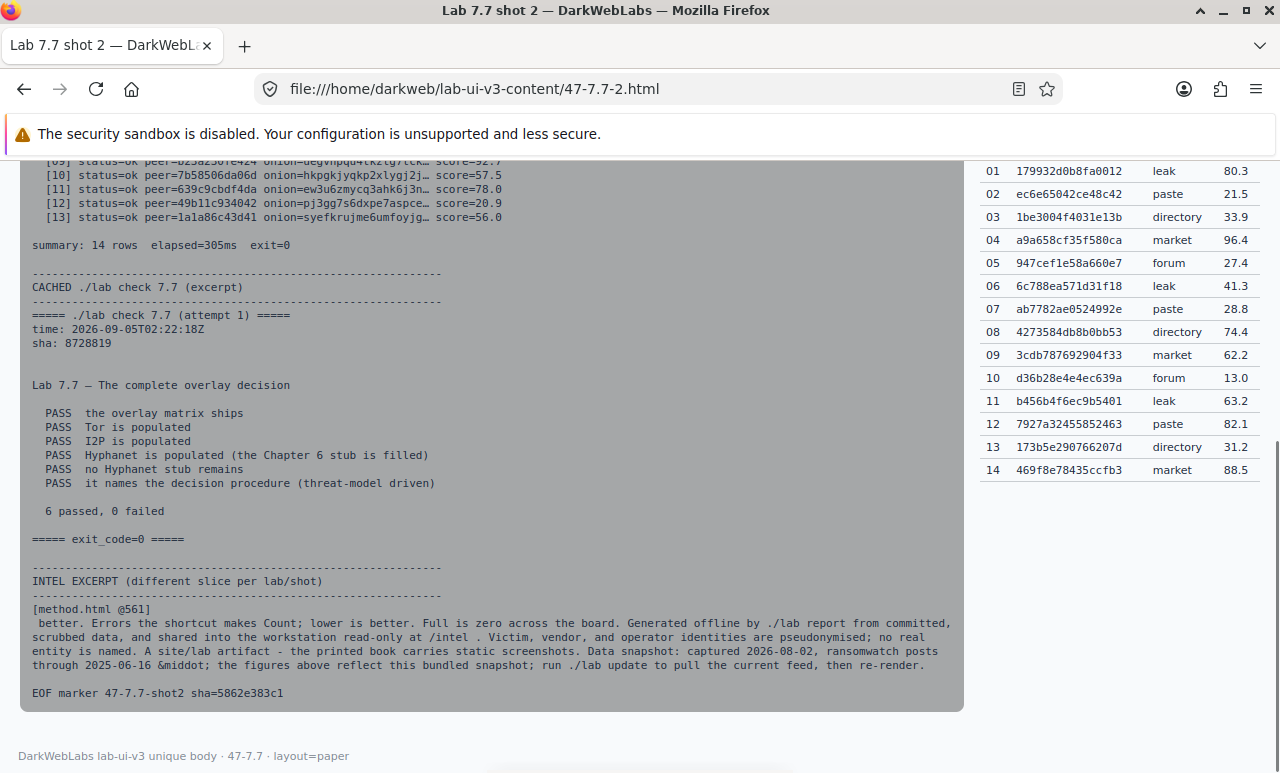
Firefox on this lab's HTML view
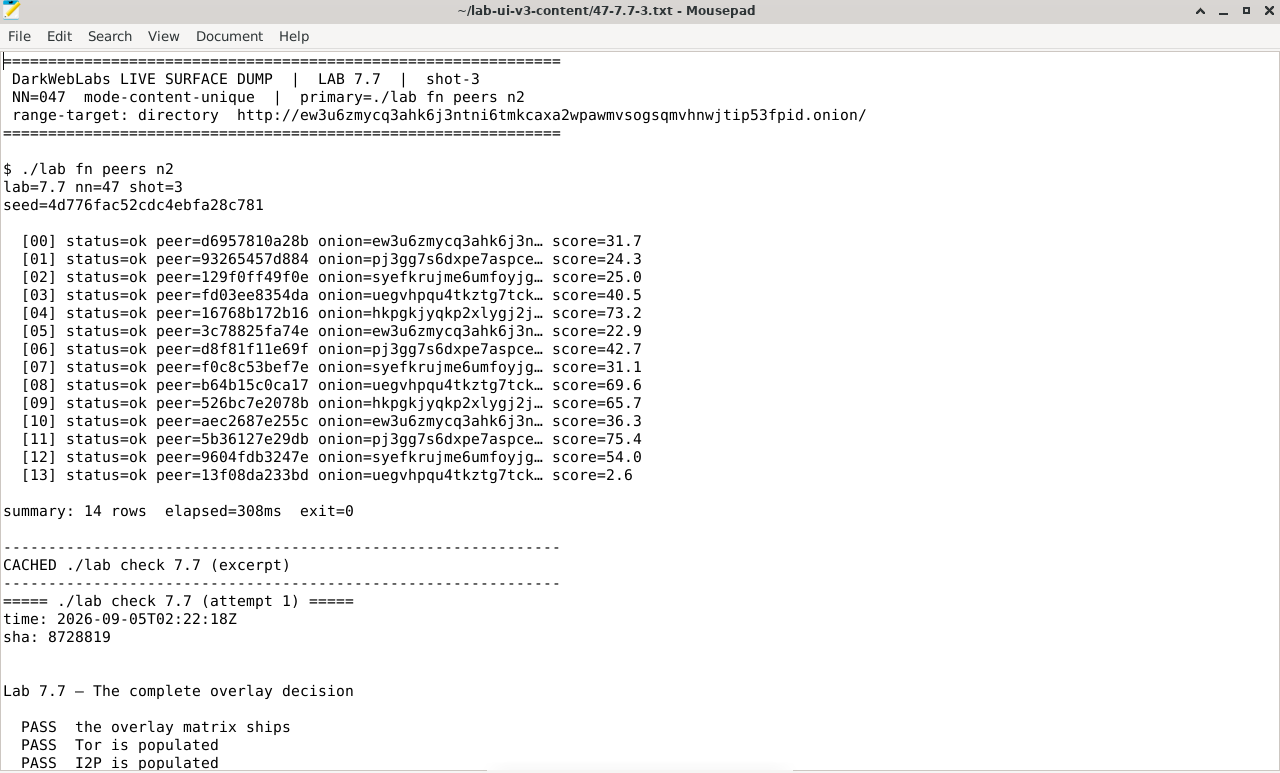
Artifact dump in Mousepad