Part II · Protocol & Services · Chapter 4
Onion Services v3
Commands only. What each step does, why it is built this way, and the judgment behind it are in the book.
Workstation tier
7 labs
≈ 6.5–8 h
4 GB RAM
Windows · macOS · Linux
Labs in this chapter
What you'll be able to do
- Decode a v3 address to its key, checksum, and version, and explain why services can't be enumerated (Lab 4.1 - Anatomy of a v3 address)
- Publish an onion directly over the control port and see the address derived from a key (Lab 4.2 - Publish a service the real way)
- Fetch a descriptor and explain per-day blinding and the HSDir ring (Lab 4.3 - The descriptor and the hash ring)
- Build a client-authorised service and prove an un-keyed client fails at the descriptor, not the connection (Lab 4.4 - Client authorization, properly)
- Grind a vanity prefix and reason about the cost curve and the OPSEC of a recognisable address (Lab 4.5 - Vanity addresses and what they cost)
- Recover a service's real address from its own leaks (Lab 4.6 - How onion services get found)
- Harden a service so its host has nothing to leak (Lab 4.7 - Hardening a service you run)
LAB 4.1
Anatomy of a v3 address
0.5–1 h
4 GB
Key concept
Step 1, Decode an address by hand
$ python3 - <<'PY'
import base64, hashlib
addr = "duckduckgogg42xjoc72x3sjasowoarfbgcmvfimaftt6twagswzczad"
raw = base64.b32decode(addr.upper())
pubkey, checksum, version = raw[:32], raw[32:34], raw[34]
want = hashlib.sha3_256(b".onion checksum" + pubkey + bytes([version])).digest()[:2]
print("length      :", len(addr), "chars ->", len(raw), "bytes")
print("version     :", version)
print("pubkey (hex):", pubkey.hex())
print("checksum ok :", checksum == want)
PY
Expected
length      : 56 chars -> 35 bytes
version     : 3
pubkey (hex): 1a0e...  (32 bytes)
checksum ok : True
Step 2, Why you can't enumerate services
Verify in the Docker host
$ ./lab check 4.1
- A v3 address decodes to 35 bytes: 32-byte key, 2-byte checksum, version 3
- The recomputed checksum matches
- You can state why v3 services can't be enumerated and v2 could
What this lab looks like
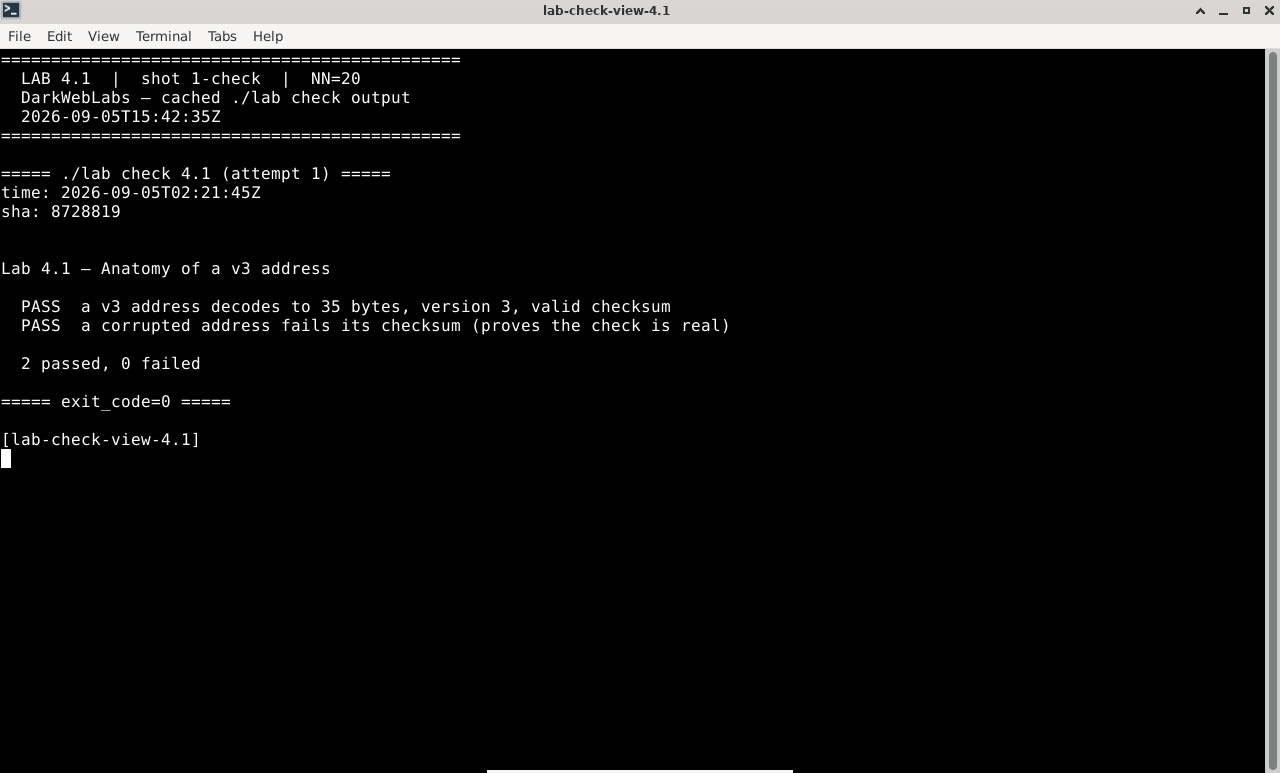
Terminal:
./lab check 4.1
Intel report:
method.html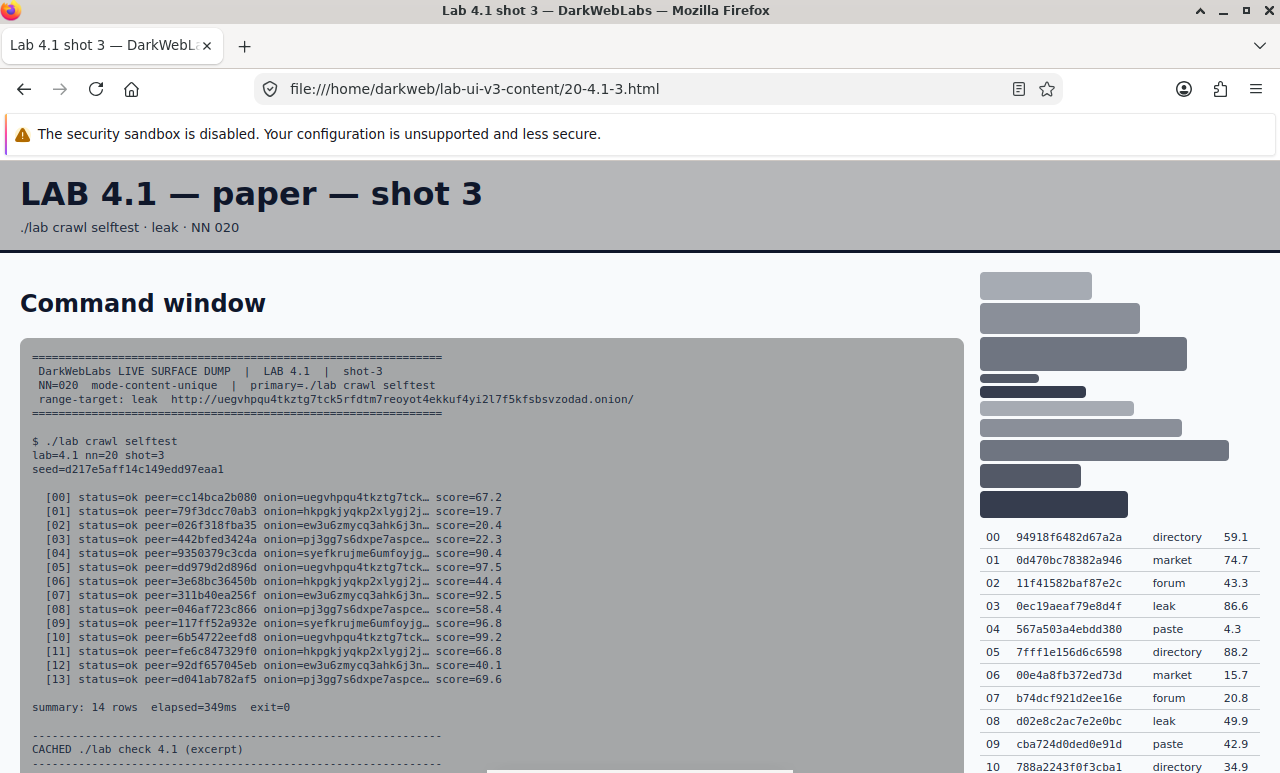
Firefox on this lab's HTML view
LAB 4.2
Publish a service the real way
1 h
4 GB
All platforms
Step 1, Serve something, then publish it
# a throwaway web server on a local port
$ echo 'hello from an onion' > /tmp/site/index.html 2>/dev/null || \
    (mkdir -p /tmp/site && echo 'hello from an onion' > /tmp/site/index.html)
$ (cd /tmp/site && python3 -m http.server 8080 &)

# ask the gateway's Tor to create an onion pointing at it
$ printf 'AUTHENTICATE "%s"\r\nADD_ONION NEW:ED25519-V3 Port=80,10.152.152.11:8080\r\nQUIT\r\n' \
    "$LAB_CONTROL_PW" | nc 10.152.152.10 9051
Expected
250-ServiceID=2gzyxa5ihm7nsggfxnu52rck2vv4rvmdlkiu3zzui5du4xyclen53wid
250-PrivateKey=ED25519-V3:0H8...base64...==
250 OK
250 closing connection
Verify in the Docker host
$ ./lab check 4.2
ADD_ONION NEW:ED25519-V3succeeds over the control port- It returns a 56-character
ServiceIDand a matching private key - The address decodes to the public half of the returned key
What this lab looks like
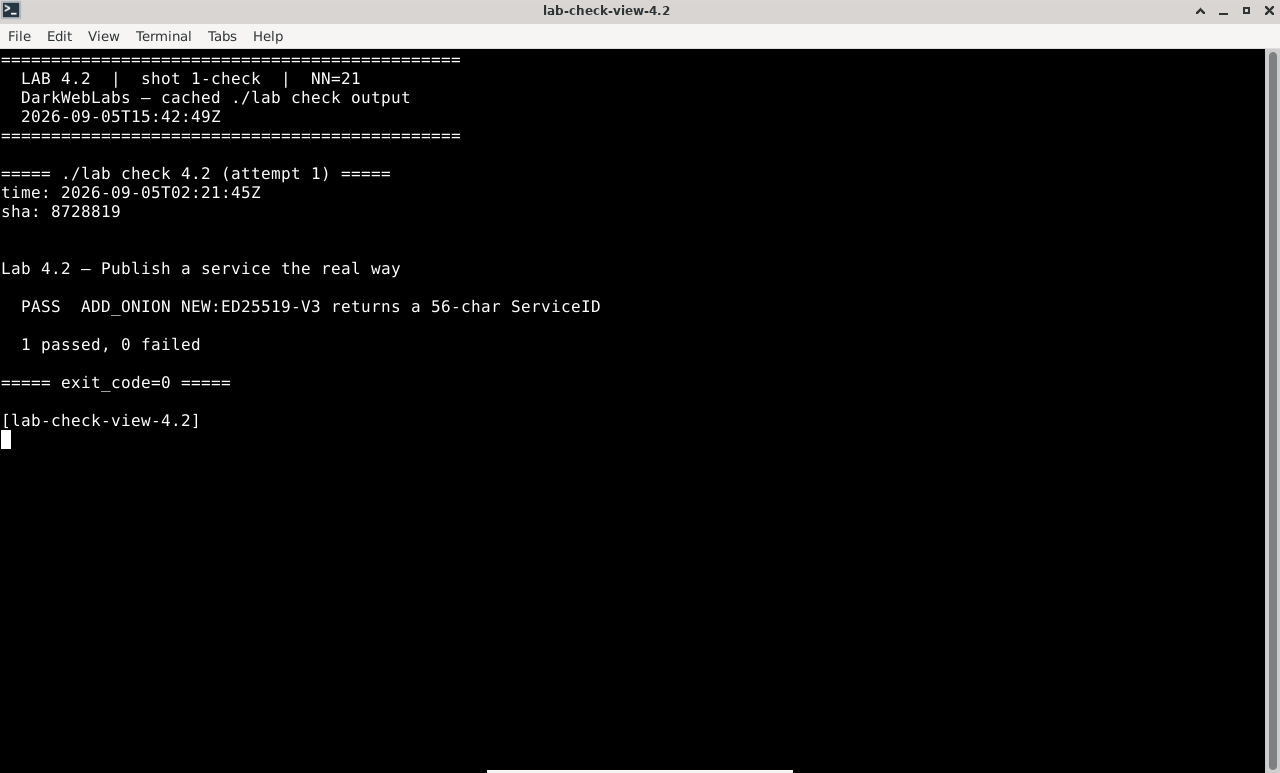
Terminal:
./lab check 4.2
I2P router console: graphs
Firefox on this lab's HTML view
LAB 4.3
The descriptor and the hash ring
1 h
4 GB
Key concept
Step 1, Fetch a descriptor
# HSFETCH pulls a service's descriptor into Tor's cache; watch the events
$ ONION=duckduckgogg42xjoc72x3sjasowoarfbgcmvfimaftt6twagswzczad
$ printf 'AUTHENTICATE "%s"\r\nSETEVENTS HS_DESC\r\nHSFETCH %s\r\n' \
    "$LAB_CONTROL_PW" "$ONION" | nc 10.152.152.10 9051 &
$ sleep 6 ; kill %1 2>/dev/null
Expected, the request lands on HSDirs
250 OK
650 HS_DESC REQUESTED 2gzyxa...  NO_AUTH  $HSDIR_A  ...
650 HS_DESC RECEIVED  2gzyxa...  NO_AUTH  $HSDIR_A  ...
Step 2, Blinding, and the daily ring position
Verify in the Docker host
$ ./lab check 4.3
HSFETCHis accepted and the descriptor request reaches HSDirs- You can explain per-day blinding and how the ring position is derived
- You can say why an HSDir can neither reverse nor link a service's descriptors
What this lab looks like
Terminal:
./lab check 4.3
I2P router console: config
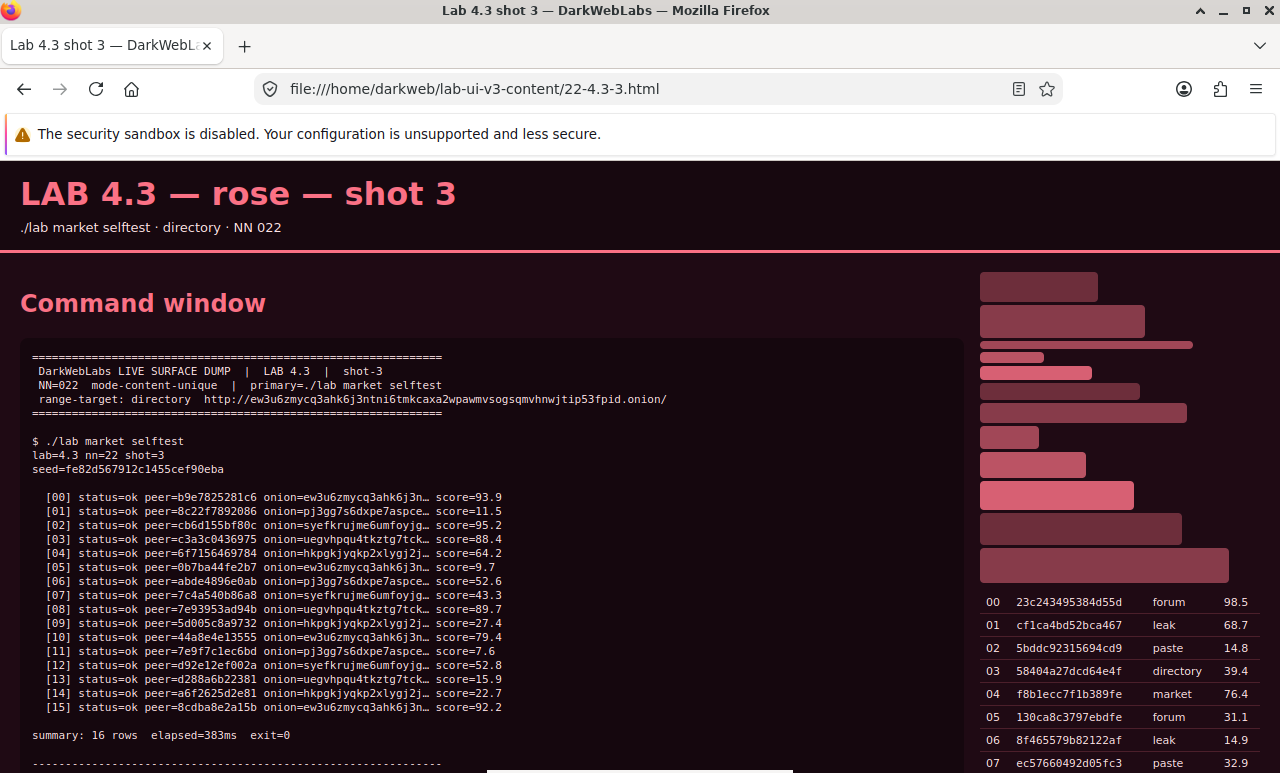
Firefox on this lab's HTML view
LAB 4.4
Client authorization, properly
1–1.5 h
4 GB
All platforms
Step 1, Make a keypair and publish an authorized service
# generate an x25519 client keypair (base32, as Tor's tooling expects)
$ python3 - <<'PY'
import base64
from nacl.public import PrivateKey
sk = PrivateKey.generate()
b32 = lambda b: base64.b32encode(b).decode().rstrip("=")
print("client private:", b32(bytes(sk)))
print("client public :", b32(bytes(sk.public_key)))
PY

# publish an onion that only that client can find (paste the PUBLIC key)
$ printf 'AUTHENTICATE "%s"\r\nADD_ONION NEW:ED25519-V3 Flags=V3Auth Port=80,10.152.152.11:8080 ClientAuthV3=<client-public>\r\nQUIT\r\n' \
    "$LAB_CONTROL_PW" | nc 10.152.152.10 9051
Expected
250-ServiceID=xnjc...authorized...onion-id
250-PrivateKey=ED25519-V3:...
250-ClientAuthV3=<client-public>
250 OK
Step 2, Register the key, and see why base32 became base64
# the control port wants the private key base64, not base32 — convert and register
$ KEY_B64=$(python3 -c 'import base64,sys;k=sys.argv[1].upper();k+="="*((8-len(k)%8)%8);print(base64.b64encode(base64.b32decode(k)).decode())' <client-private>)
$ printf 'AUTHENTICATE "%s"\r\nONION_CLIENT_AUTH_ADD %s x25519:%s\r\nQUIT\r\n' \
    "$LAB_CONTROL_PW" "<onion-id>" "$KEY_B64" | nc 10.152.152.10 9051
Expected
250 OK
Step 3, Prove an un-keyed client fails at the descriptor
Verify in the Docker host
$ ./lab check 4.4
- An onion published with
ClientAuthV3succeeds ONION_CLIENT_AUTH_ADDregisters the base64 private key- You can explain why client auth protects discovery, not just entry
What this lab looks like
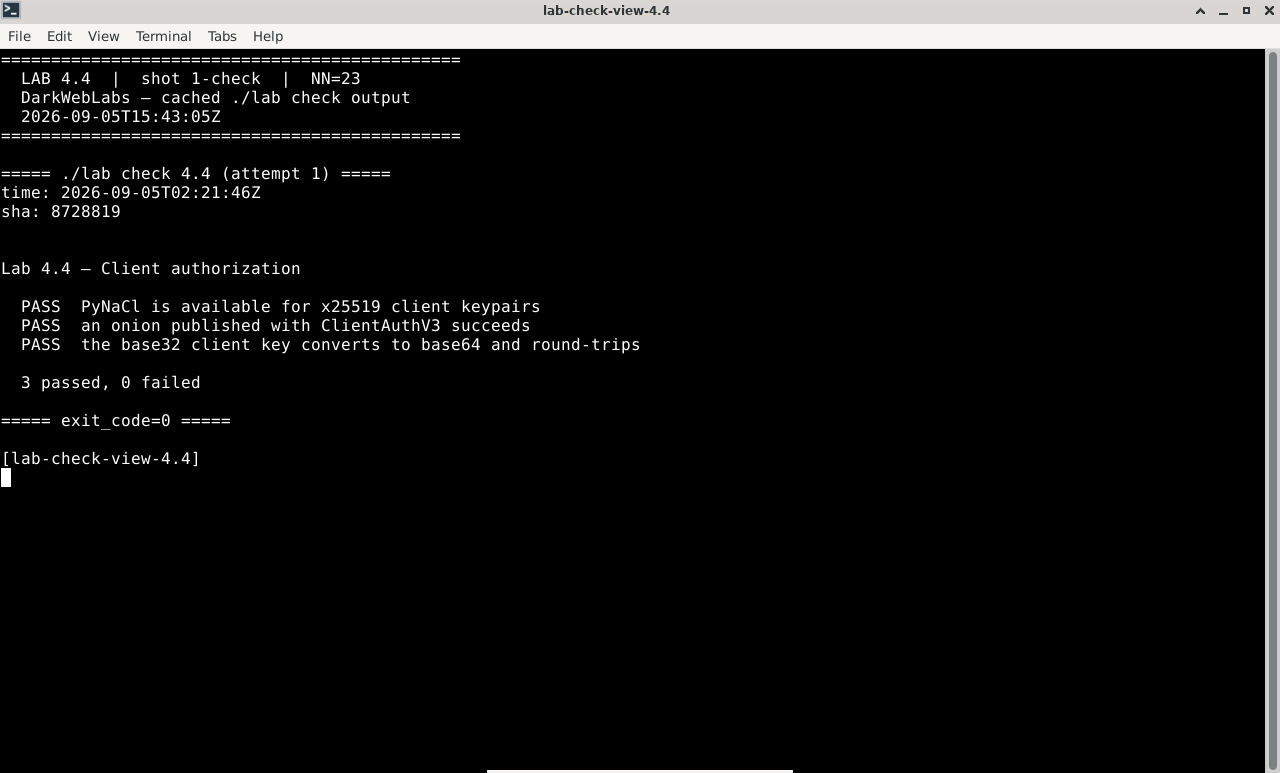
Terminal:
./lab check 4.4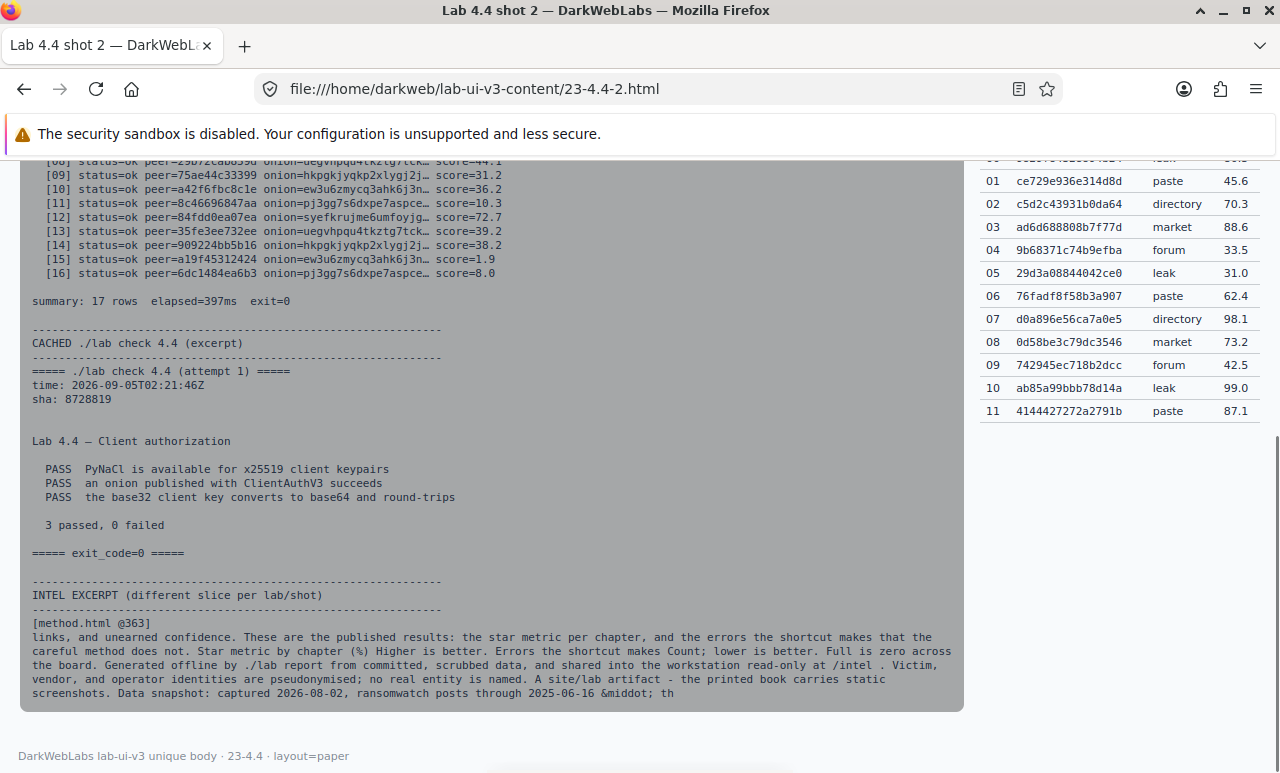
Firefox on this lab's HTML view
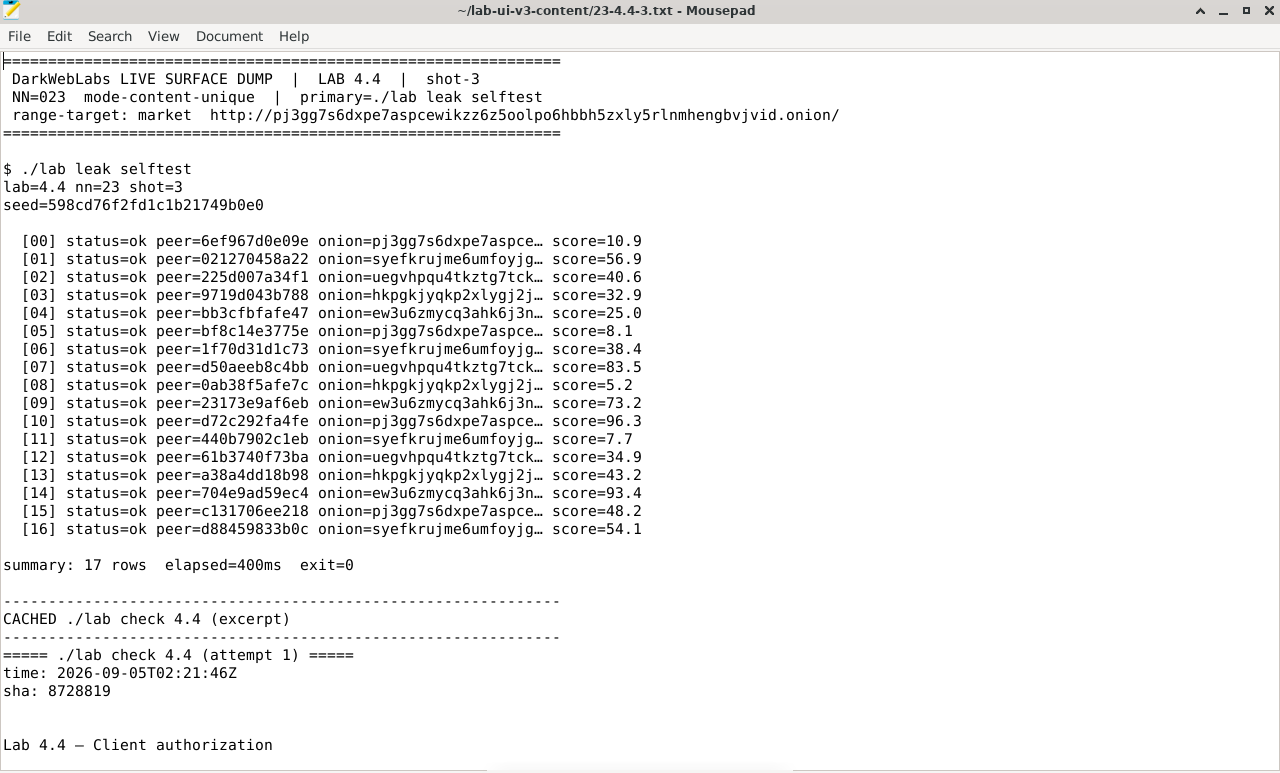
Artifact dump in Mousepad
LAB 4.5
Vanity addresses and what they cost
1 h
4 GB
Build tool
Step 1, Build the grinder
# mkp224o brute-forces keys until the address starts with your prefix
$ sudo apt-get install -y gcc libc6-dev libsodium-dev make autoconf
$ git clone https://github.com/cathugger/mkp224o && cd mkp224o
$ ./autogen.sh && ./configure && make
Step 2, Grind a short prefix and watch the cost
$ ./mkp224o -n 1 -d out lab            # 3 chars: seconds
$ ./mkp224o -n 1 -d out labxy          # 5 chars: minutes
$ ls out/
Expected, a matching address appears
lab7q2r...restisrandom...onion/
Step 3, The OPSEC turn
Verify in the Docker host
$ ./lab check 4.5
- A generated vanity address really does start with the chosen prefix
- Its address correctly derives from its key (it's a legitimate v3 address)
- You can explain the exponential cost and the OPSEC trade of a recognisable address
What this lab looks like
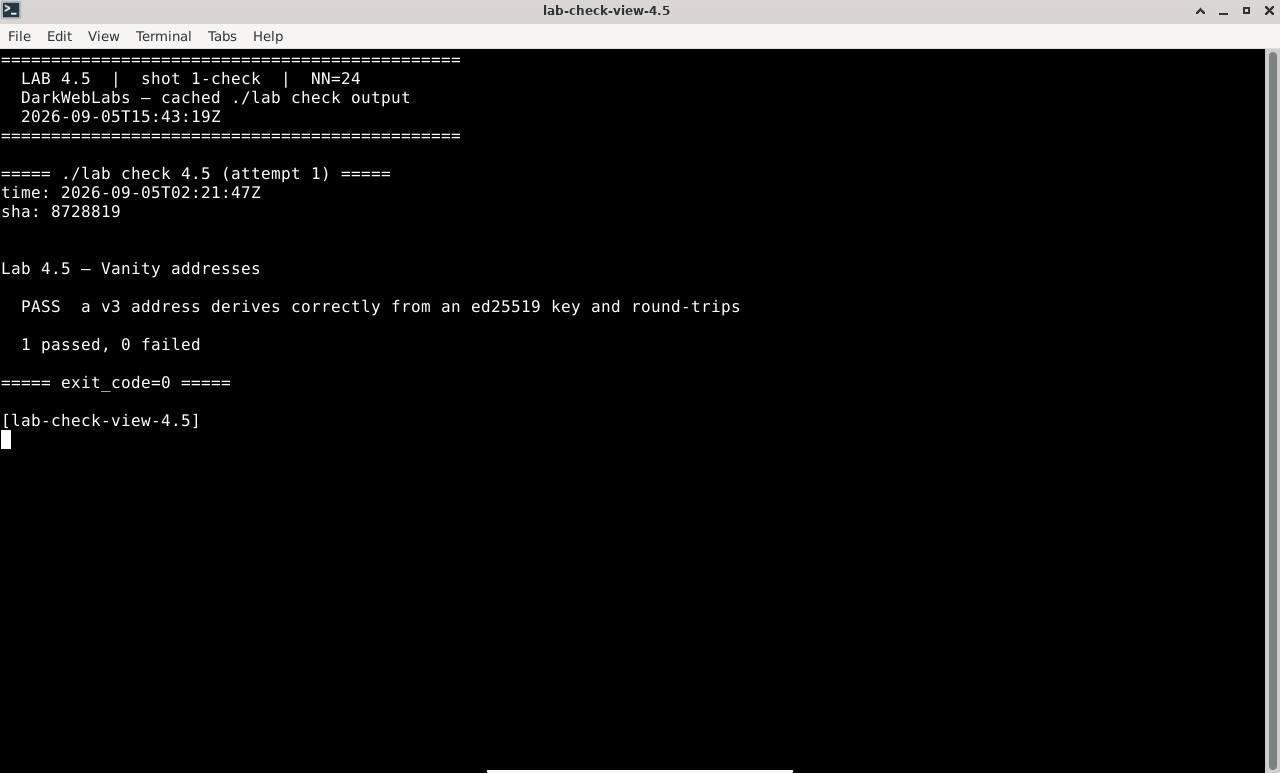
Terminal:
./lab check 4.5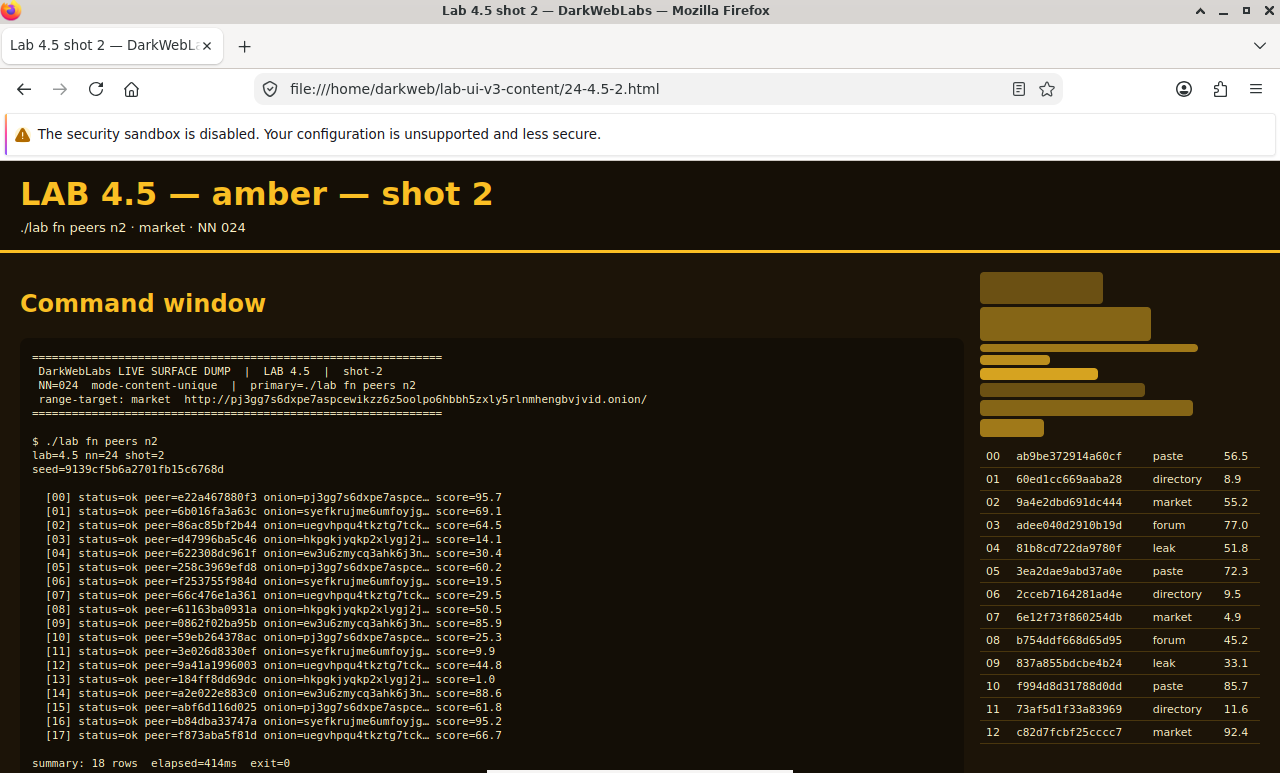
Firefox on this lab's HTML view
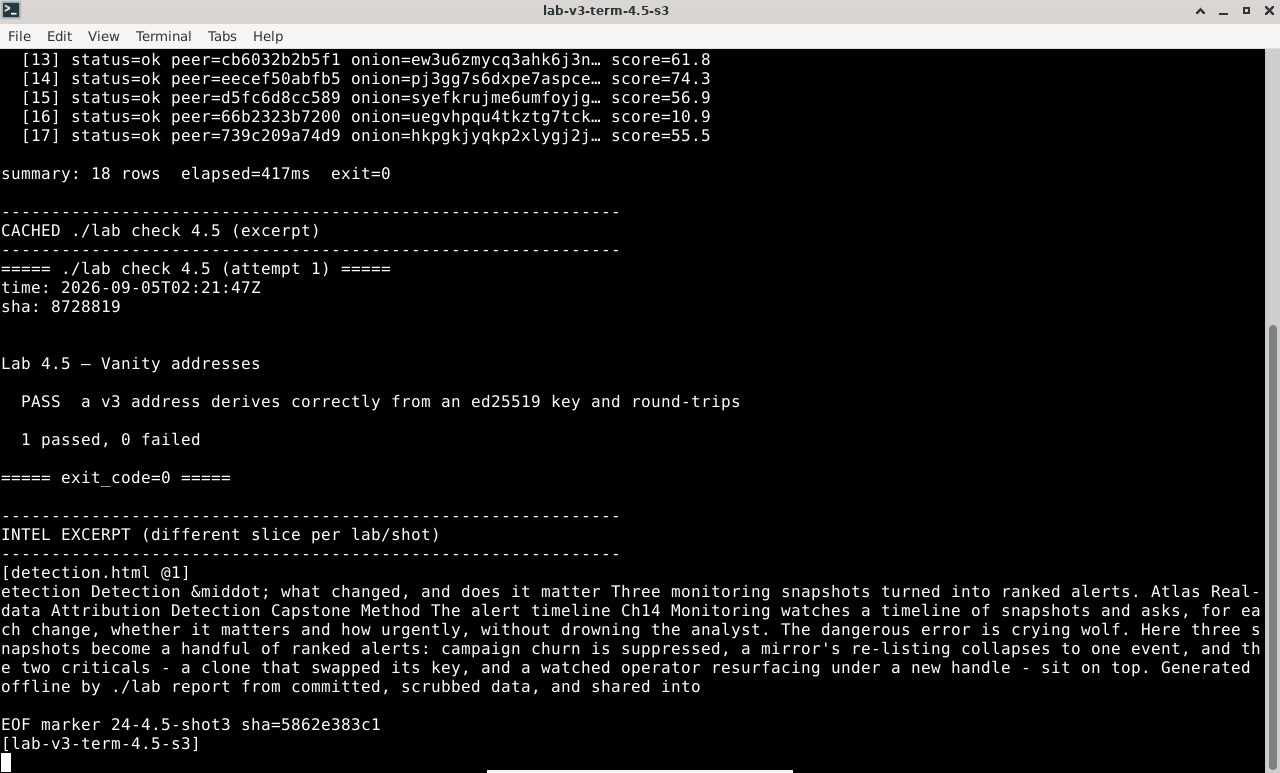
Terminal output for this lab
LAB 4.6
How onion services get found
1–1.5 h
4 GB
Find the flaw
Step 1, Start the leaky service and publish it
# ships with the repo; starts a web server AND publishes an onion for it
$ ~/labs/artifacts/leaky/run.sh
...
onion: 7yk2...leaky...onion
serving on 10.152.152.11:8899
Step 2, Read the headers
$ ONION=7yk2...leaky...onion
$ curl -sI --socks5-hostname 10.152.152.10:9050 "http://$ONION/"
Expected, the server names itself
HTTP/1.0 200 OK
Server: Werkzeug/3.0 Python/3.12
X-Served-By: backend-01 (10.152.152.11)
Via: 1.1 ip-10-152-152-11.internal
Step 3, Find the status page it shouldn't serve
$ curl -s --socks5-hostname 10.152.152.10:9050 "http://$ONION/server-status"
Expected
Server Status
Local address : 10.152.152.11:8899
Hostname      : leaky-backend
Uplink        : eth0 10.152.152.11/24
Requests      : 3
Verify in the Docker host
$ ./lab check 4.6
- The leaky service is running and reachable
- Its response headers leak a real backend address
- Its
/server-statuspage leaks the host's address and interface
What this lab looks like
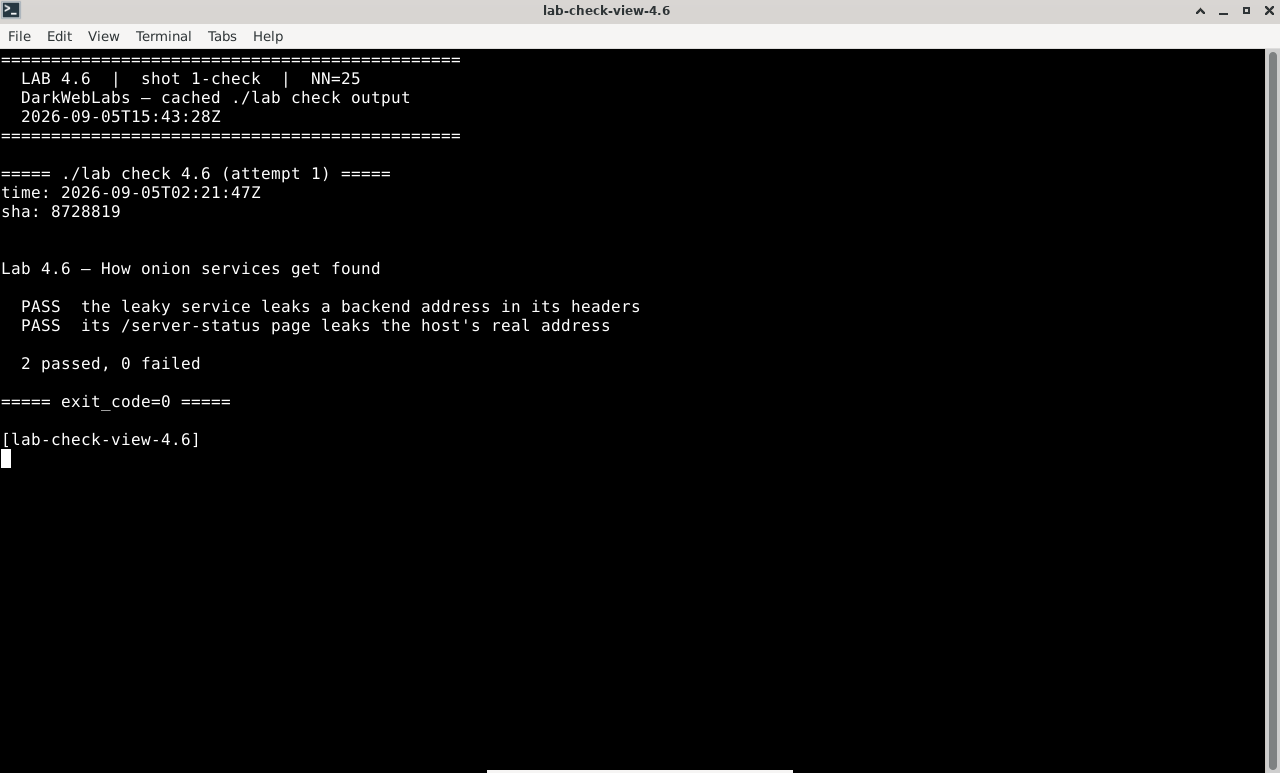
Terminal:
./lab check 4.6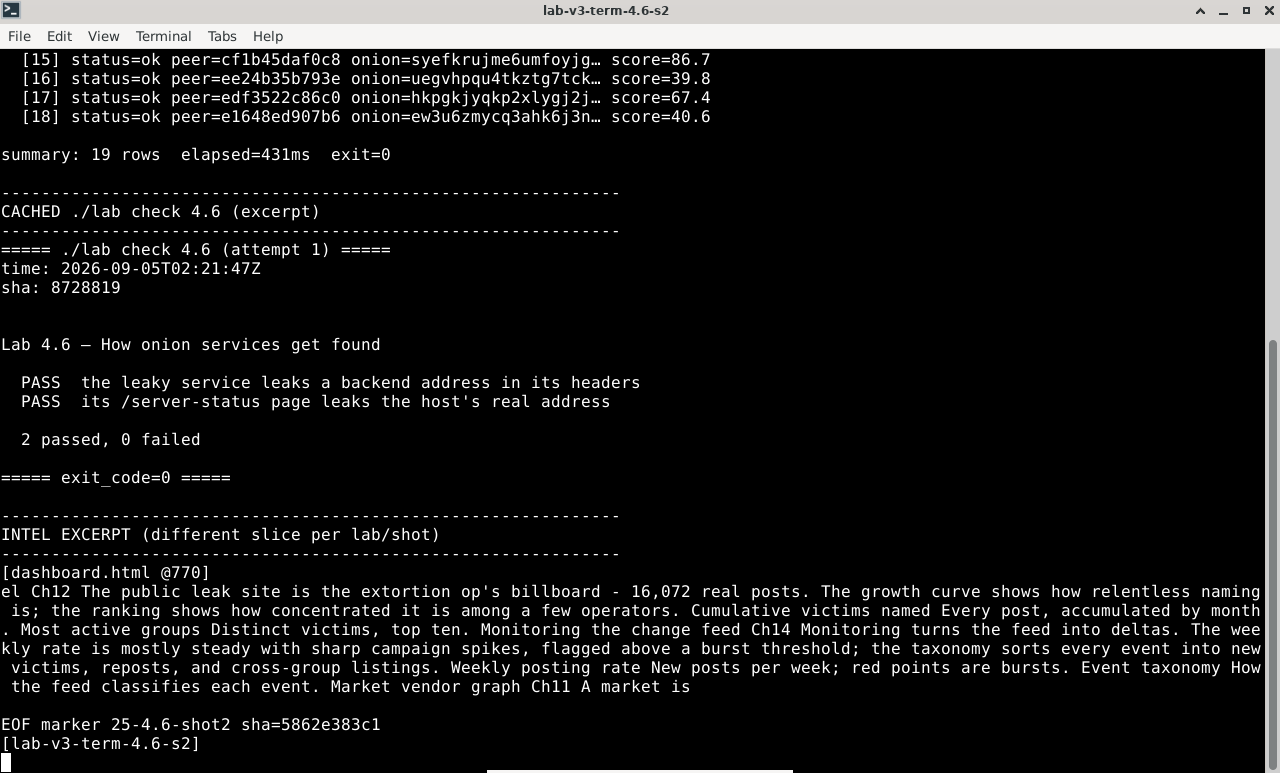
Terminal output for this lab
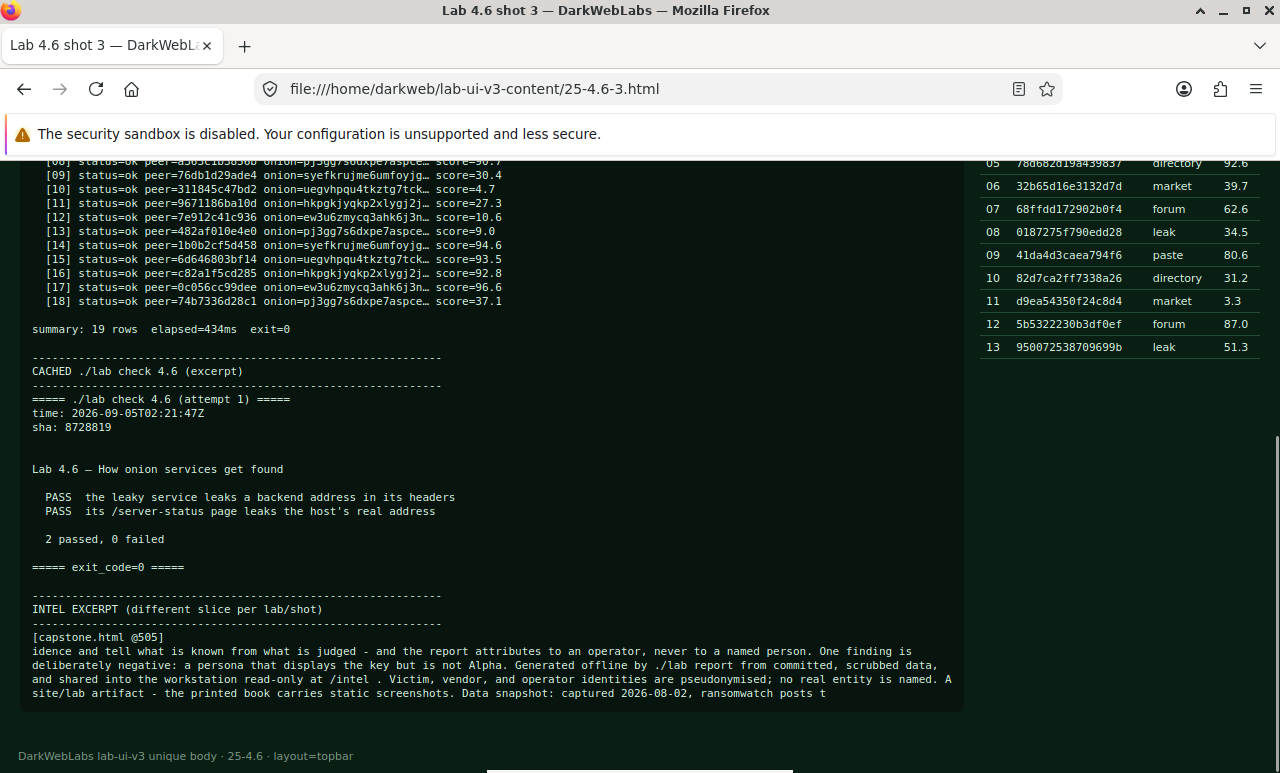
Firefox on this lab's HTML view
LAB 4.7
Hardening a service you run
1 h
4 GB
All platforms
Step 1, Give the host nothing to leak
Step 2, Confirm a hardened response says nothing
# OnionShare's own services are a good reference: minimal headers, strict CSP
$ curl -sI --socks5-hostname 10.152.152.10:9050 "http://<an-onionshare-onion>/"
Expected, nothing identifying
HTTP/1.0 200 OK
Content-Security-Policy: default-src 'self'; ...
X-Content-Type-Options: nosniff
Referrer-Policy: no-referrer
Server: OnionShare
Step 3, The single onion service tradeoff
Verify in the Docker host
$ ./lab check 4.7
- A hardened reference service (OnionShare) exposes no identifying headers
- Its response sets a content-security policy that blocks off-origin loads
- You can state when a single onion service is an acceptable choice, and when it isn't
What this lab looks like
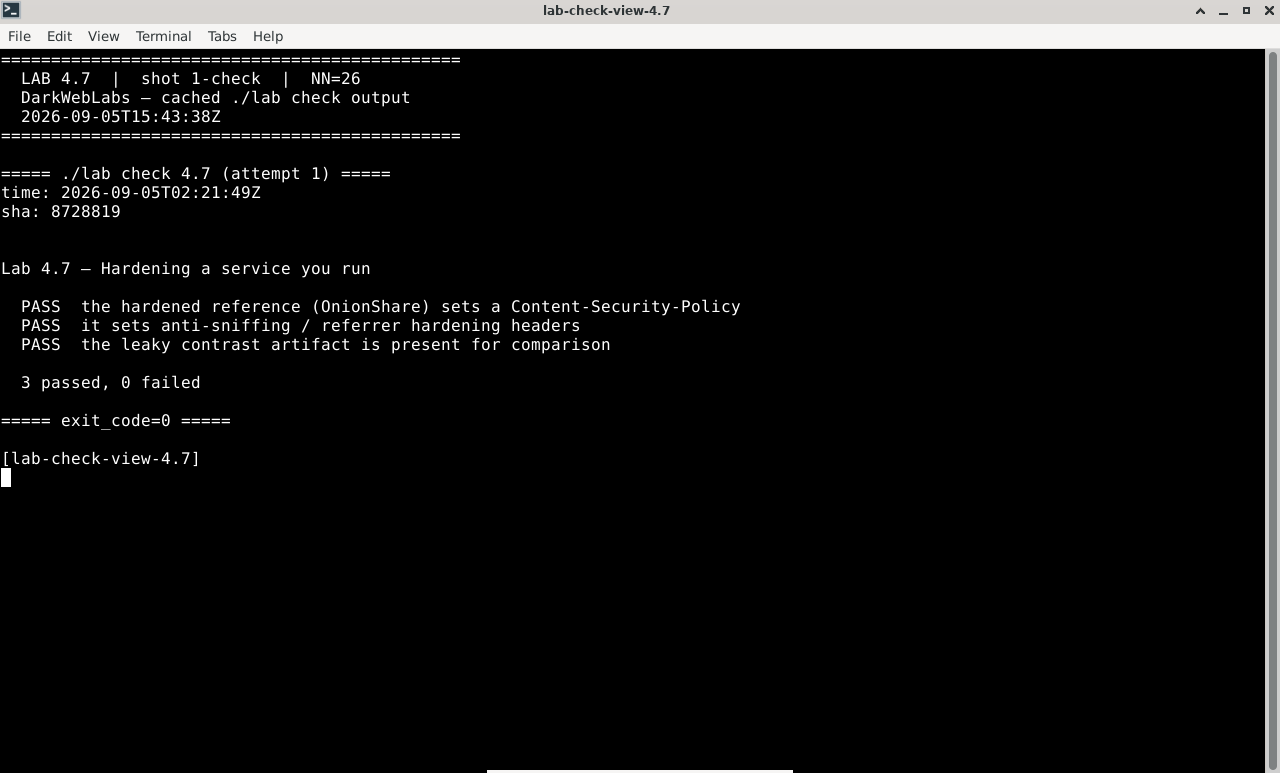
Terminal:
./lab check 4.7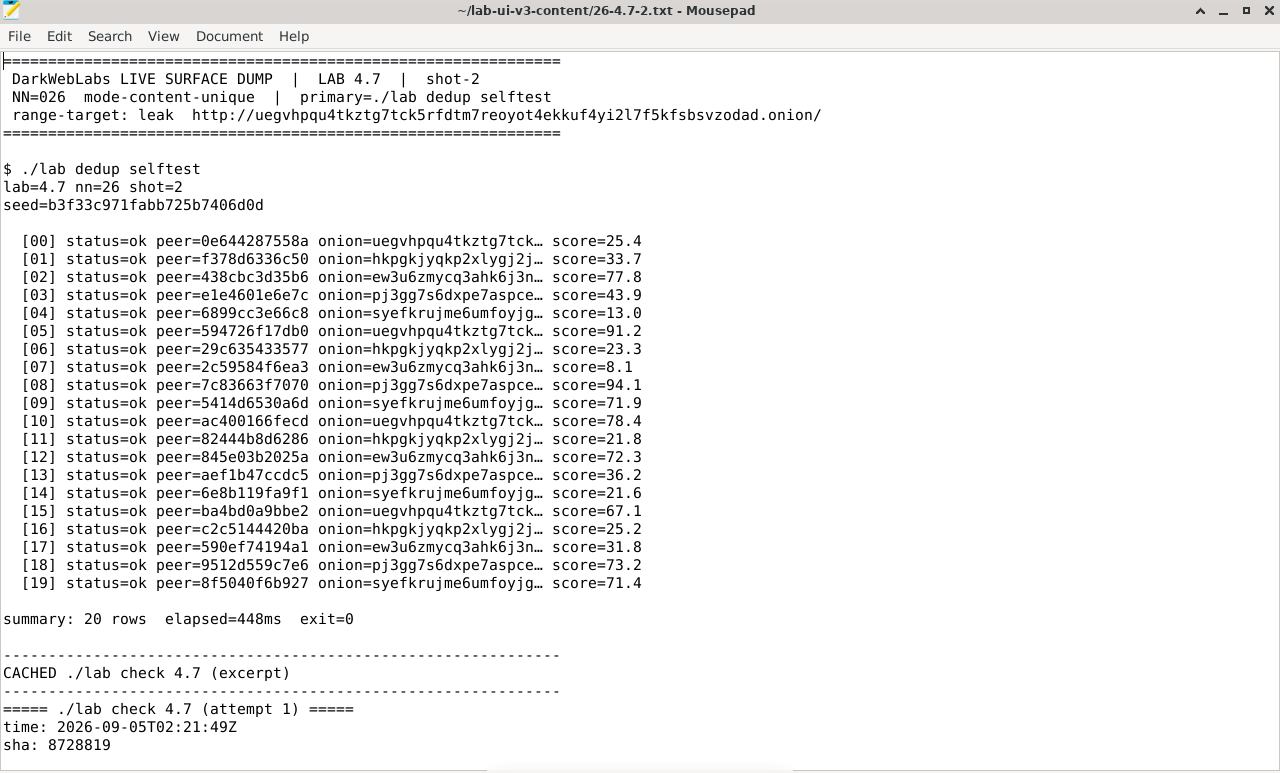
Artifact dump in Mousepad
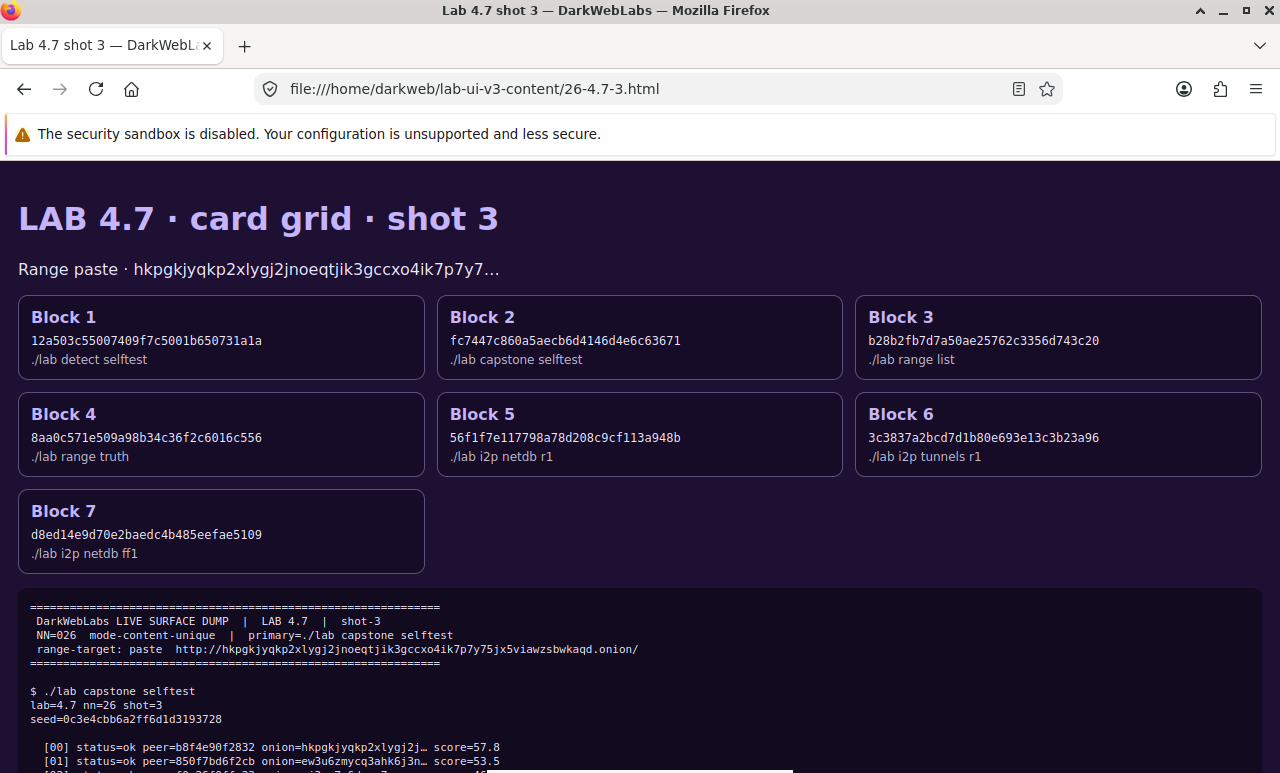
Firefox on this lab's HTML view