Part I · The Range · Chapter 2
Verified Access
Commands only. What each step does, why it is built this way, and the judgment behind it are in the book.
Workstation tier
7 labs
≈ 5.5–6.5 h
4 GB RAM
Windows · macOS · Linux
Labs in this chapter
What you'll be able to do
- Name the four ways an observer can be identified, and which control closes each (Lab 2.1 - The four leak surfaces)
- Watch the gateway's uplink and prove only Tor traffic, and no clear DNS, leaves (Lab 2.2 - Watch what actually leaves)
- Measure why Tor Browser matters even when the network is already perfect (Lab 2.3 - The browser is a fingerprint)
- Show a tool that ignores every proxy setting is torified anyway, at the choke point (Lab 2.4 - Behavioural vs structural: proxychains vs the gateway)
- Reach an onion service and publish one of your own through the gateway (Lab 2.5 - Reaching and hosting onion services)
- Register a client-authorised onion key by hand, and know why the prompt didn't fire (Lab 2.6 - Keyed onions and their friction)
- Distinguish rejected from silently leaked, with a tool built to slip past proxies (Lab 2.7 - When the gateway says no)
LAB 2.1
The four leak surfaces
0.5 h
4 GB
Key concept
Step 1, Ask the network the direct question
# open a terminal on the lab desktop, then:
$ curl -s https://check.torproject.org/api/ip
Expected
{"IsTor":true,"IP":"185.220.101.34"}
Step 2, Fix the four surfaces
The four surfaces
surface        what it reveals              closed by            proven in
-----------    -------------------------    -----------------    ---------
network path   your real IP address         the gateway route    Lab 2.2, 2.4
name lookup    what you searched for        Tor DNS at gateway   Lab 2.2
fingerprint    which browser is "you"       Tor Browser          Lab 2.3
behaviour      who you actually are         discipline (you)     everywhere
Verify in the Docker host
$ ./lab check 2.1
- A plain
curlfrom the workstation returns"IsTor":true - You can name all four surfaces and the control that closes each
What this lab looks like
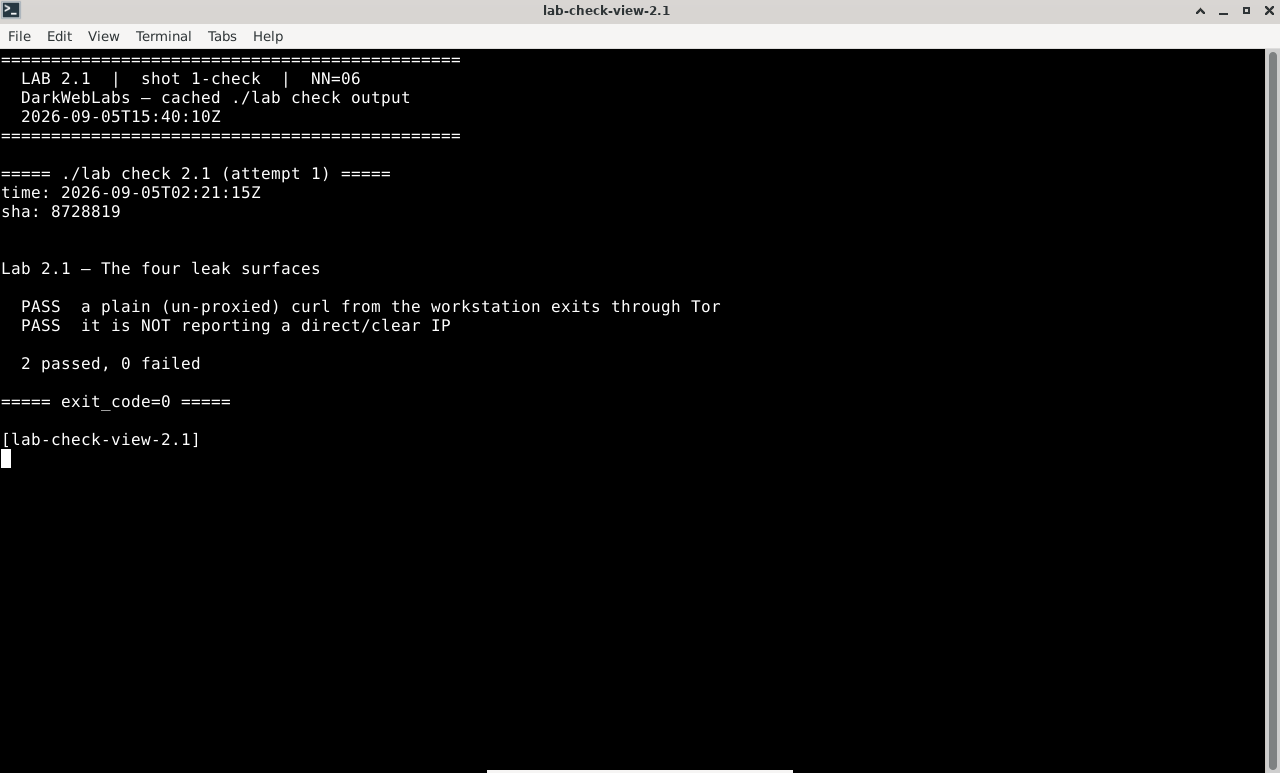
Terminal:
./lab check 2.1
I2P router console: home
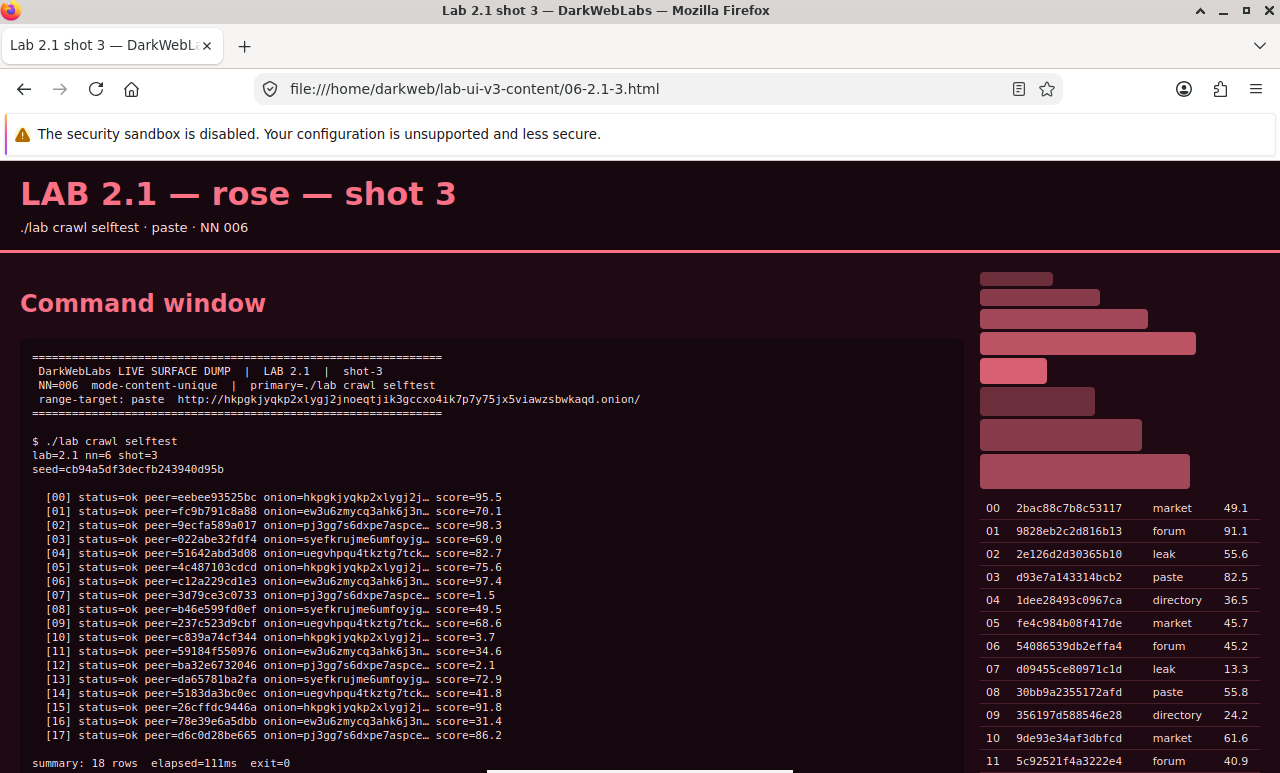
Firefox on this lab's HTML view
LAB 2.2
Watch what actually leaves
1 h
4 GB
All platforms
Step 1, Capture on the gateway's external interface
# eth0 is the gateway's only path to the host/NAT; watch it while you browse
$ docker exec darkweb-gateway \
    tcpdump -ni eth0 -c 20 'not arp'
Expected, every line is Tor
IP 172.19.0.2.51000 > 128.31.0.39.443:  Flags [S] ...
IP 128.31.0.39.443 > 172.19.0.2.51000:  Flags [S.] ...
IP 172.19.0.2.51314 > 51.15.79.2.9001:  Flags [.] ...
...
Step 2, Prove DNS never leaves in the clear
# resolve a name from the workstation, while watching eth0 for any port-53 leak
# tcpdump runs in the foreground and ends itself on timeout, so its summary prints
$ docker exec darkweb-workstation sh -c 'sleep 1; getent hosts example.com' &
$ docker exec darkweb-gateway timeout -s INT 4 tcpdump -ni eth0 'port 53'
Expected, the name resolves, nothing on port 53
2606:4700:10::6814:179a  example.com
0 packets captured
0 packets received by filter
0 packets dropped by kernel
Verify in the Docker host
$ ./lab check 2.2
- The gateway redirects the workstation's DNS into Tor's
DNSPort - A name resolves from the workstation with no clear port-53 traffic on the uplink
- Tor's
DNSPortis bound on the internal interface, not the world
What this lab looks like
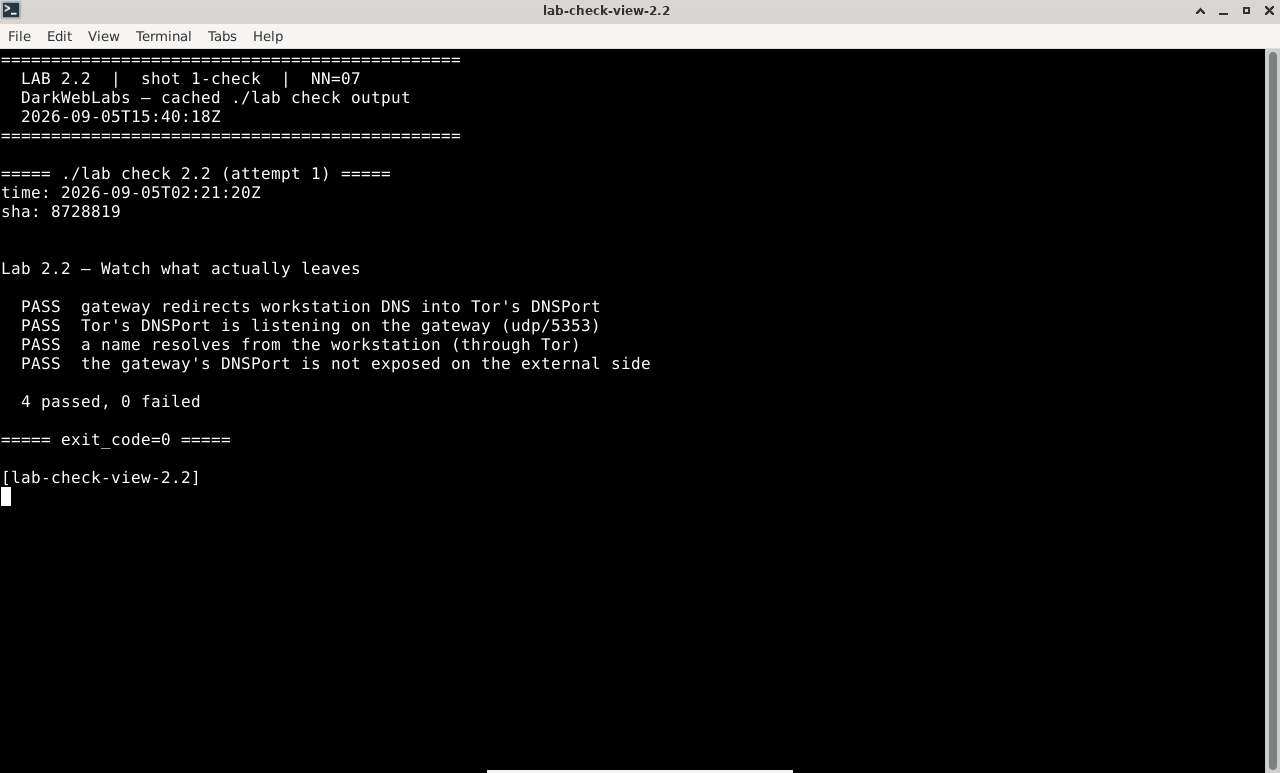
Terminal:
./lab check 2.2
I2P router console: tunnels
Firefox on this lab's HTML view
LAB 2.3
The browser is a fingerprint
0.5–1 h
4 GB
All platforms
Step 1, Fingerprint the plain browser
Step 2, Fingerprint Tor Browser and compare
Verify in the Docker host
$ ./lab check 2.3
- Both Tor Browser and Firefox are installed on the workstation
- Both are pointed at the gateway's SOCKS port, so both exit through Tor
- You recorded a uniqueness verdict for each and can state why they differ
What this lab looks like
Terminal:
./lab check 2.3
I2P router console: NetDB
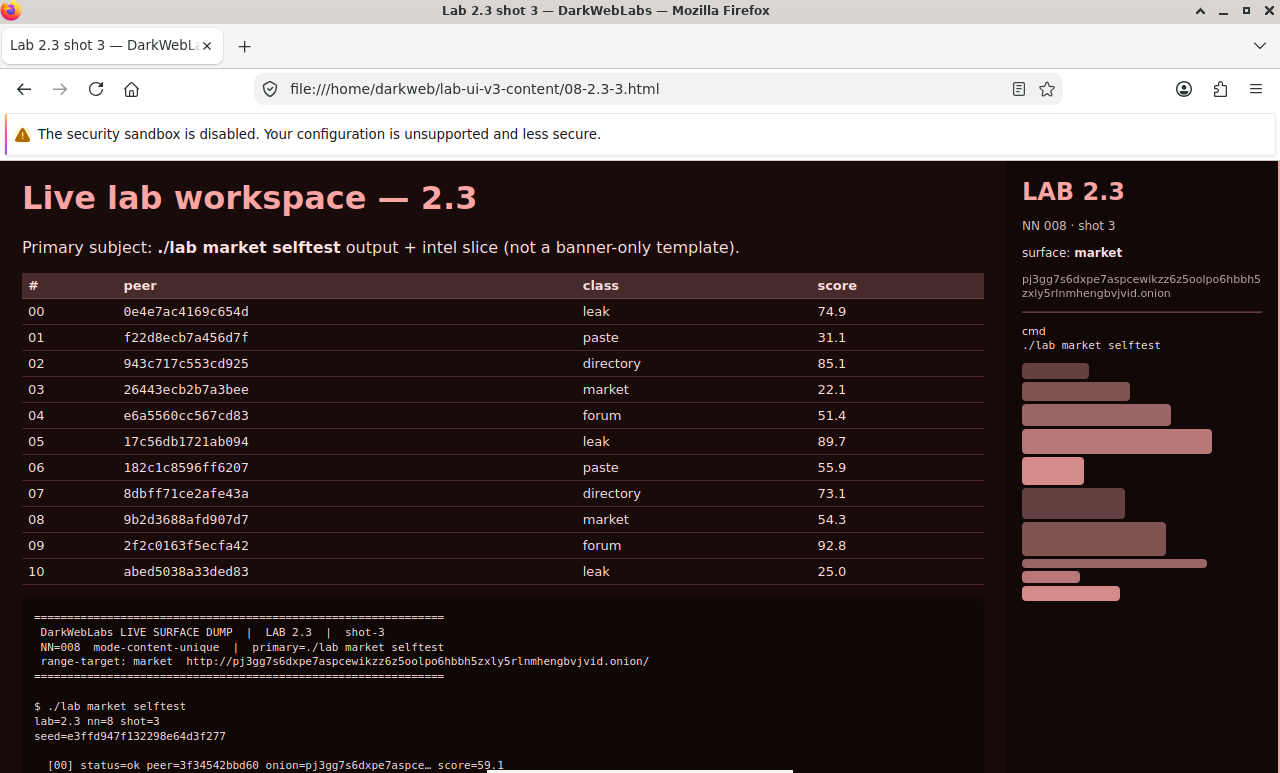
Firefox on this lab's HTML view
LAB 2.4
Behavioural vs structural: proxychains vs the gateway
1 h
4 GB
Native netfilter
Step 1, The behavioural model: proxychains
# proxychains wraps a program and rewrites its socket calls to go via SOCKS
$ proxychains -q curl -s https://check.torproject.org/api/ip
Expected
{"IsTor":true,"IP":"185.220.101.34"}
Step 2, The structural model: forget the wrapper entirely
# no proxychains, no proxy flag — the "operator forgot" case
$ curl -s https://check.torproject.org/api/ip
Expected, still Tor
{"IsTor":true,"IP":"185.220.101.34"}
Step 3, Read the rule that does it
$ docker exec darkweb-gateway iptables -t nat -S PREROUTING
Expected, abridged
-P PREROUTING ACCEPT
-A PREROUTING -s 10.152.152.0/24 -d 10.152.152.10 -p tcp -j RETURN
-A PREROUTING -s 10.152.152.0/24 -p udp --dport 53 -j REDIRECT --to-ports 5353
-A PREROUTING -s 10.152.152.0/24 -p tcp -j REDIRECT --to-ports 9040
Verify in the Docker host
$ ./lab check 2.4
- proxychains is installed and pointed at the gateway's SOCKS port
- A bare
curlwith no proxy is torified anyway - The gateway's
PREROUTINGredirects workstation TCP into port 9040 - Traffic to the gateway itself is exempted so SOCKS and control stay reachable
What this lab looks like
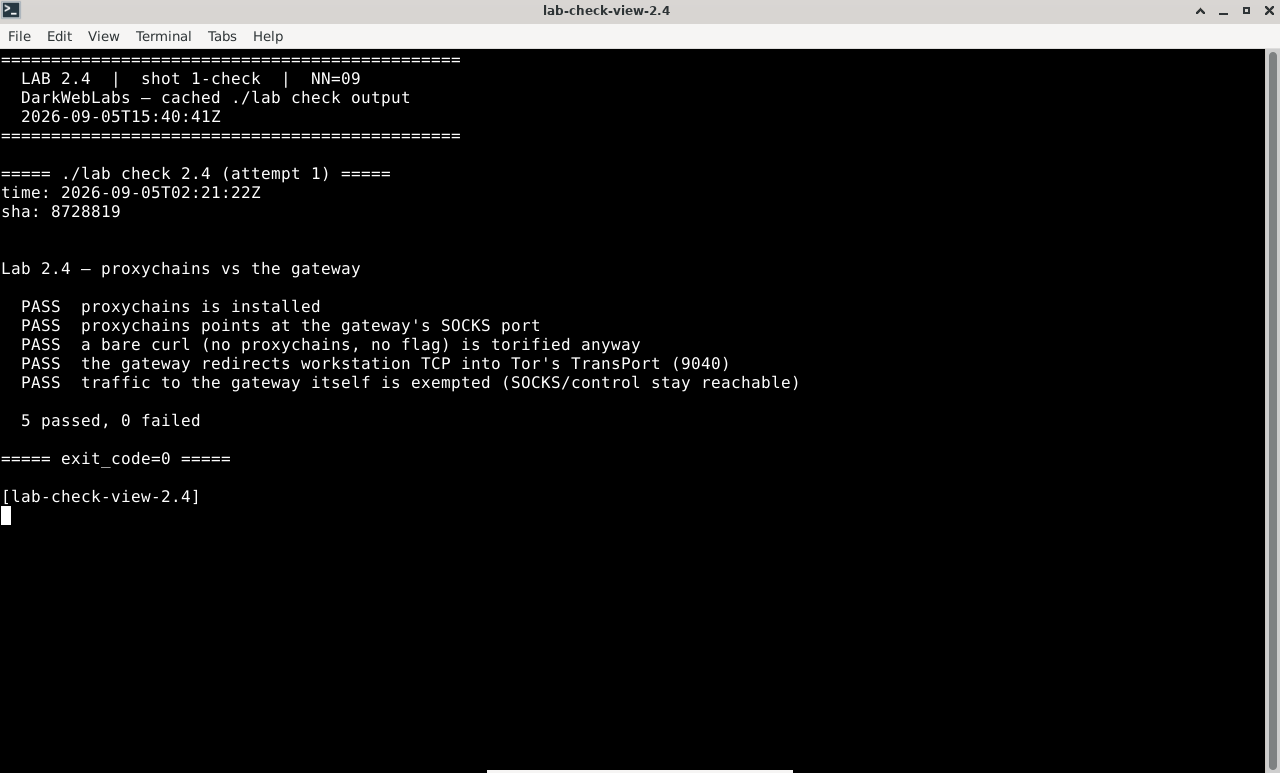
Terminal:
./lab check 2.4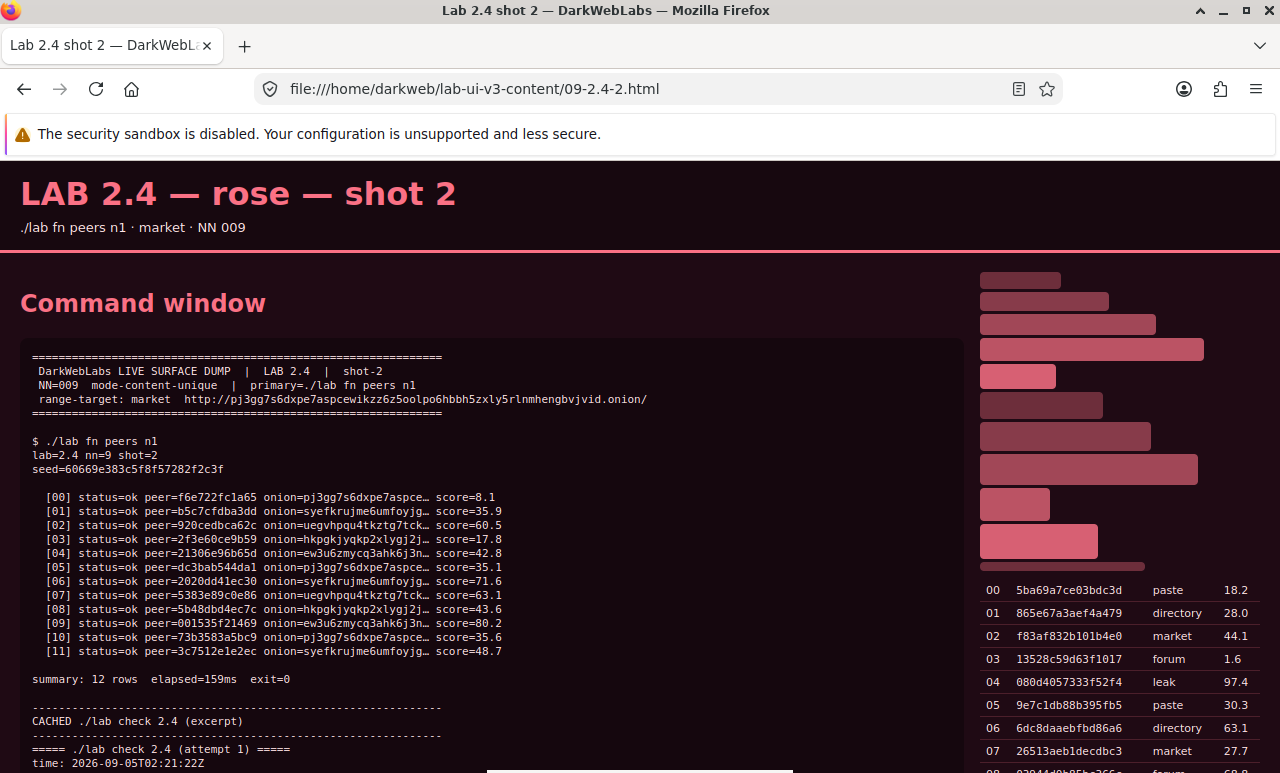
I2P router console: peers
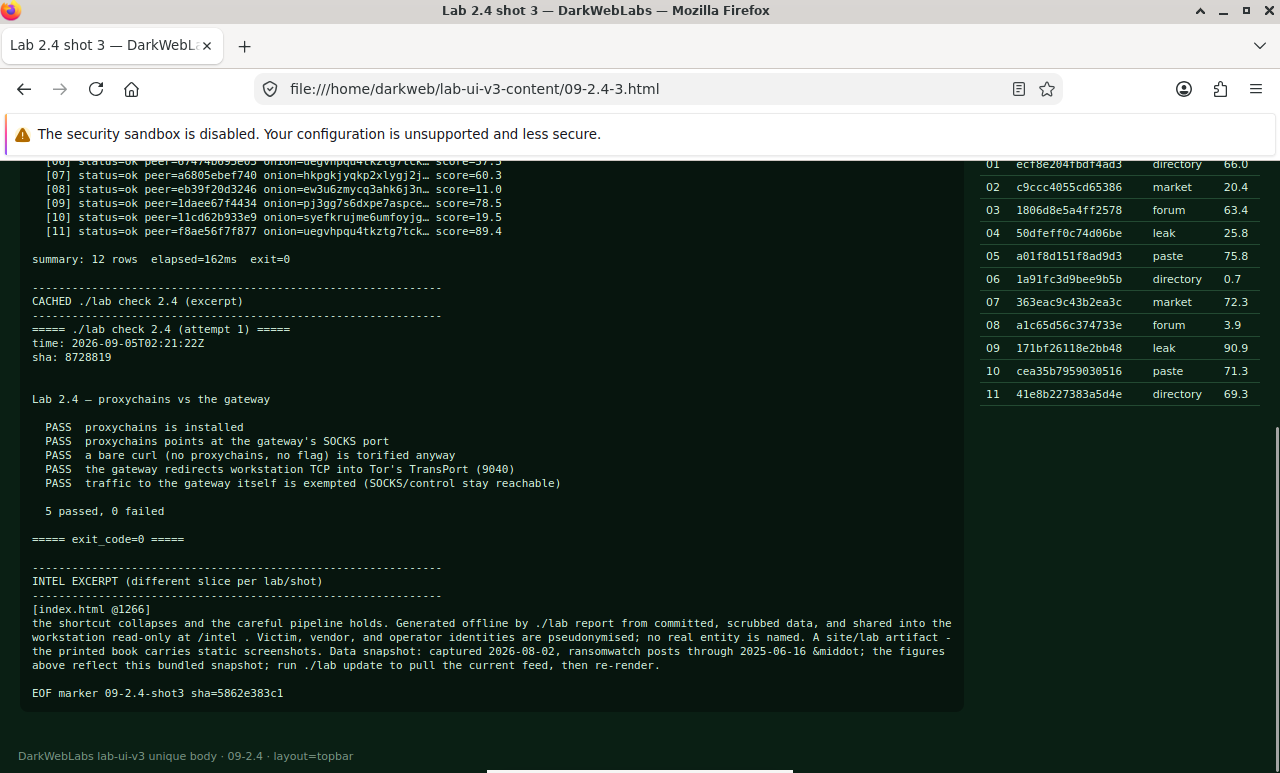
Firefox on this lab's HTML view
LAB 2.5
Reaching and hosting onion services
1 h
4 GB
All platforms
Step 1, Reach a known onion
Step 2, Publish your own with OnionShare
Step 3, Fetch it back
Verify in the Docker host
$ ./lab check 2.5
- OnionShare is installed and configured to reach the gateway over the control port
- Its onion target points at the workstation's internal address, not loopback
- You published a share and fetched it back in Tor Browser
What this lab looks like
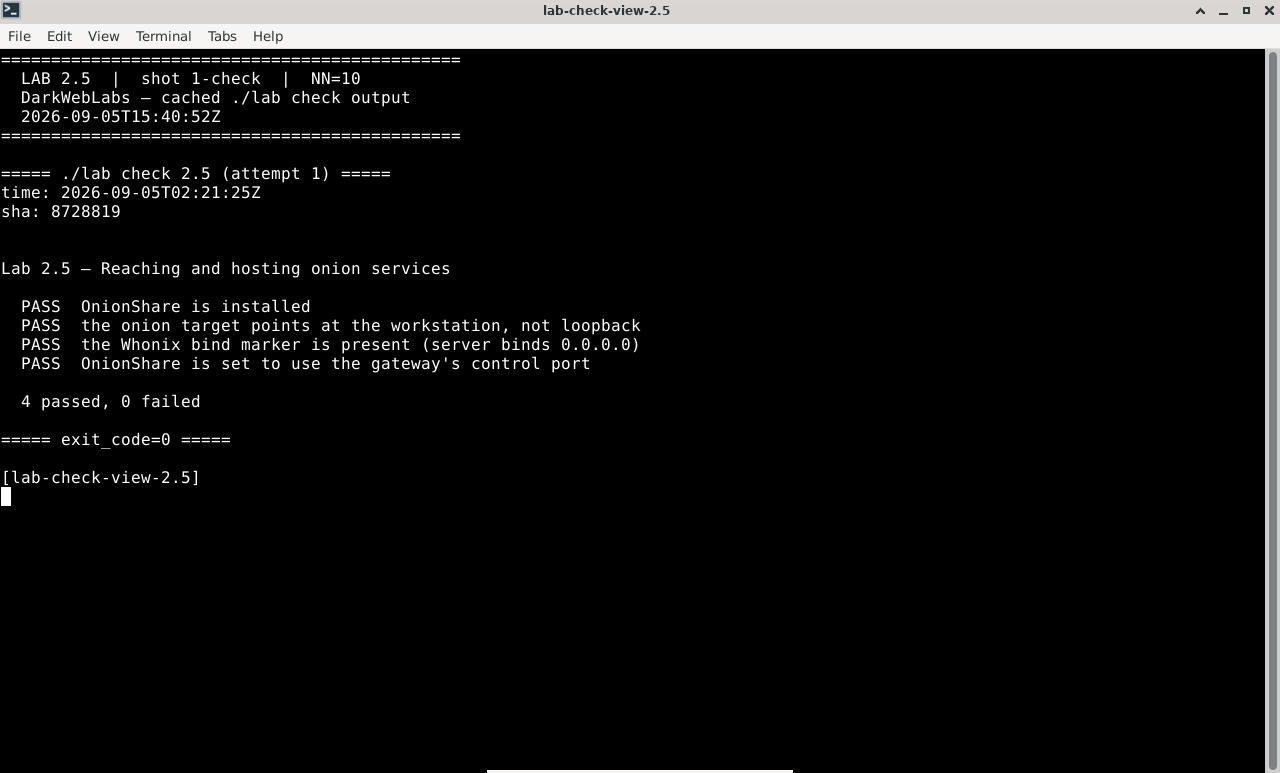
Terminal:
./lab check 2.5
I2P router console: logs
Firefox on this lab's HTML view
LAB 2.6
Keyed onions and their friction
1 h
4 GB
All platforms
Step 1, Start a keyed service, and hit the wall
Step 2, Register the key where the descriptor is fetched
# the GUI wraps this control-port command against the gateway:
ONION_CLIENT_AUTH_ADD <onion> x25519:<private-key>
Verify in the Docker host
$ ./lab check 2.6
- The Add Onion Key launcher is installed on the desktop
- It talks to the gateway's control port to register client authorisation
- You opened a keyed service after registering, or a public one in one click
What this lab looks like
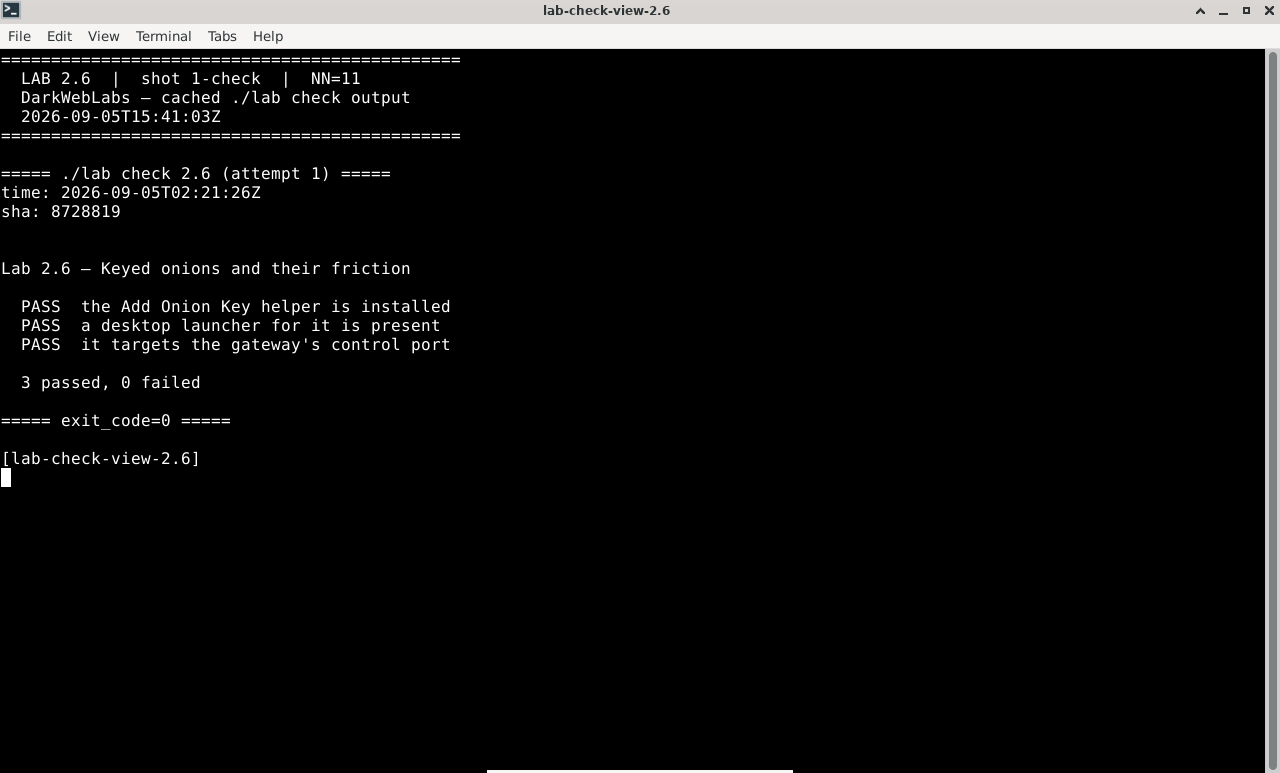
Terminal:
./lab check 2.6
Hyphanet FProxy: node home
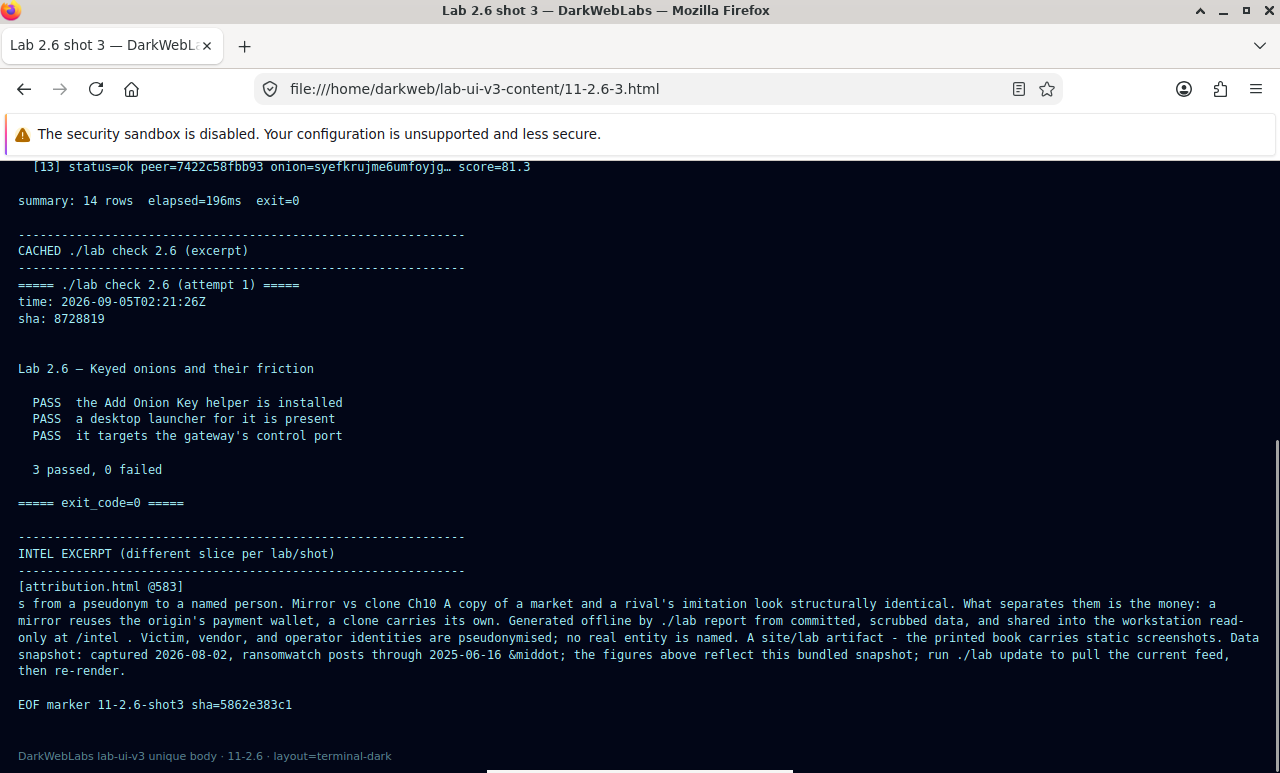
Firefox on this lab's HTML view
LAB 2.7
When the gateway says no
0.5–1 h
4 GB
Fail-closed
Step 1, Install a tool that ignores proxies
# nmap isn't in the base image; it installs over Tor (slow, but it proves the point)
# sudo asks for the analyst password: it is 'darkweb', and ./lab creds prints it too
$ sudo apt-get update && sudo apt-get install -y nmap
Step 2, Aim a raw-socket probe at the clear internet
# a TCP SYN scan uses raw packets, not ordinary sockets
$ sudo nmap -sS -p 443 -Pn 1.1.1.1

# and the simplest raw-socket probe of all, if you skipped the install:
$ ping -c1 -W3 1.1.1.1
Expected, it goes nowhere
Note: Host seems down. If it is really up, but blocking our ping probes, try -Pn
Nmap done: 1 IP address (0 hosts up) scanned in 3.05s

--- 1.1.1.1 ping statistics ---
1 packets transmitted, 0 received, 100% packet loss
Step 3, Read the rule that refuses
$ docker exec darkweb-gateway iptables -S FORWARD
Expected, abridged
-P FORWARD DROP
-A FORWARD -m conntrack --ctstate ESTABLISHED,RELATED -j ACCEPT
-A FORWARD -j REJECT --reject-with icmp-port-unreachable
Verify in the Docker host
$ ./lab check 2.7
- The gateway's
FORWARDpolicy isDROPwith an explicit reject - A raw-socket probe from the workstation to the clear internet gets no reply
- No rule forwards new, un-torified traffic out, the leak path does not exist
What this lab looks like
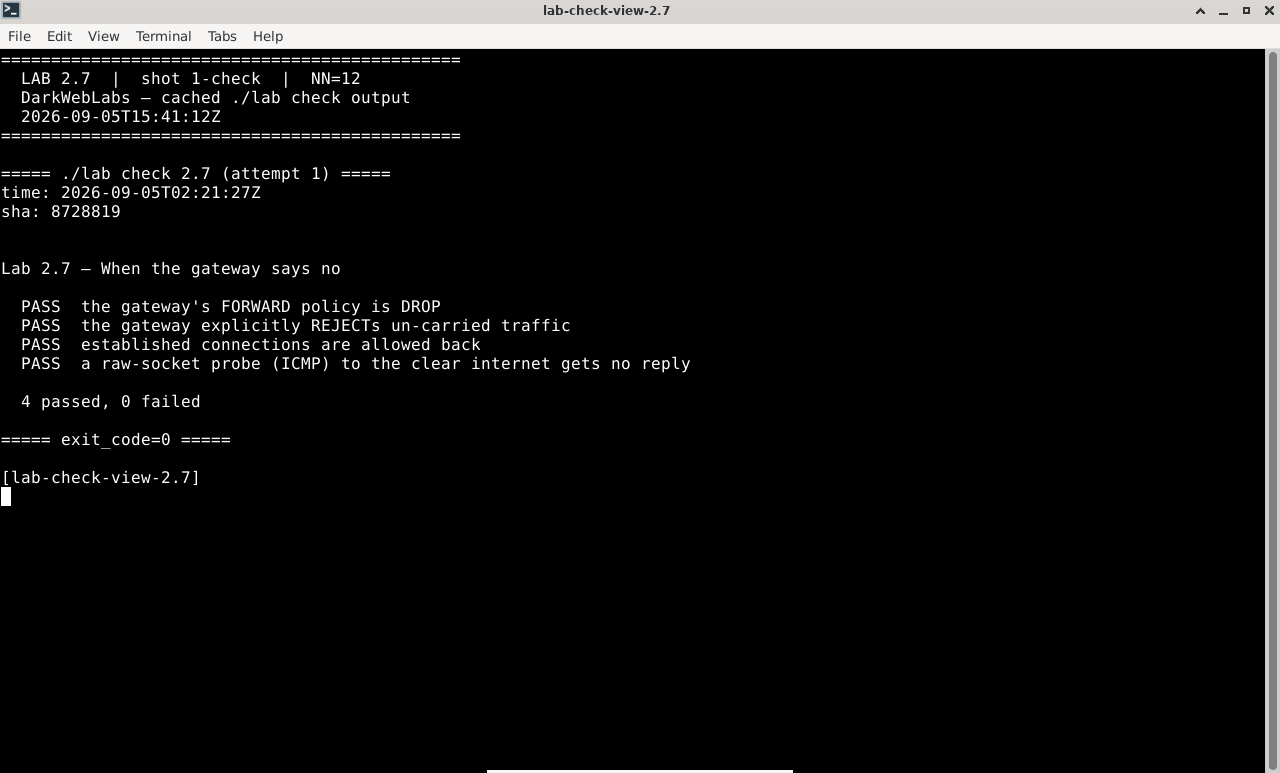
Terminal:
./lab check 2.7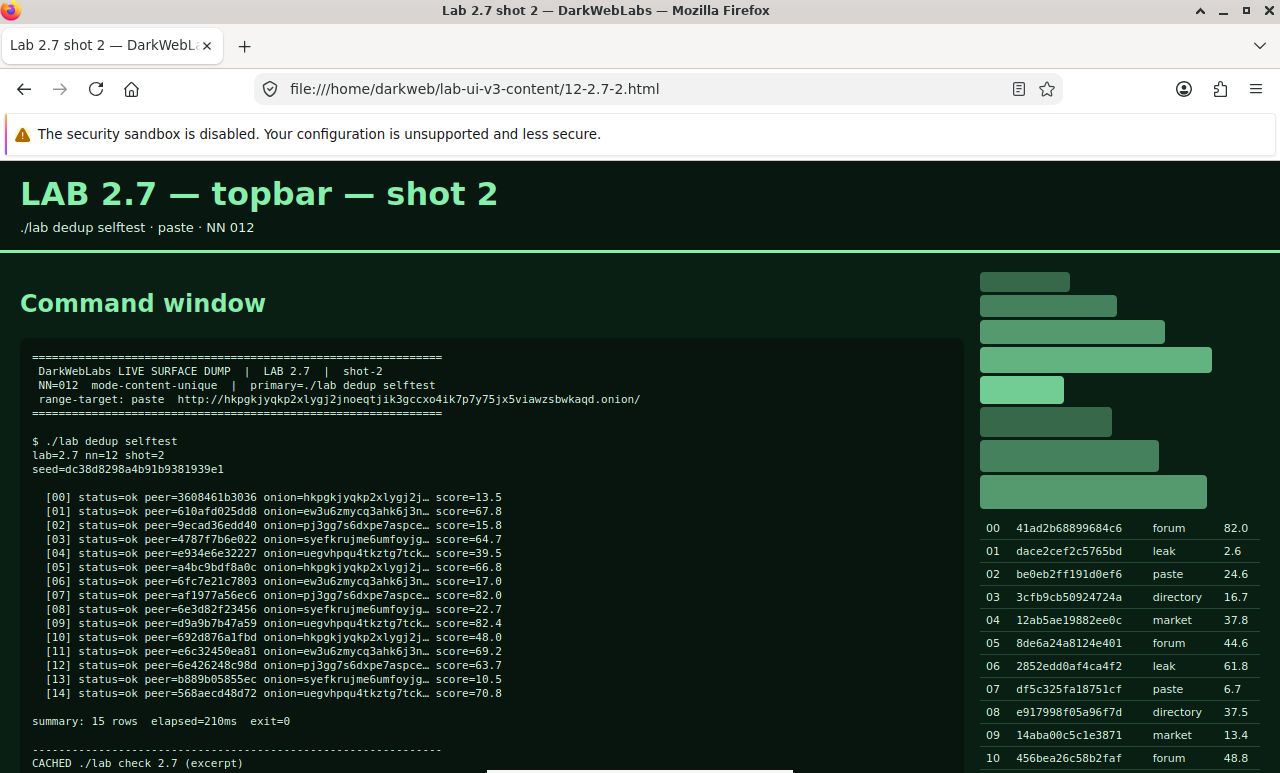
Hyphanet FProxy: connectivity
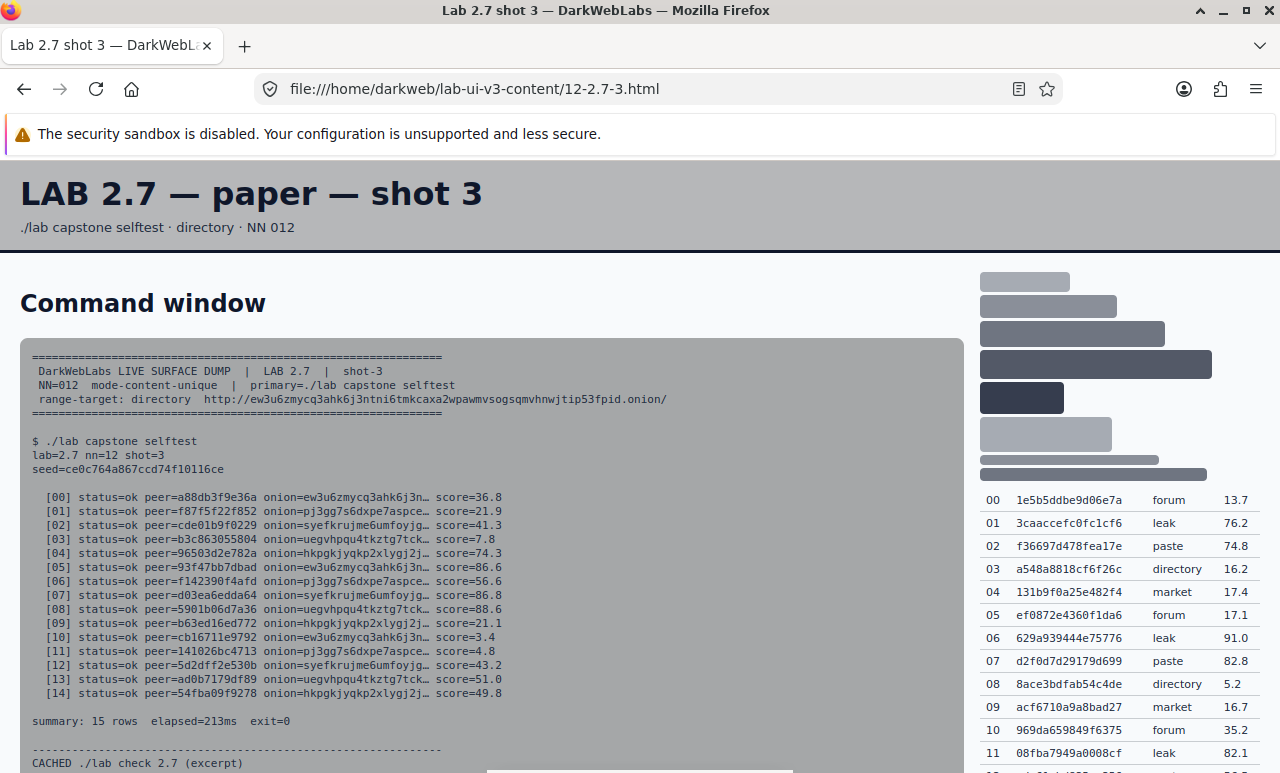
Firefox on this lab's HTML view