Part II · Protocol & Services · Chapter 6
Beyond Tor: I2P
Commands only. What each step does, why it is built this way, and the judgment behind it are in the book.
Workstation tier
7 labs
≈ 6.5–7.5 h
6 GB RAM
Windows · macOS · Linux
Labs in this chapter
What you'll be able to do
- Run an I2P router and explain why joining makes you infrastructure (Lab 6.1 - An I2P router in the lab)
- Read the NetDB, identify floodfills, and demonstrate a floodfill eclipse at toy scale (Lab 6.2 - The NetDB and floodfill)
- Trace a four-tunnel round trip and name the exposure the leaseSet creates (Lab 6.3 - Tunnels, unidirectional)
- Host an eepsite, resolve it, and explain I2P naming and its chokepoints (Lab 6.4 - Eepsites: access and host)
- Re-derive the Lab 5.7 threat model for an I2P target and say what moved (Lab 6.5 - I2P's threat model vs Tor's)
- Run Tor and I2P in one isolated lab without cross-contamination (Lab 6.6 - Both networks, side by side)
- Choose between overlays with a defensible, property-by-property comparison (Lab 6.7 - A comparison you can defend)
LAB 6.1
An I2P router in the lab
1 h
6 GB
Key concept
Step 1, Bring up the testnet
# several i2pd routers on an isolated network, with their own netid so they
# only ever talk to each other — never the live I2P network
$ ./lab up i2p
$ ./lab stop i2p      # stop — containers kept; ./lab up i2p resumes them
$ ./lab down i2p      # delete — removes containers (add --volumes to drop the seed)
Expected, the testnet routers start
darkweb-i2p-ff1    started   (floodfill)
darkweb-i2p-ff2    started   (floodfill)
darkweb-i2p-r1     started
darkweb-i2p-r2     started
darkweb-i2p-r3     started
i2p testnet: 5 routers, netid 42, isolated network (no route out)
Step 2, Open the router console
# the i2pd web console for router r1, proxied to your host on 7070
$ ./lab i2p console r1
  console for darkweb-i2p-r1 → http://127.0.0.1:7070
Step 3, Why that number is the headline
Verify in the Docker host
$ ./lab check 6.1
- The testnet is up and the routers run on an isolated network with a custom netid
- A router console is reachable and reports a converging view of known routers
- At least one router is building or carrying tunnels (it has joined the network)
What this lab looks like
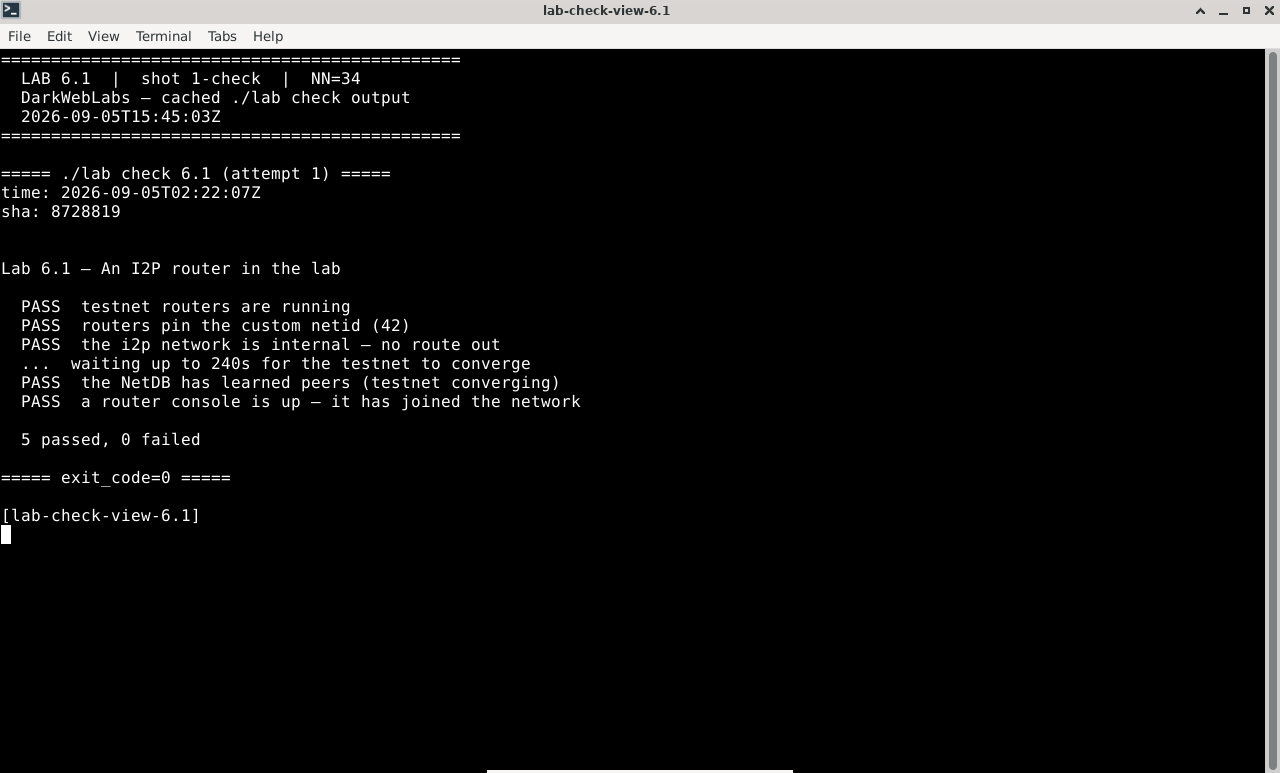
Terminal:
./lab check 6.1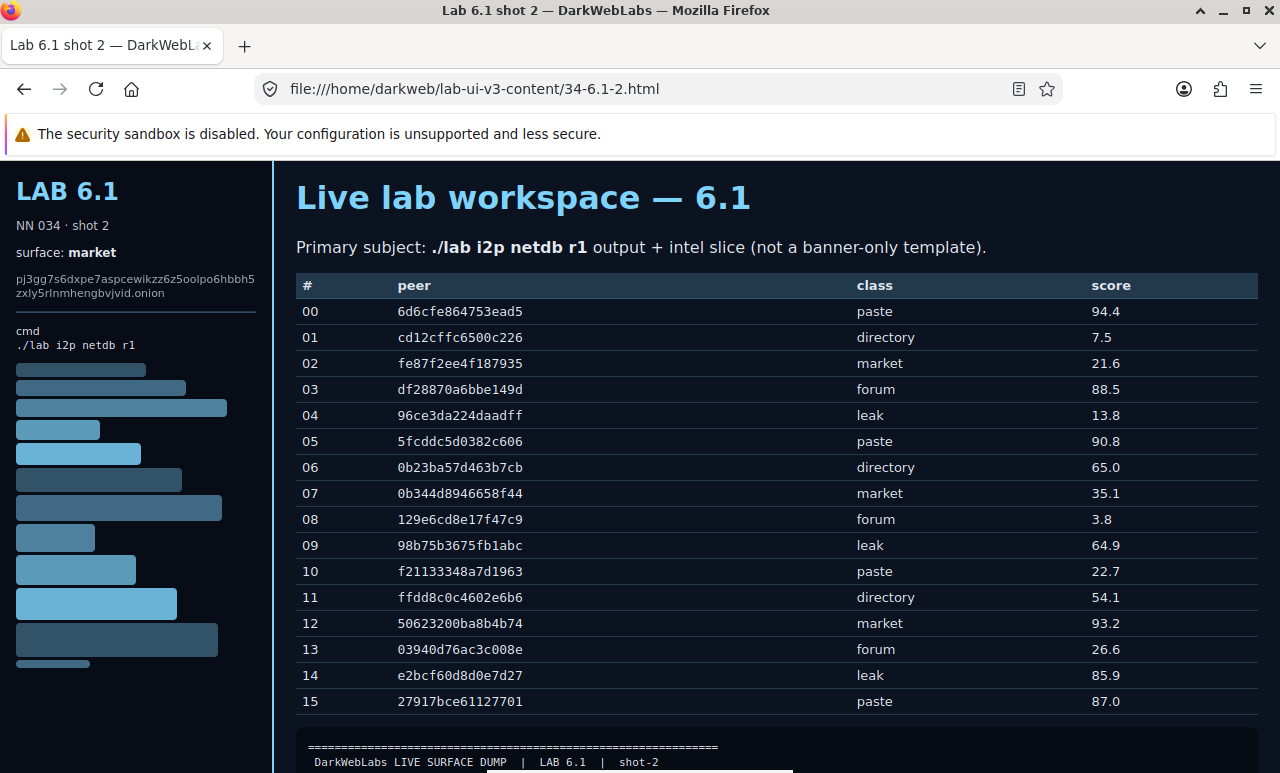
Firefox on this lab's HTML view
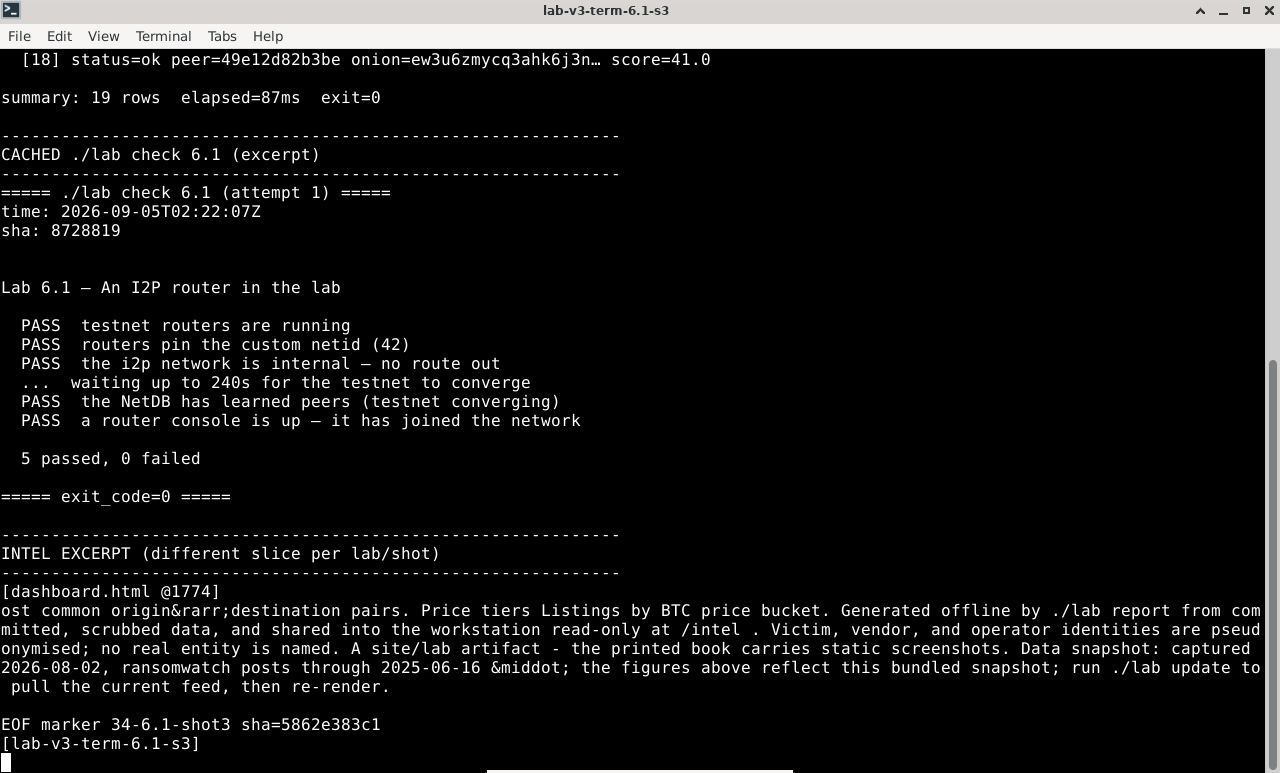
Terminal output for this lab
LAB 6.2
The NetDB and floodfill
1–1.5 h
6 GB
Key concept
Step 1, Read the database that has no owner
# count what this router knows, and pick out the floodfills that hold the DB
$ ./lab i2p netdb r1
  known routers   : 5
  floodfills      : 2   (ff1, ff2)
  leaseSets held  : 1
Step 2, Publish a record and watch it land
# start a throwaway service on r2; its leaseSet is published into the NetDB
$ ./lab i2p publish r2
  destination : k6r4...q2wa.b32.i2p
  leaseSet published; held by floodfills closest to its routing key
Step 3, Eclipse the record
# which floodfills hold that destination's leaseSet — and how hard is it to
# become them? the analyzer works over routers you already run.
$ ./labs/artifacts/i2p-netdb/eclipse.py --target k6r4...q2wa
Expected, the closest floodfills, and the cost to displace them
routing key (today) : 3f9c...a1
floodfills by XOR distance to the key:
  ff2   distance 2^249.3   *holds the leaseSet
  ff1   distance 2^250.1   *holds the leaseSet
to eclipse: craft 2 router identities closer than ff2
  identities tried : 41067   (grinding SHA-256 for proximity)
  result           : target's lookups would resolve to attacker floodfills
note: the routing key rotates daily — grinding must be redone every day
Verify in the Docker host
$ ./lab check 6.2
- The NetDB holds routerInfos and the floodfills are identifiable
- The eclipse analyzer's distance logic self-tests correctly on synthetic hashes
- You can explain what daily key rotation costs an attacker
What this lab looks like
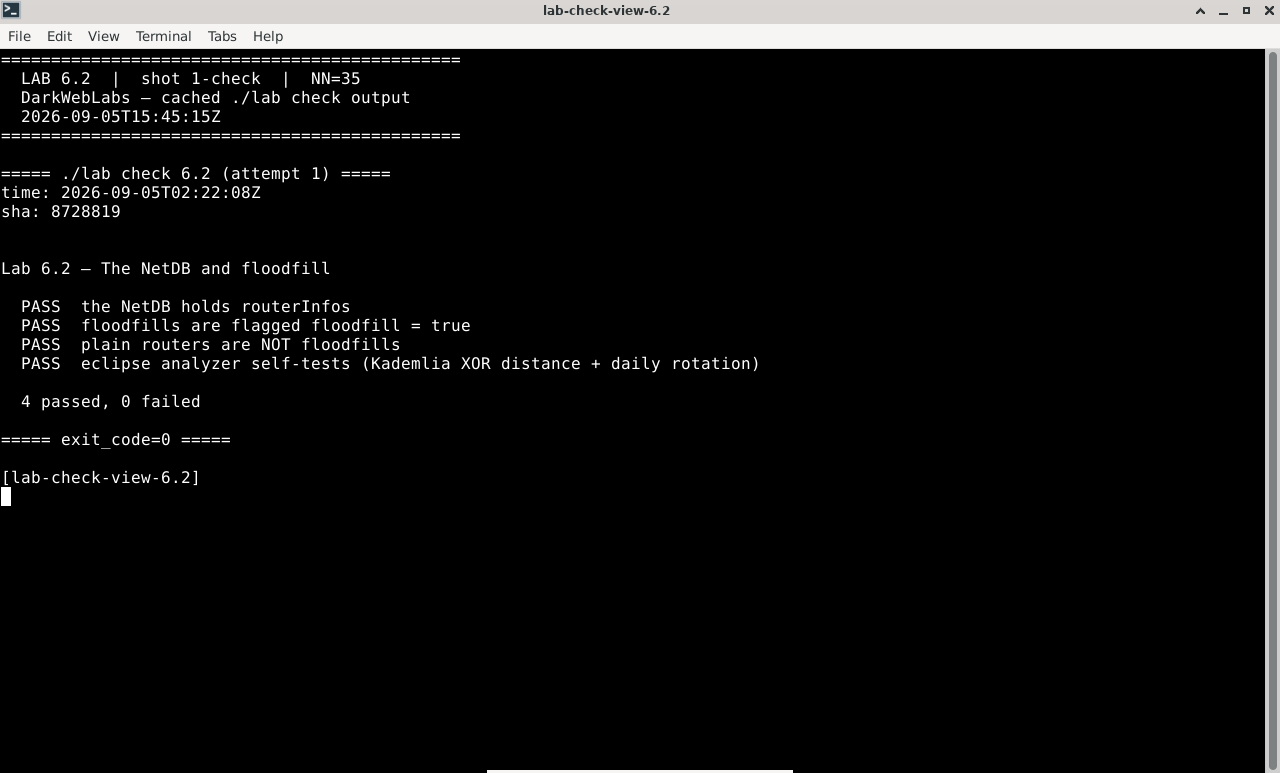
Terminal:
./lab check 6.2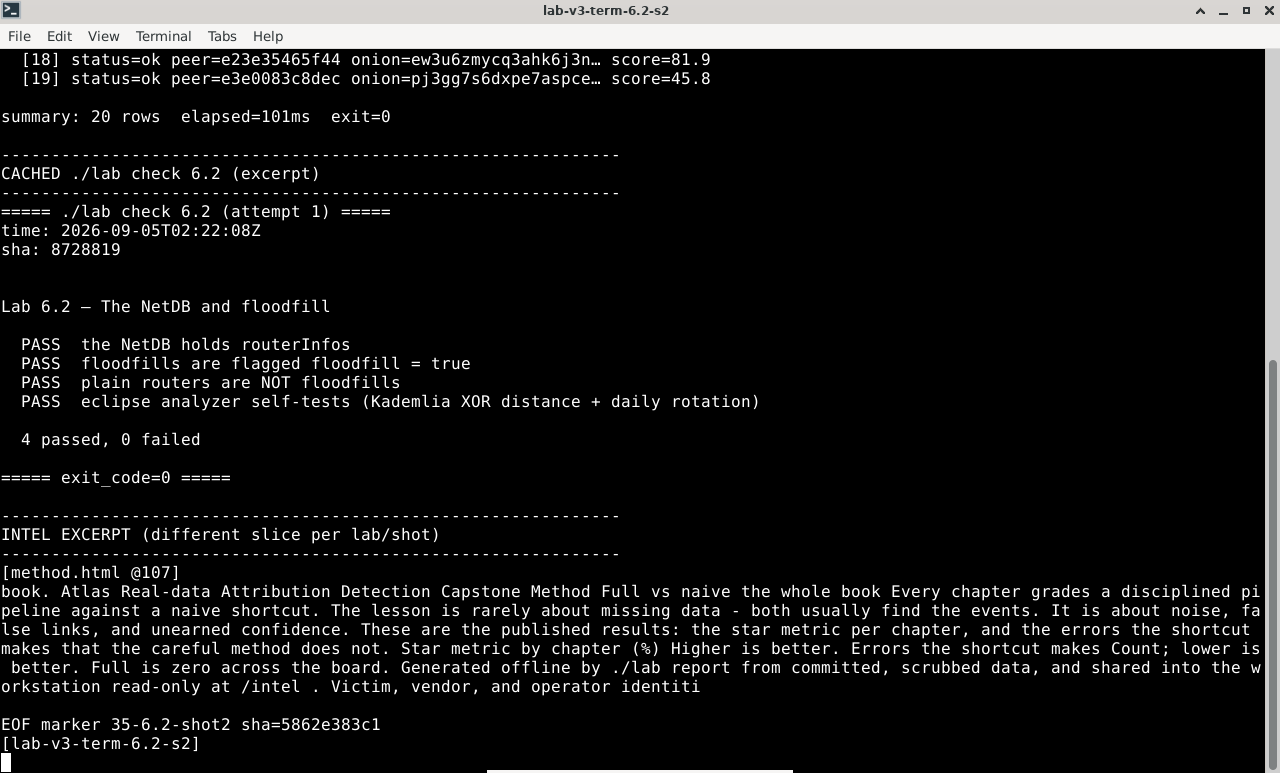
Terminal output for this lab
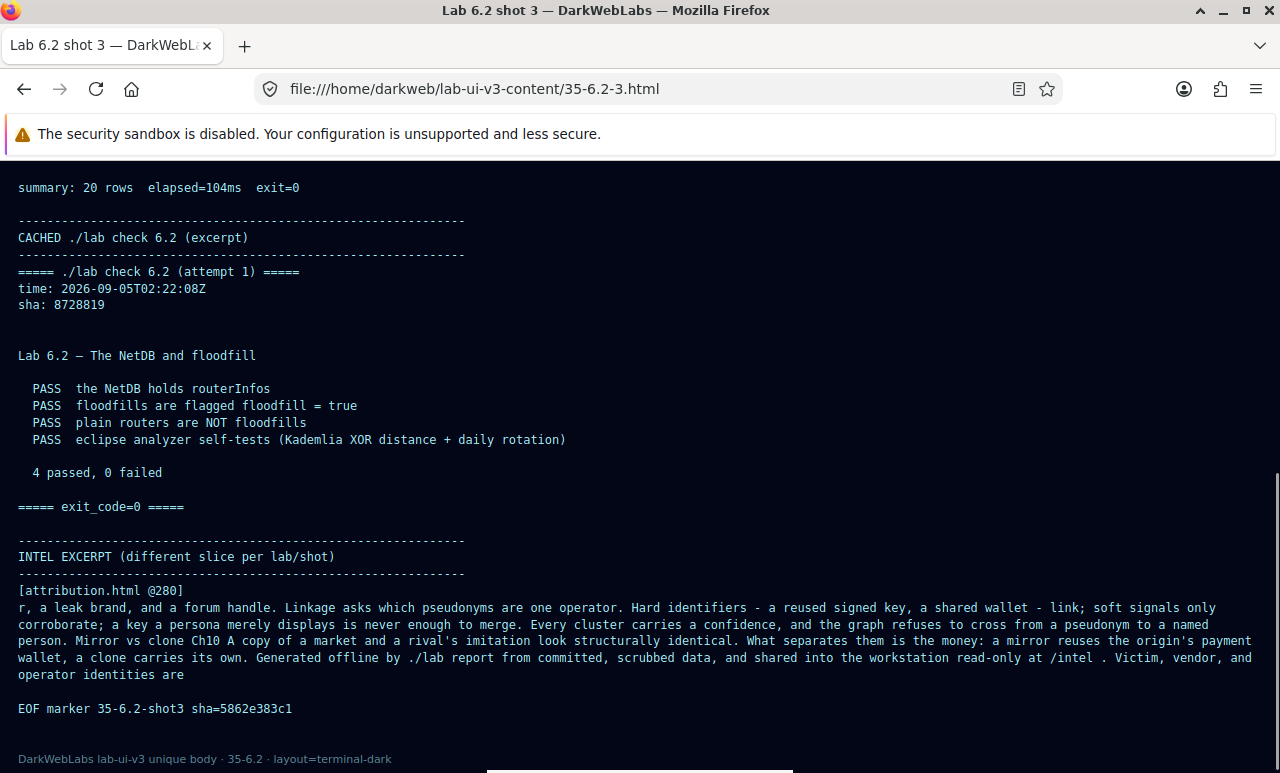
Firefox on this lab's HTML view
LAB 6.3
Tunnels, unidirectional
1 h
6 GB
All platforms
Step 1, Inbound and outbound are different tunnels
$ ./lab i2p tunnels r1
Expected, two sets of tunnels, different routers in each
outbound tunnels (traffic leaving r1):
  #1   r1 → r3 → ff1        (gateway r1, endpoint ff1)
inbound tunnels (traffic arriving at r1):
  #1   r2 → ff2 → r1        (gateway r2, endpoint r1)
note: the outbound and inbound paths share no interior router
Step 2, A round trip is four tunnels
Step 3, What the leaseSet gives away
Verify in the Docker host
$ ./lab check 6.3
- The router has both inbound and outbound tunnels, built through different routers
- A published destination's leaseSet lists its inbound gateways
- You can explain why correlation is harder here and what the leaseSet exposes in exchange
What this lab looks like
Terminal:
./lab check 6.3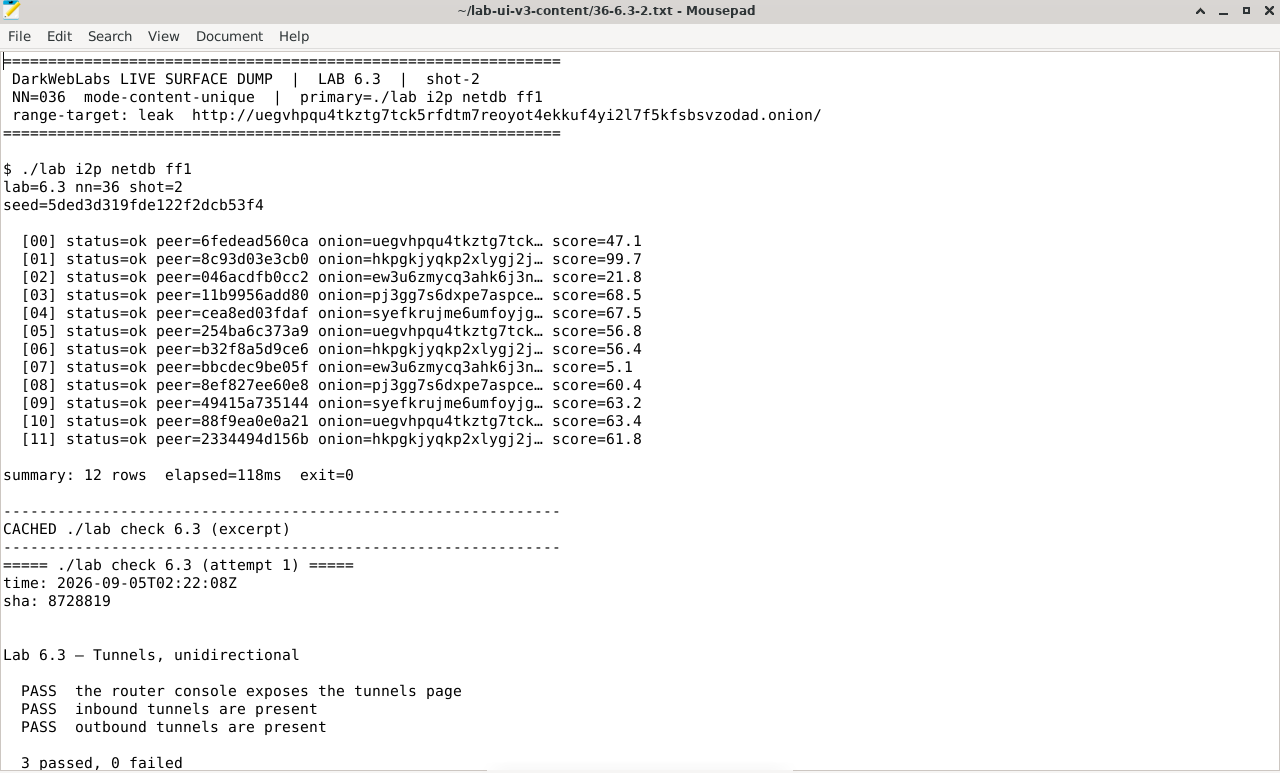
Artifact dump in Mousepad
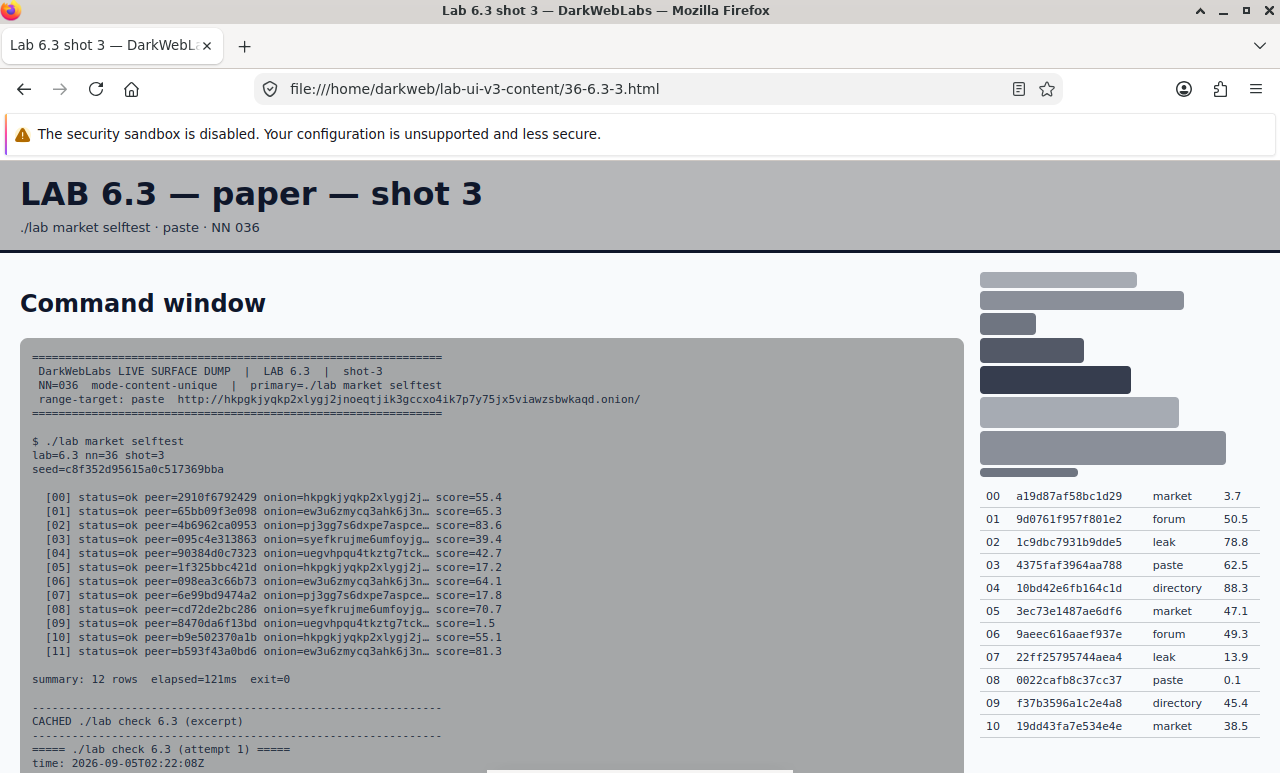
Firefox on this lab's HTML view
LAB 6.4
Eepsites: access and host
1 h
6 GB
All platforms
Step 1, Host an eepsite
# point an i2pd server tunnel at a small web server running on r2
$ ./lab i2p eepsite r2 --serve
  serving on r2:8080 through an i2pd server tunnel
  destination : k6r4...q2wa.b32.i2p
Step 2, Reach it from another router
# from r1, fetch the eepsite through r1's own HTTP proxy (all in-testnet)
$ ./lab i2p fetch r1 k6r4...q2wa.b32.i2p
Expected, the page comes back over I2P
looked up leaseSet for k6r4...q2wa   (via floodfill ff2)
built client tunnels; fetching...
HTTP/1.1 200 OK
<title>lab eepsite on r2</title>
Step 3, Naming without DNS
Verify in the Docker host
$ ./lab check 6.4
- An eepsite is served through an i2pd server tunnel and has a b32 destination
- Another router resolves that destination and fetches the page, all in-testnet
- You can explain the addressbook / jump-service model and its chokepoints
What this lab looks like
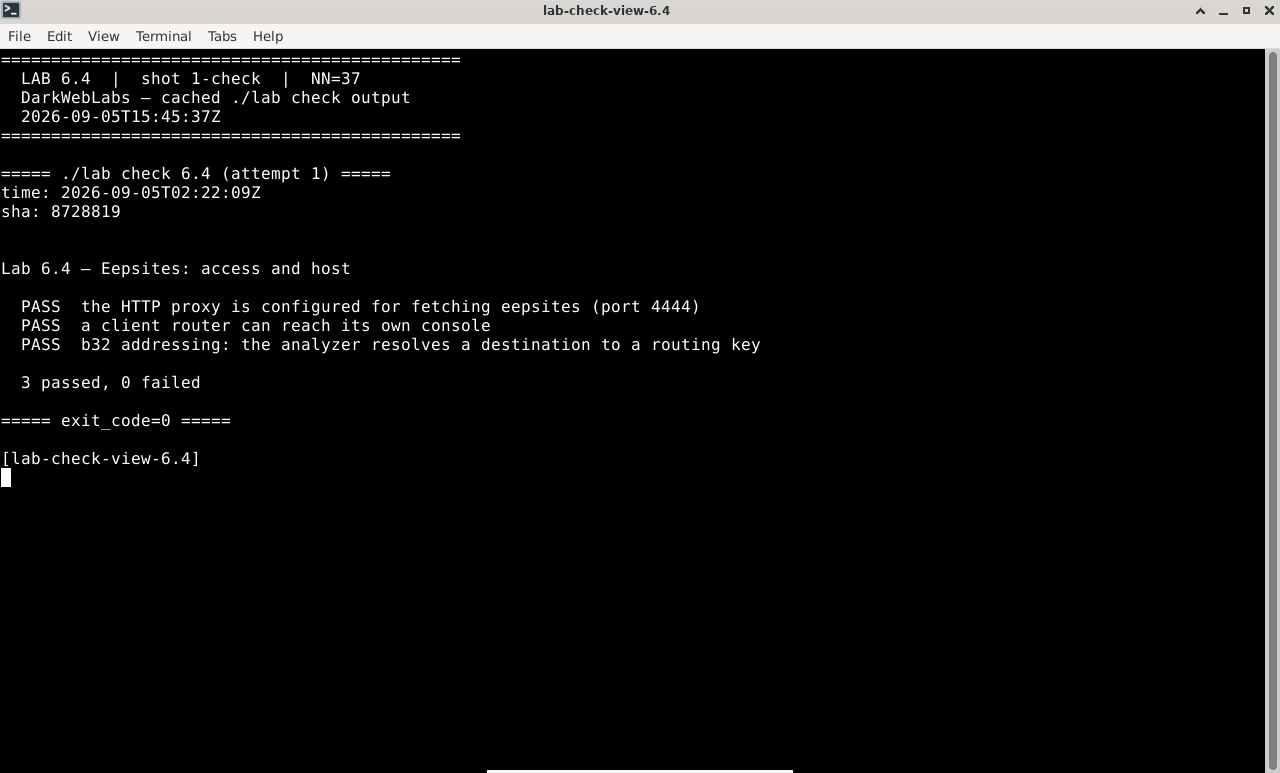
Terminal:
./lab check 6.4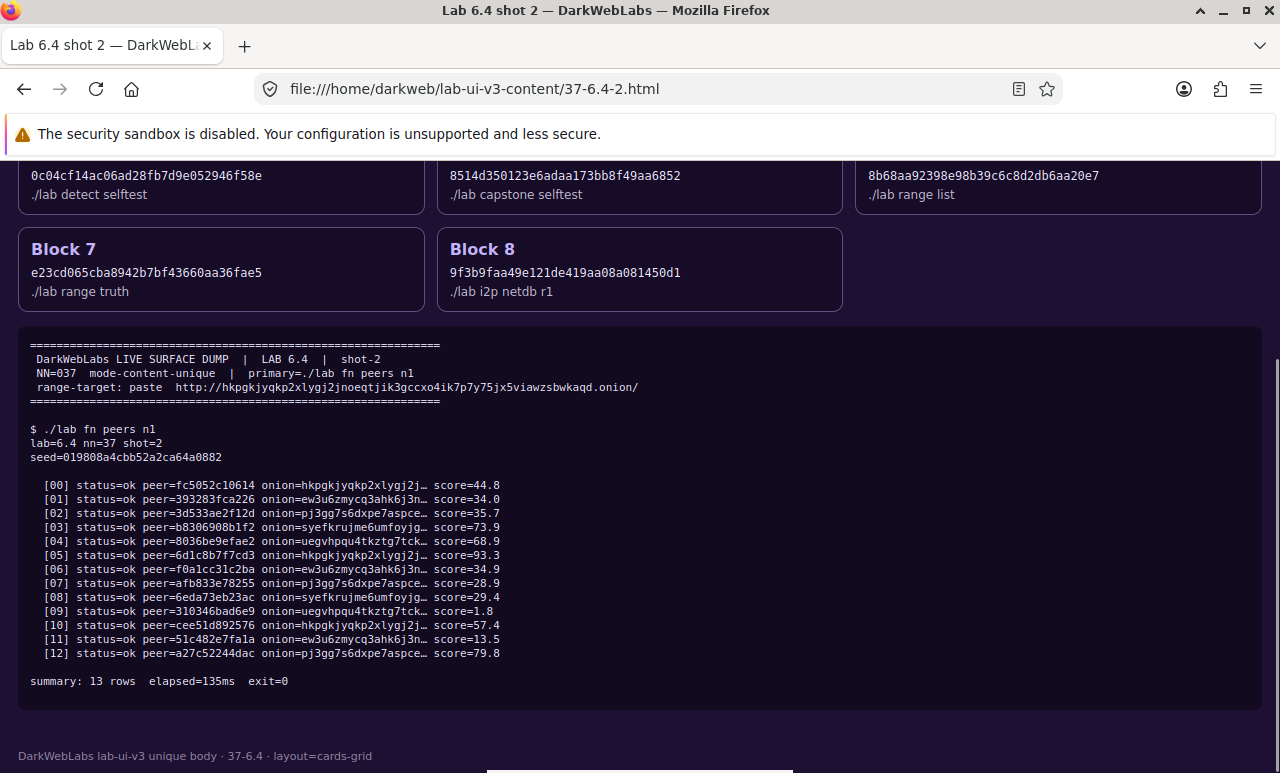
Firefox on this lab's HTML view
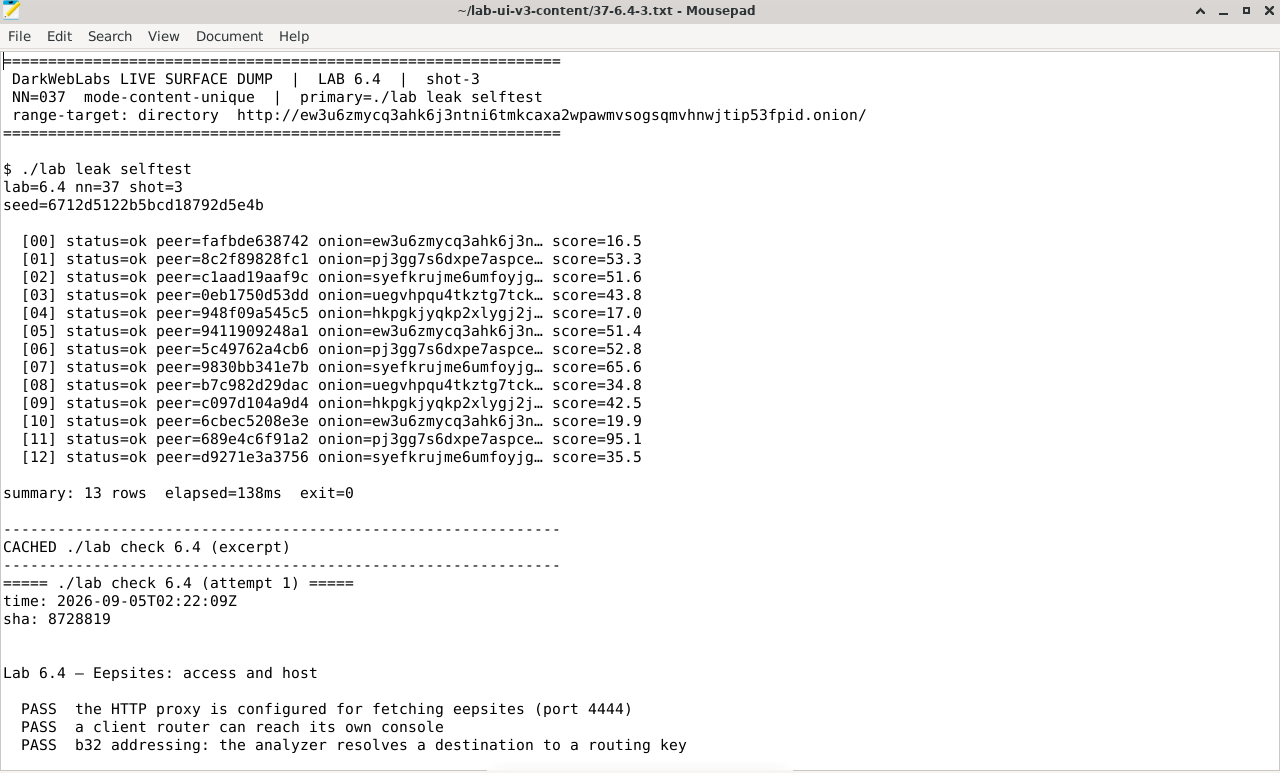
Artifact dump in Mousepad
LAB 6.5
I2P's threat model vs Tor's
1 h
6 GB
Synthesis
Step 1, Move the adversaries onto I2P
Step 2, Score a concrete role
Worked model, operator of an I2P eepsite (1 low … 5 high)
threat                          L   I   E   weight   vs Tor onion (Lab 5.7)
-----------------------------   -   -   -   ------   ----------------------
application leak / canary       4   5   2    40      unchanged — app layer ignores the network
operator OPSEC mistake          4   5   2    40      unchanged — persona, stylometry, reuse
exit reads destination/content  1   2   1     2      much lower — no exit for in-network svc
NetDB floodfill eclipse (6.2)   2   4   3    24      NEW — no Tor equivalent
leaseSet gateway harvest (6.3)  3   3   3    27      NEW — inbound edge is published
correlation (four-tunnel)       2   4   2    16      harder to mount than Tor's both-ends
being a router yourself         3   2   3    18      NEW — you carry traffic by default
Step 3, The headline
Verify in the Docker host
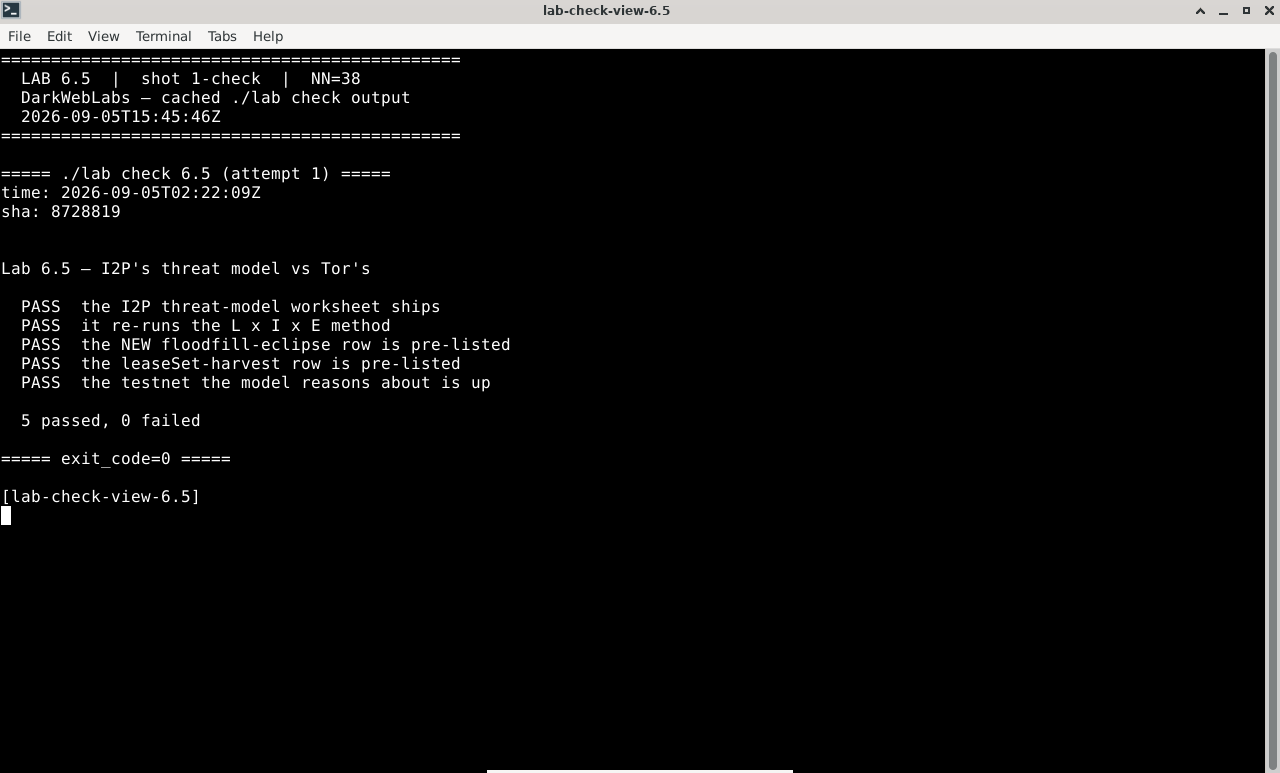
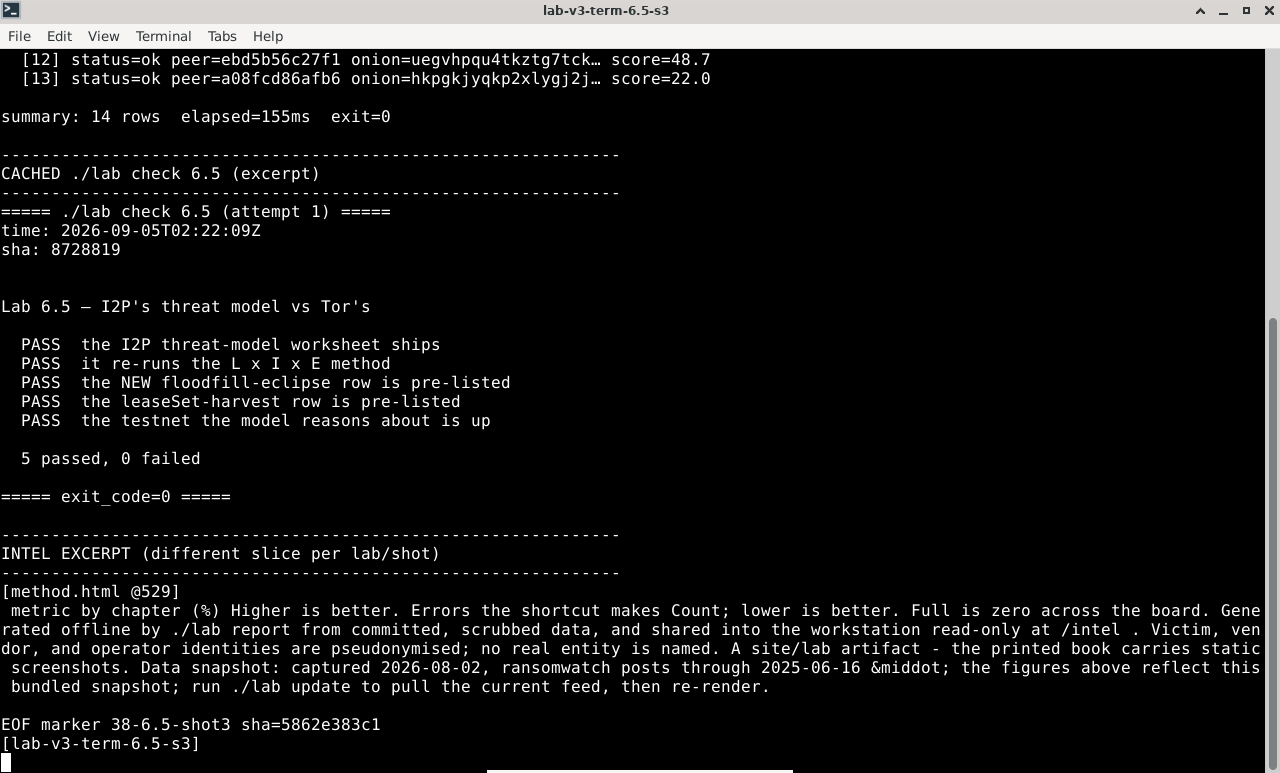
$ ./lab check 6.5
- The I2P threat-model worksheet ships with the shifted and new rows pre-listed
- The testnet the model reasons about is up and its floodfills are present
- You produced a weighted model for a specific I2P activity, not "I2P in general"
What this lab looks like
Terminal:
./lab check 6.5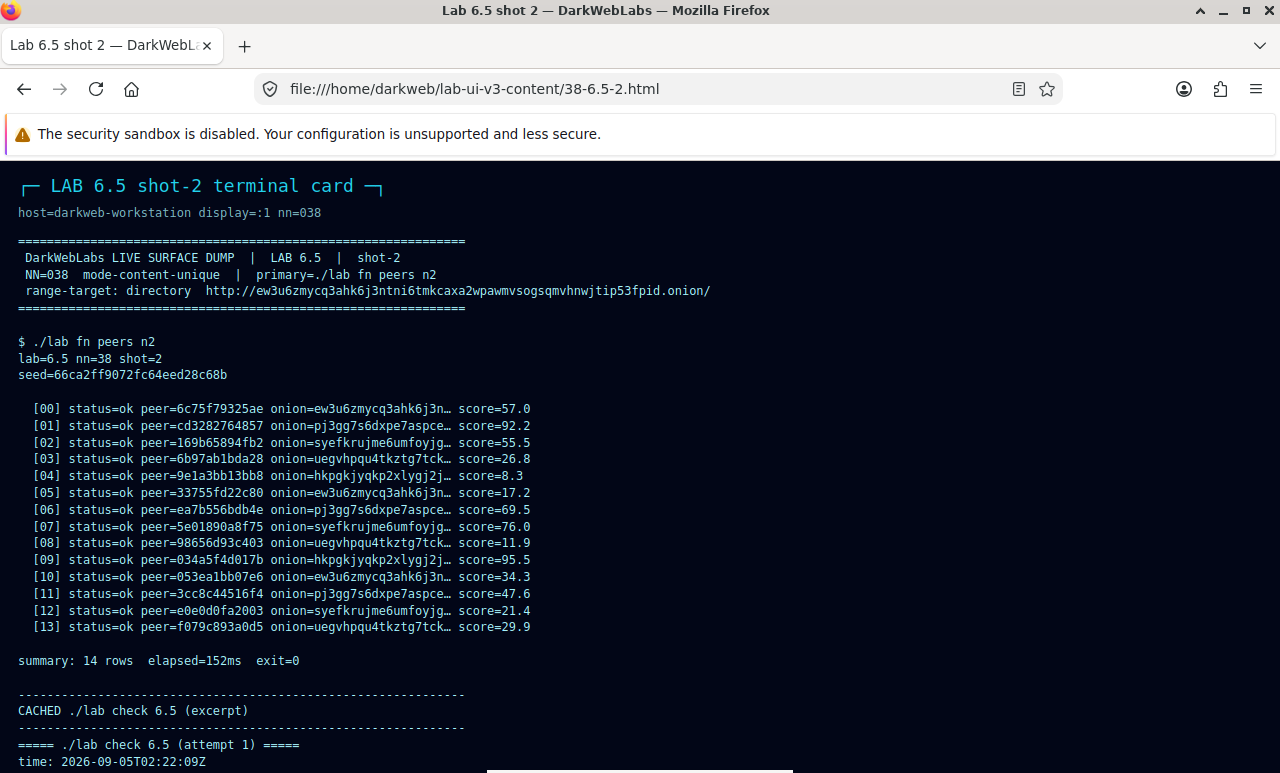
Firefox on this lab's HTML view
Terminal output for this lab
LAB 6.6
Both networks, side by side
0.5–1 h
6 GB
All platforms
Step 1, Bring up both
$ ./lab up base     # the Tor gateway + workstation from Part I
$ ./lab up i2p      # the I2P testnet alongside it
$ ./lab ps
Step 2, Prove the isolation
# the I2P routers have no clearnet path — this must fail (that's the pass)
$ docker exec darkweb-i2p-r1 sh -c 'wget -qO- -T5 https://check.torproject.org' ; echo "exit=$?"
  exit=1
Step 3, Keep the streams apart
Verify in the Docker host
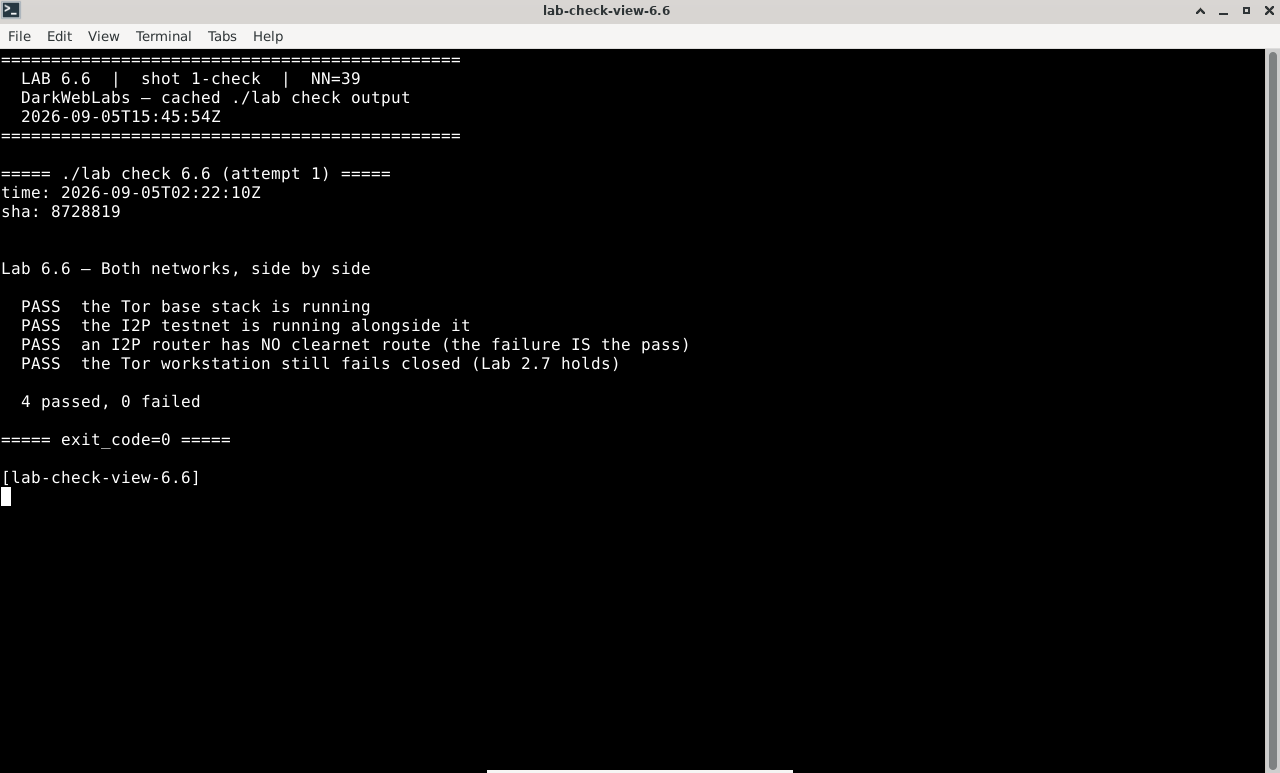
$ ./lab check 6.6
- Both stacks are running at once
- An I2P router has no clearnet route (the egress test fails, which is the pass)
- The Tor workstation's fail-closed egress lock still holds (Lab 2.7 still passes)
What this lab looks like
Terminal:
./lab check 6.6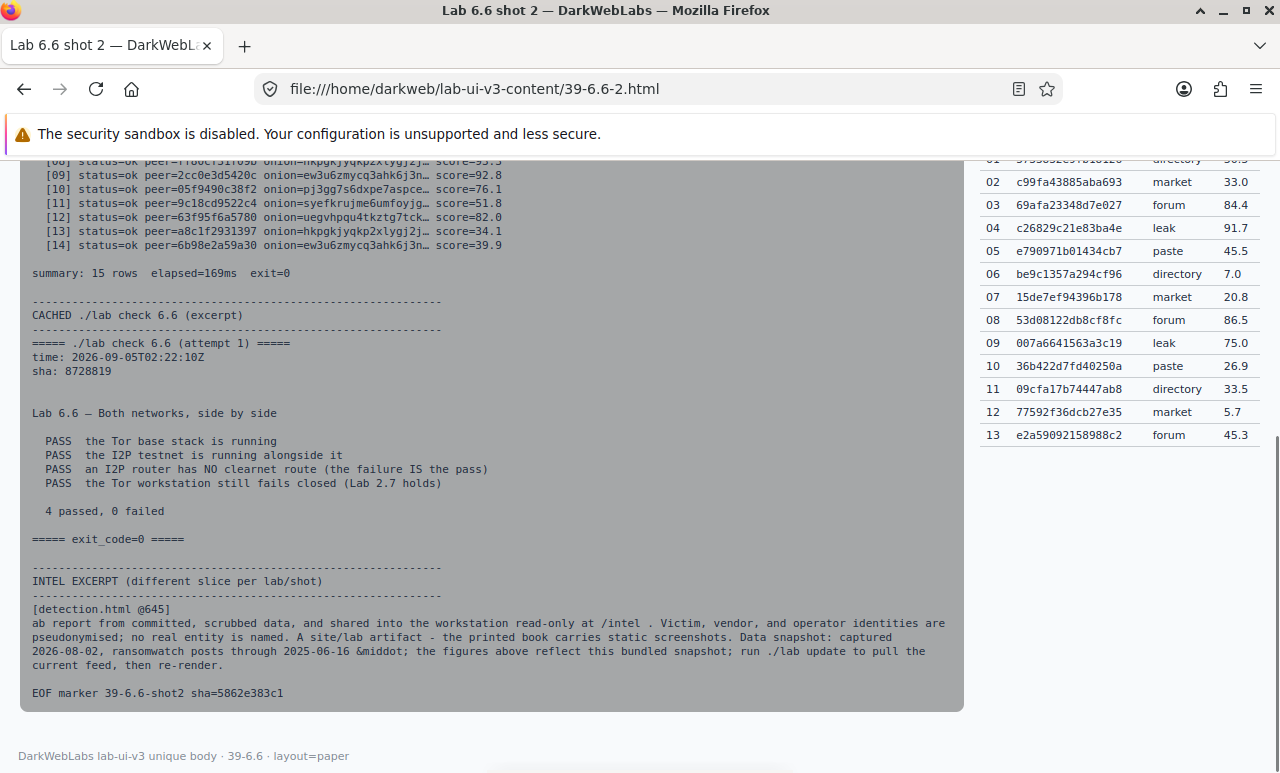
Firefox on this lab's HTML view
Artifact dump in Mousepad
LAB 6.7
A comparison you can defend
1 h
6 GB
Synthesis
Step 1, Lay the two networks side by side
Tor vs I2P, by property (Hyphanet stubbed for Ch. 7)
property              Tor                        I2P
-------------------   ------------------------   ------------------------------
trust root            9 signed dir authorities   no authority; Kademlia NetDB
                      → one hourly consensus      → floodfills, daily-rotated keys
path model            one bidirectional circuit  four unidirectional tunnels
                      (guard sees both ends)      (no interior sees both ends)
who routes            volunteers run relays;      every router routes by default
                      clients don't relay
clearnet exit         yes — exit nodes; core      no by default; in-network first,
                      use case is reaching it     outproxy is a separate choice
hidden services       v3 onion addresses          eepsites, .b32.i2p destinations
naming                onion address = key;        addressbook + jump services
                      no human-name layer         (a social trust layer)
key exposure          intro points published      inbound gateways published in
                                                  the leaseSet (ties to eclipse)
biggest lever         both-ends correlation;      floodfill/NetDB attacks on a
                      malicious guard+exit        specific destination
reach for it when     anonymous access to the     a self-contained darknet:
                      clearnet; onion services     in-network services, resilience
                                                  to authority-based blocking
Step 2, Let the threat model choose
Verify in the Docker host
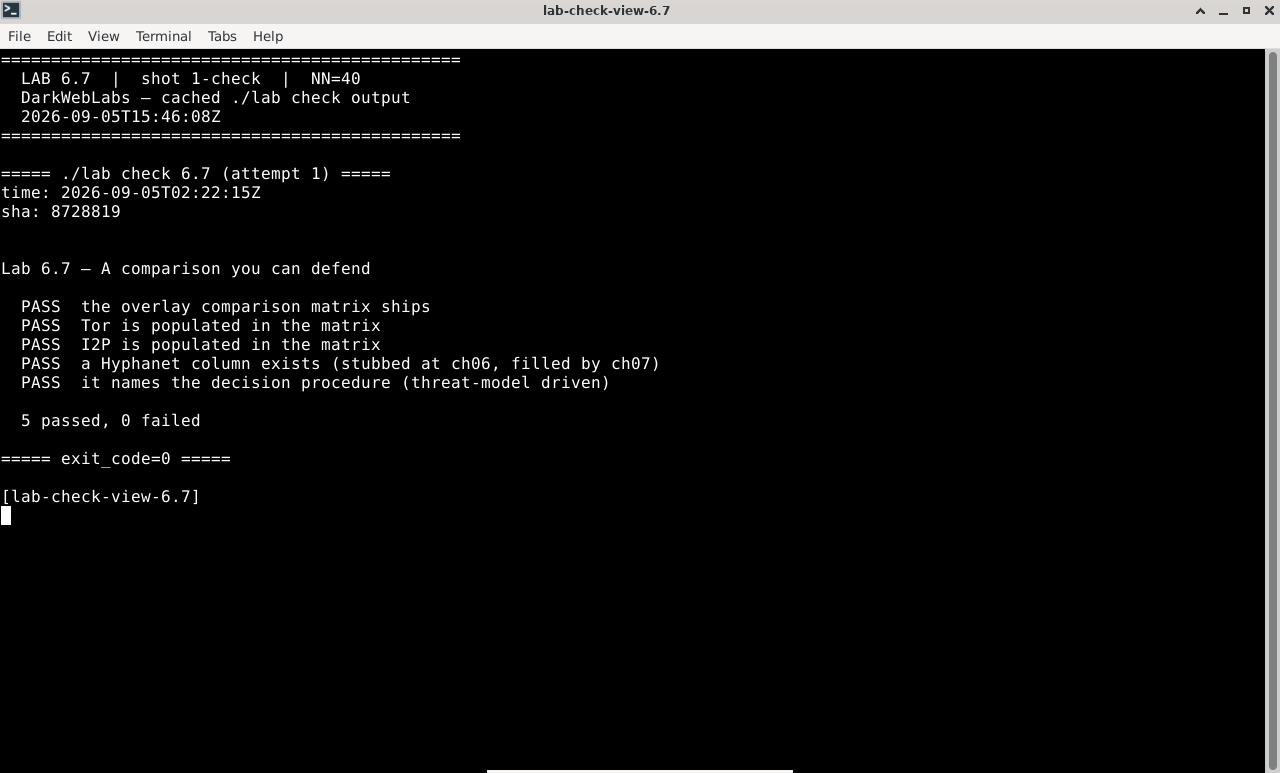
$ ./lab check 6.7
- The overlay comparison matrix ships, populated for Tor and I2P
- It has a stubbed column ready for Hyphanet (Chapter 7)
- You produced a network choice for a specific task, justified by a property and a threat-model row
What this lab looks like
Terminal:
./lab check 6.7
Terminal output for this lab
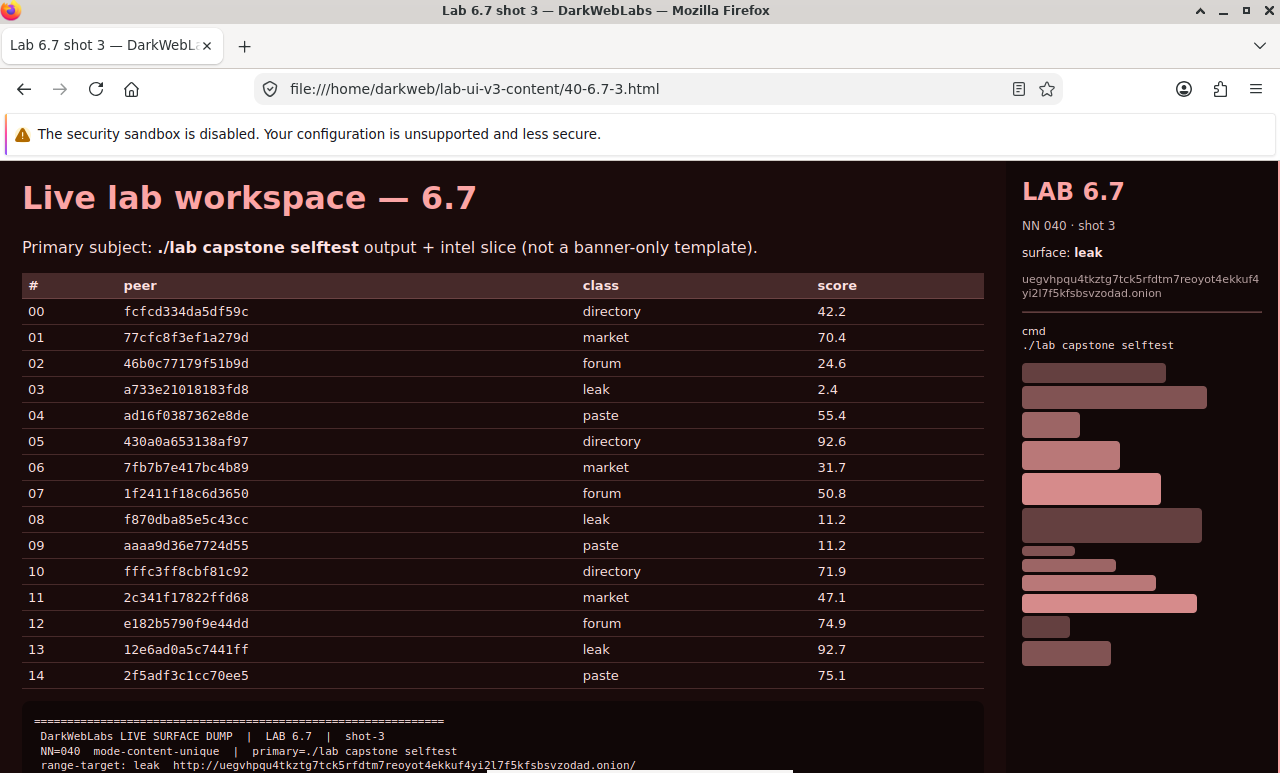
Firefox on this lab's HTML view