Part II · Protocol & Services · Chapter 3
Tor From the Inside
Commands only. What each step does, why it is built this way, and the judgment behind it are in the book.
Workstation tier
7 labs
≈ 6–7.5 h
4 GB RAM
Windows · macOS · Linux
Labs in this chapter
What you'll be able to do
- Query the running Tor daemon over the control port, with
ncand withstem(Lab 3.1 - The control port as an instrument) - Read the signed consensus and explain why one shared map resists a lying relay (Lab 3.2 - The consensus: Tor's shared map)
- Find your entry guard and say exactly what it sees, and why it persists (Lab 3.3 - Guards: your fixed door into the network)
- Watch a three-hop circuit build and name what each hop knows (Lab 3.4 - Building a circuit: three hops, layered encryption)
- Tell a circuit from a stream, and use isolation to keep destinations apart (Lab 3.5 - Streams: how a connection rides a circuit)
- Trace an onion connection through rendezvous, and explain the single-machine chat limit (Lab 3.6 - Rendezvous, from the outside in)
- Use
NEWNYMdeliberately, and know when rotating is theatre (Lab 3.7 - New identity and circuit hygiene)
LAB 3.1
The control port as an instrument
0.5–1 h
4 GB
Key concept
Step 1, Speak the protocol by hand
# the control port is a line protocol; authenticate, then ask
$ printf 'AUTHENTICATE "%s"\r\nGETINFO version\r\nGETINFO uptime\r\nQUIT\r\n' \
    "$LAB_CONTROL_PW" | nc 10.152.152.10 9051
Expected
250 OK
250-version=0.4.8.13
250 OK
250-uptime=4211
250 OK
250 closing connection
Step 2, Use stem for anything structured
$ python3 - <<'PY'
import os
from stem.control import Controller
with Controller.from_port(address="10.152.152.10", port=9051) as c:
    c.authenticate(password=os.environ["LAB_CONTROL_PW"])
    print("tor version :", c.get_version())
    print("dir info    :", c.get_info("status/enough-dir-info"))
    print("live circuits:", len(c.get_circuits()))
PY
Expected
tor version : 0.4.8.13
dir info    : 1
live circuits: 6
Verify in the Docker host
$ ./lab check 3.1
- The control port authenticates with
$LAB_CONTROL_PW GETINFO versionreturns a running Tor version- stem is installed and can connect to the gateway
What this lab looks like
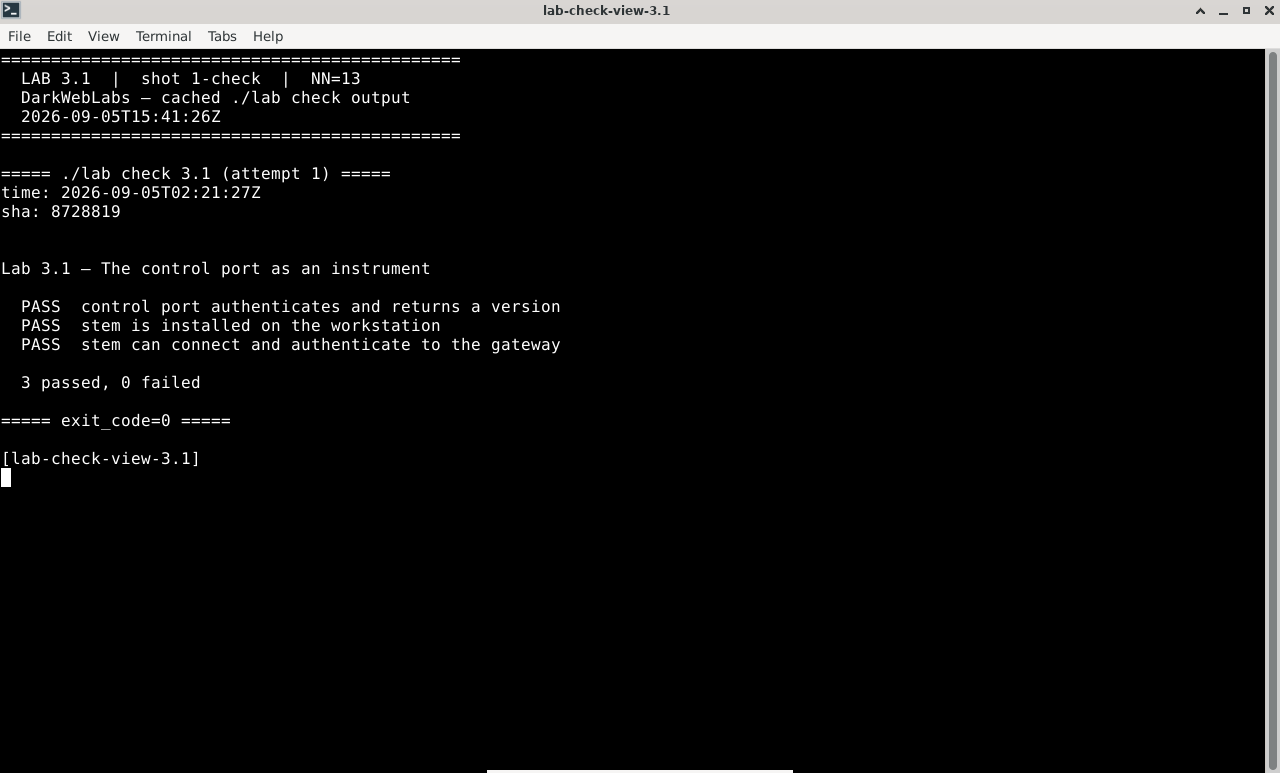
Terminal:
./lab check 3.1
Hyphanet FProxy: friends
Firefox on this lab's HTML view
LAB 3.2
The consensus: Tor's shared map
1 h
4 GB
All platforms
Step 1, Confirm you have a live consensus
$ printf 'AUTHENTICATE "%s"\r\nGETINFO consensus/valid-after\r\nGETINFO status/enough-dir-info\r\nQUIT\r\n' \
    "$LAB_CONTROL_PW" | nc 10.152.152.10 9051
Expected
250-consensus/valid-after=2026-07-30 05:00:00
250-status/enough-dir-info=1
250 OK
Step 2, Read the map with stem
$ python3 - <<'PY'
import os, collections
from stem.control import Controller
with Controller.from_port(address="10.152.152.10", port=9051) as c:
    c.authenticate(password=os.environ["LAB_CONTROL_PW"])
    relays = list(c.get_network_statuses())
    flags = collections.Counter(f for r in relays for f in r.flags)
    print("relays in consensus:", len(relays))
    for f in ("Guard", "Exit", "Fast", "Stable", "Running"):
        print(f"  {f:8}: {flags[f]}")
PY
Expected, figures vary
relays in consensus: 7314
  Guard   : 3902
  Exit    : 1985
  Fast    : 7001
  Stable  : 6640
  Running : 7314
Verify in the Docker host
$ ./lab check 3.2
- The gateway holds a current consensus with a
valid-aftertime - It reports
enough-dir-infoto build circuits - The consensus lists a non-trivial number of relays
What this lab looks like
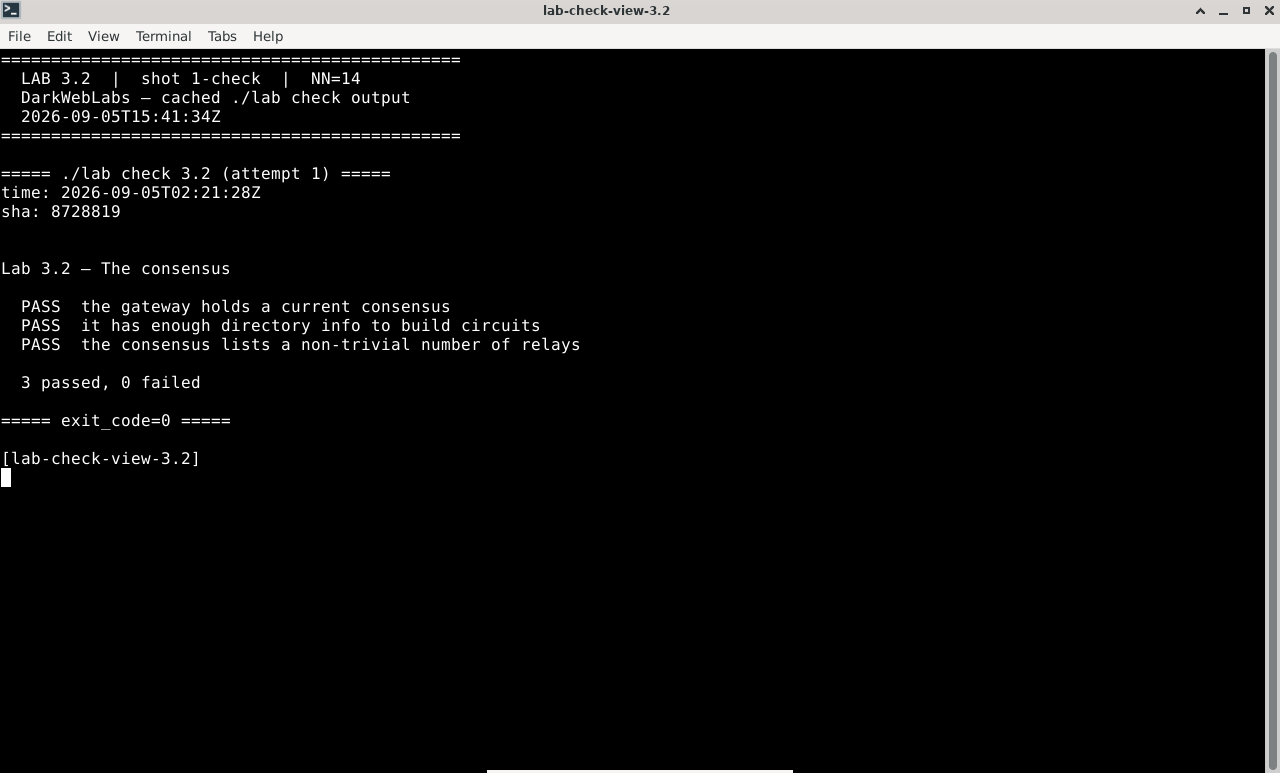
Terminal:
./lab check 3.2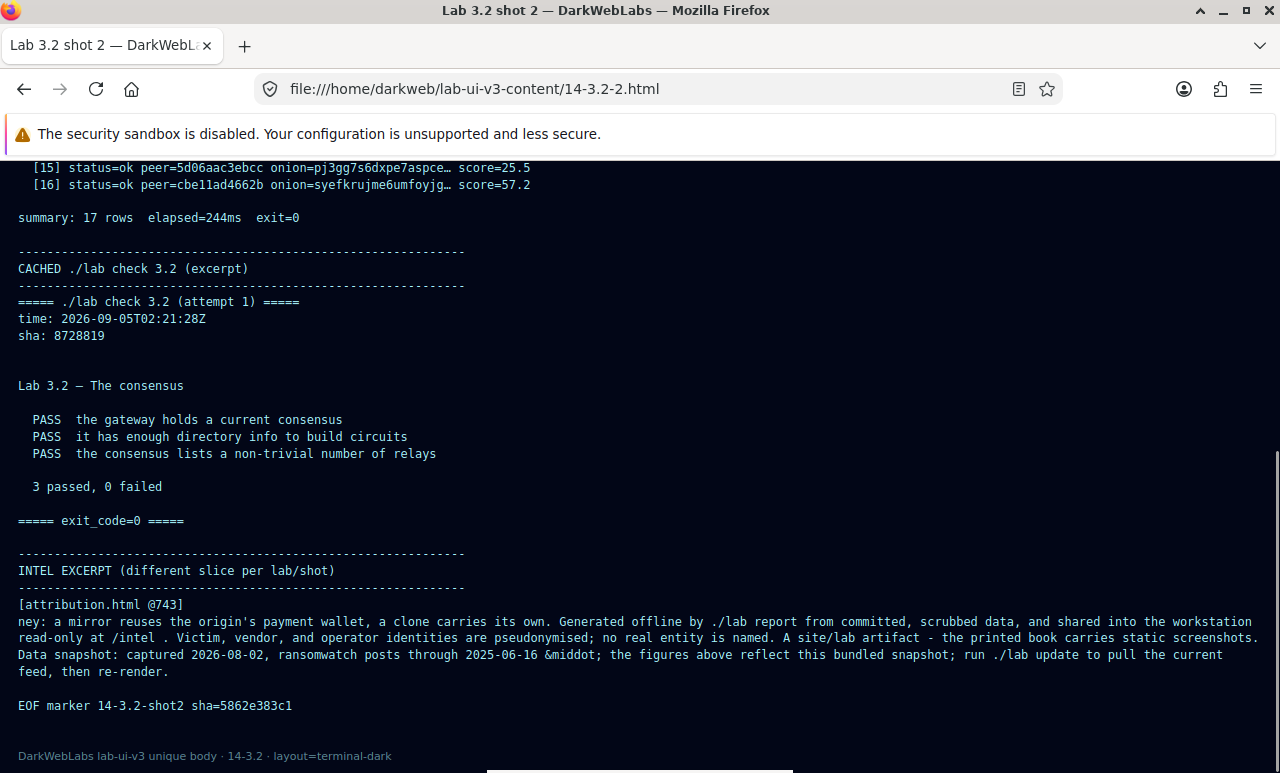
Hyphanet FProxy: downloads
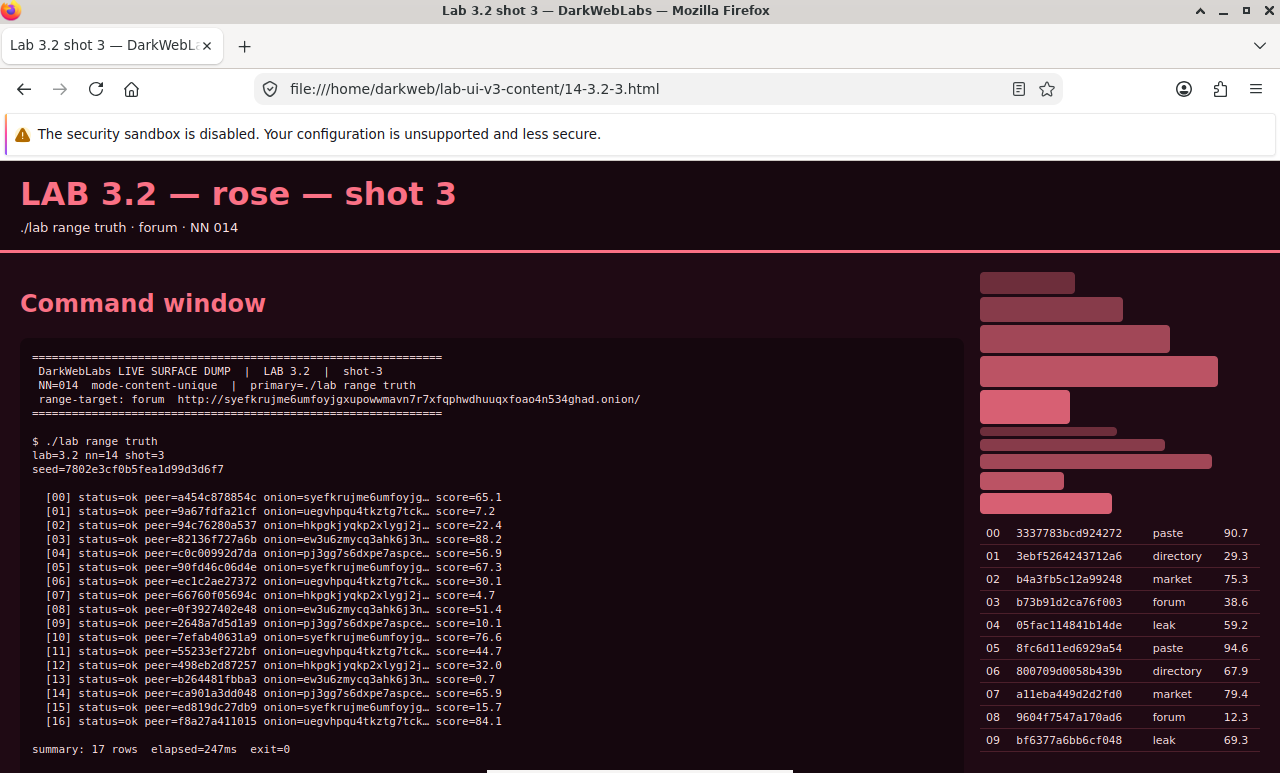
Firefox on this lab's HTML view
LAB 3.3
Guards: your fixed door into the network
1 h
4 GB
Key concept
Step 1, Find your guard
$ printf 'AUTHENTICATE "%s"\r\nGETINFO entry-guards\r\nQUIT\r\n' \
    "$LAB_CONTROL_PW" | nc 10.152.152.10 9051
Expected; one primary guard
250+entry-guards=
$A1B2C3D4E5F6...9F up
.
250 OK
Step 2, Confirm the guard is persisted
# the guard choice lives in Tor's state file, on the persistent volume
$ docker exec darkweb-gateway grep -c '^Guard' /var/lib/tor/state
$ docker volume ls --format '{{.Name}}' | grep darkweb_tor_data
Expected
1
darkweb_tor_data
Verify in the Docker host
$ ./lab check 3.3
- Tor reports at least one entry guard
- The guard is recorded in the persistent state file
- The
darkweb_tor_datavolume exists so the guard survives a reset
What this lab looks like
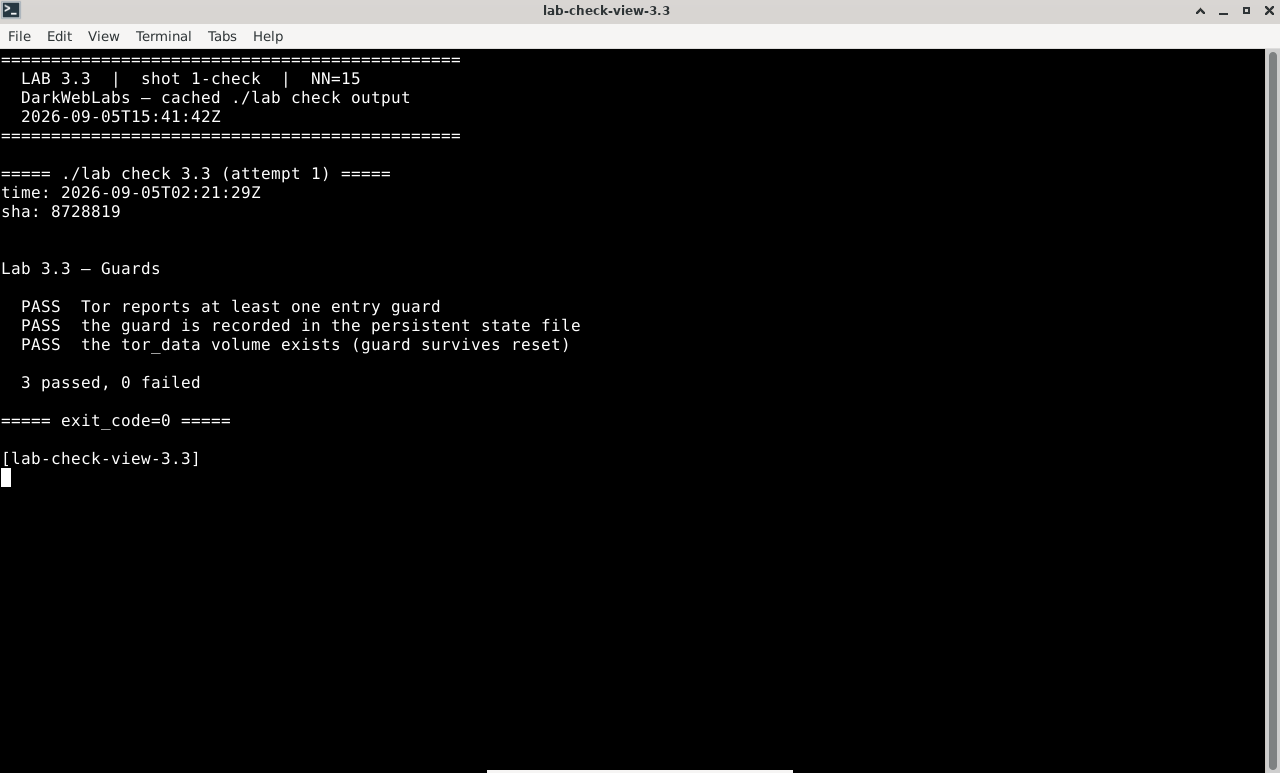
Terminal:
./lab check 3.3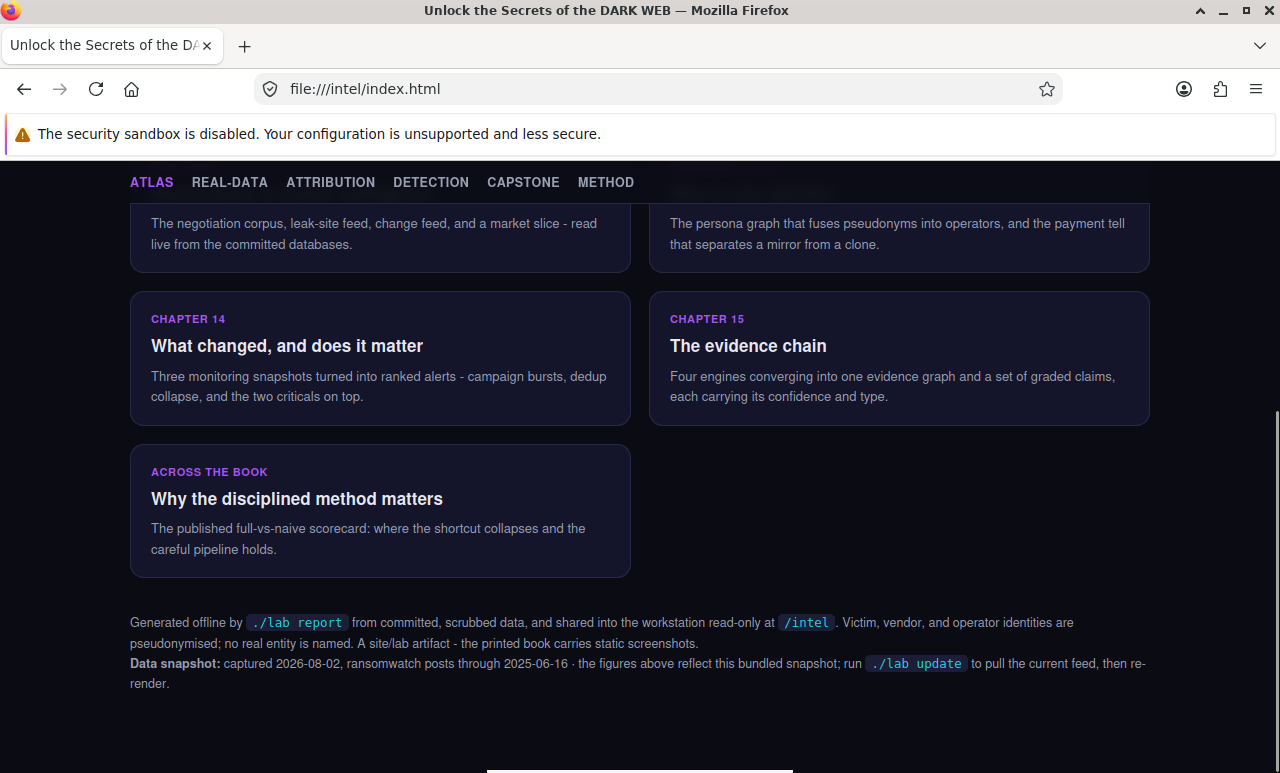
Intel report:
index.html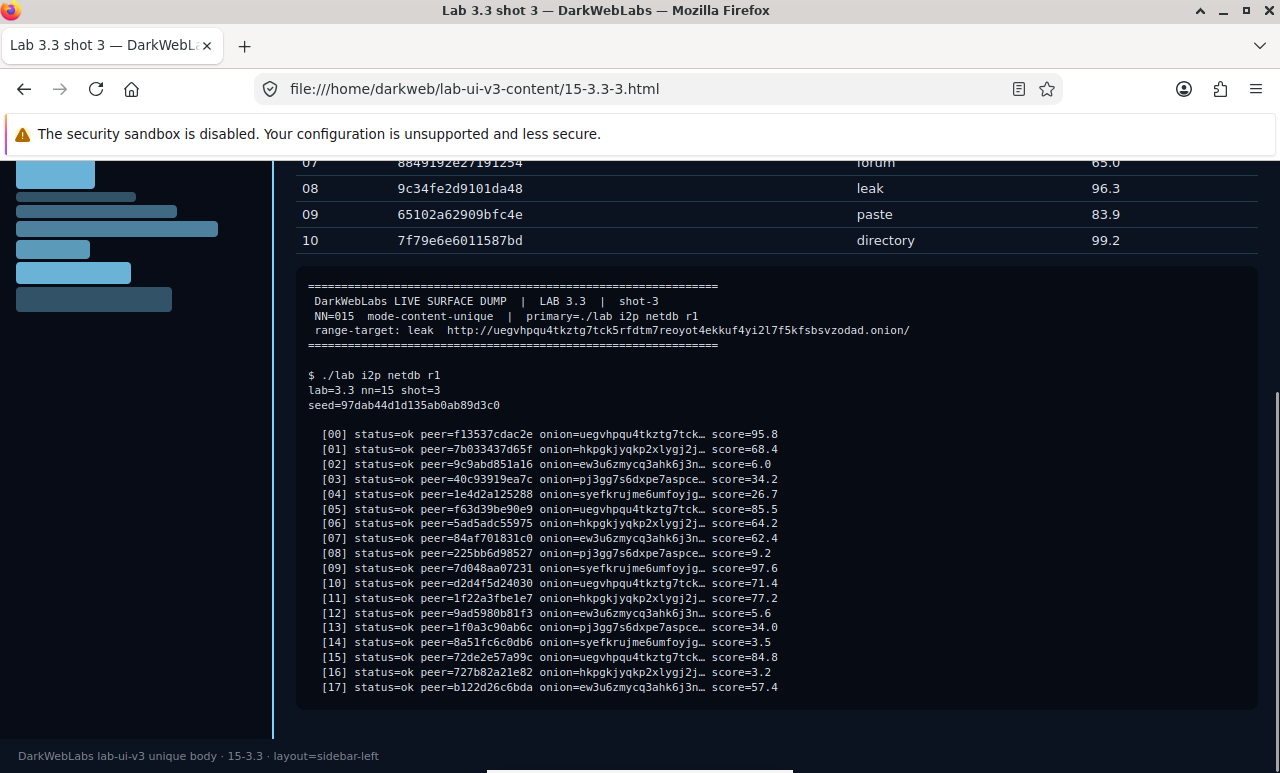
Firefox on this lab's HTML view
LAB 3.4
Building a circuit: three hops, layered encryption
1–1.5 h
4 GB
All platforms
Step 1, List live circuits
$ python3 - <<'PY'
import os
from stem.control import Controller
with Controller.from_port(address="10.152.152.10", port=9051) as c:
    c.authenticate(password=os.environ["LAB_CONTROL_PW"])
    for circ in c.get_circuits():
        if circ.status != "BUILT":
            continue
        hops = " -> ".join(nick or fp[:8] for fp, nick in circ.path)
        print(f"circuit {circ.id} [{circ.purpose}]: {hops}")
PY
Expected
circuit 5 [GENERAL]: gabelmoo -> relay8842 -> tortexit01
circuit 6 [GENERAL]: gabelmoo -> munich3  -> exitnode77
Step 2, Who knows what
Step 3, Build one by hand
$ python3 - <<'PY'
import os
from stem.control import Controller
with Controller.from_port(address="10.152.152.10", port=9051) as c:
    c.authenticate(password=os.environ["LAB_CONTROL_PW"])
    cid = c.new_circuit(await_build=True)          # let Tor pick the path
    circ = c.get_circuit(cid)
    print("built circuit", cid)
    for fp, nick in circ.path:
        print("  ", nick or fp[:16])
PY
Expected
built circuit 11
   gabelmoo
   quintex44
   fastExit9
Verify in the Docker host
$ ./lab check 3.4
- At least one
BUILT, general-purpose circuit exists - It has exactly three hops
- Its first hop is the same guard reported in Lab 3.3
What this lab looks like
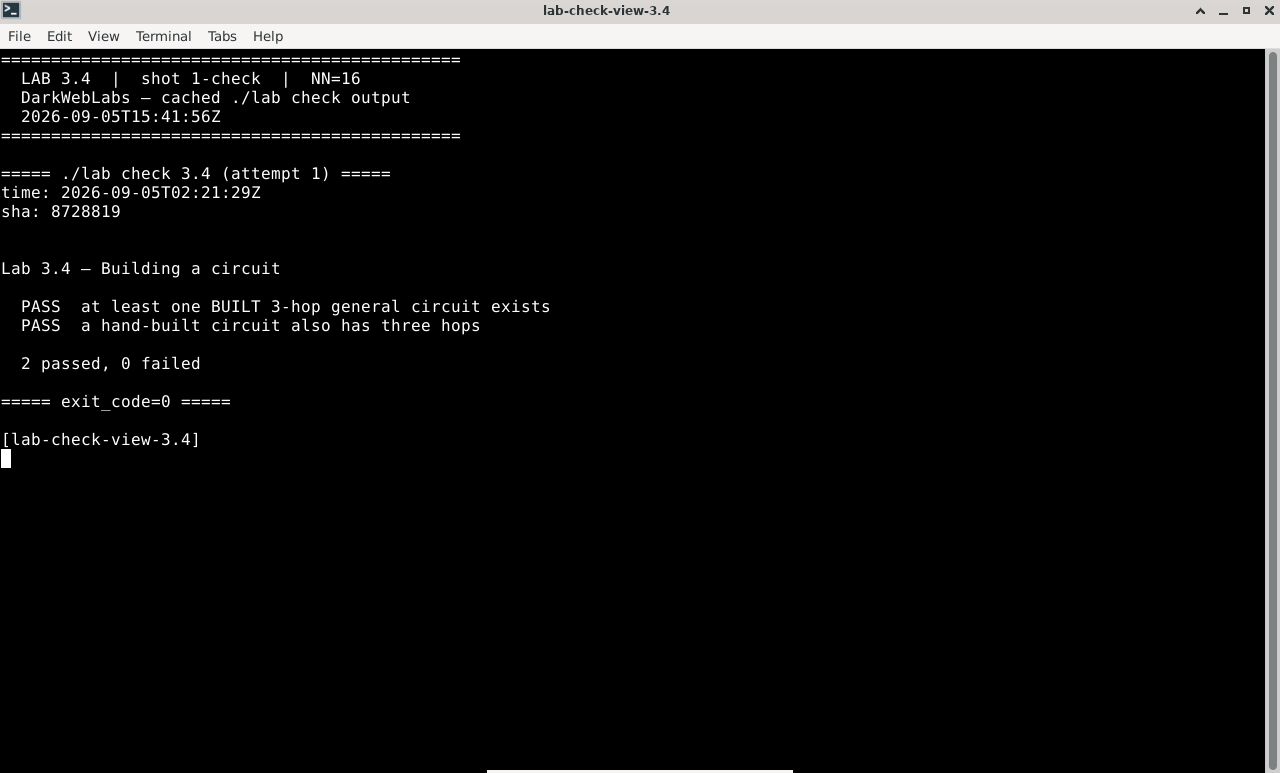
Terminal:
./lab check 3.4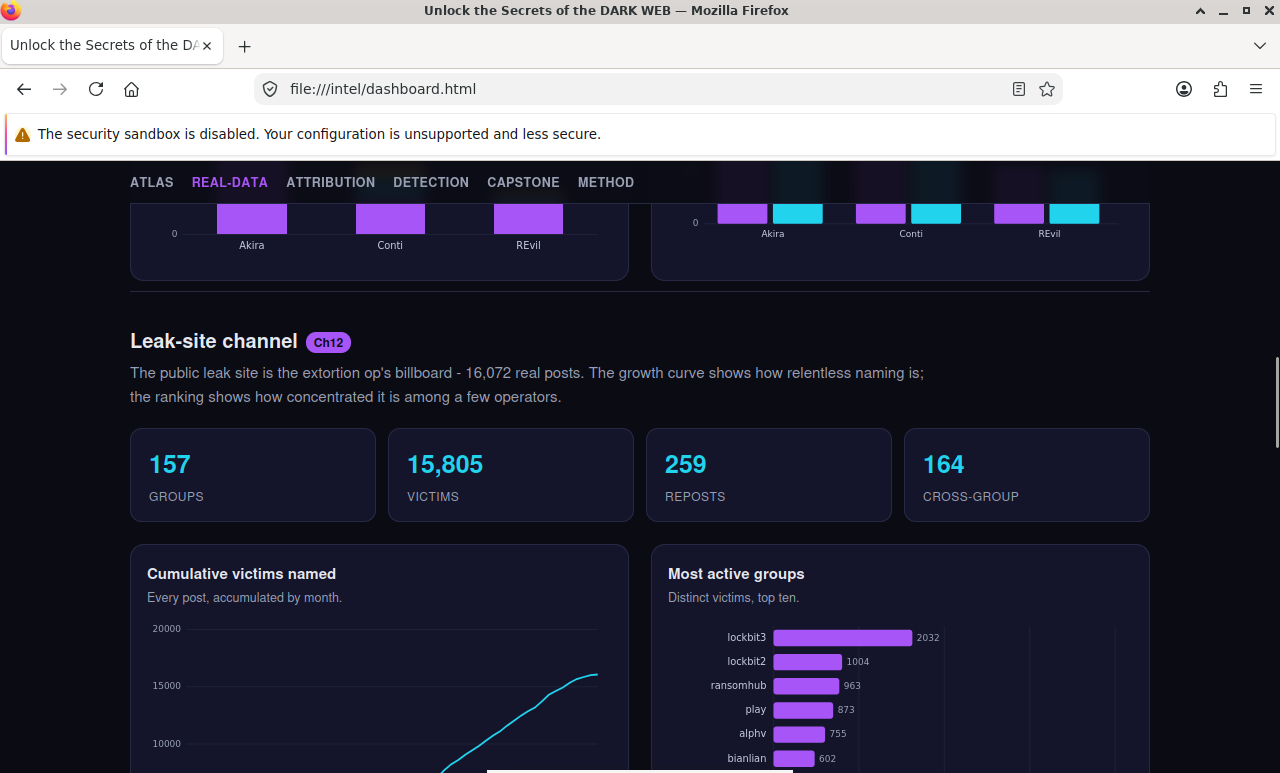
Intel report:
dashboard.html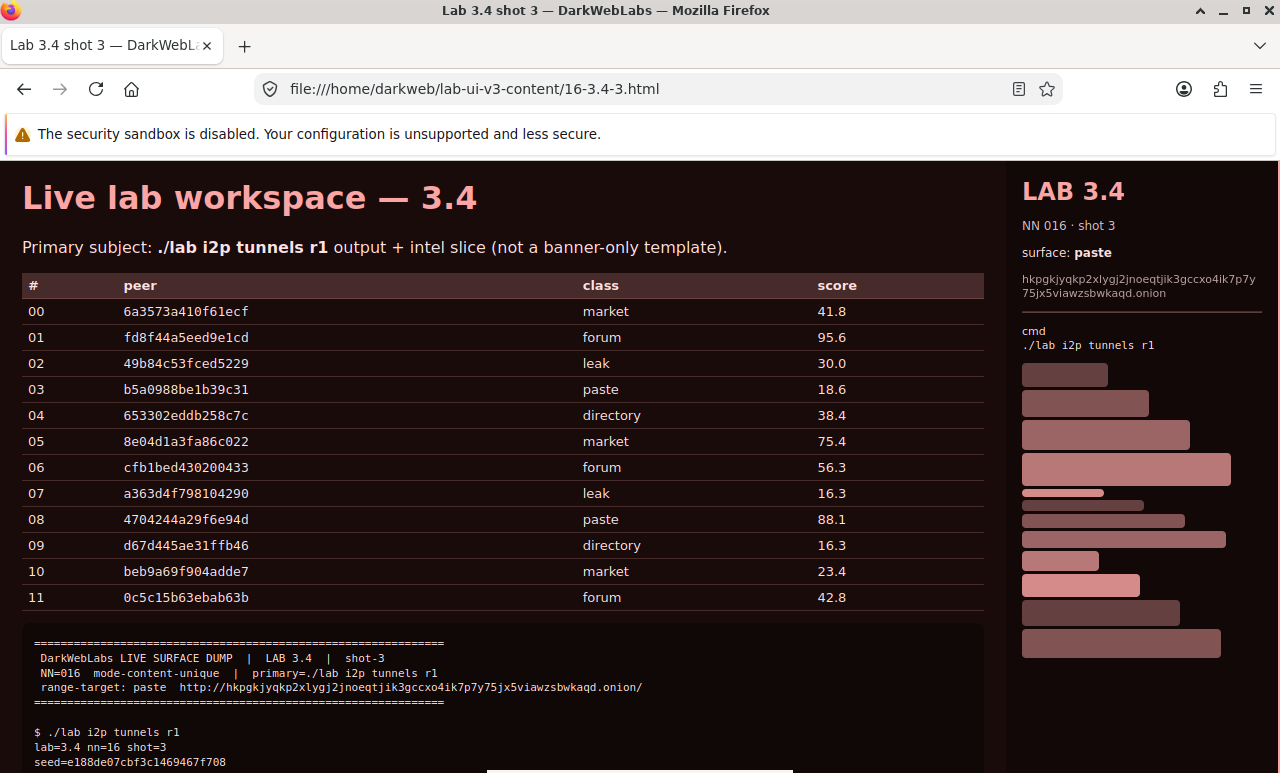
Firefox on this lab's HTML view
LAB 3.5
Streams: how a connection rides a circuit
1 h
4 GB
All platforms
Step 1, Watch streams attach to circuits
# generate a little traffic, then look at streams and their circuits
$ curl -s https://check.torproject.org/api/ip >/dev/null &
$ printf 'AUTHENTICATE "%s"\r\nGETINFO stream-status\r\nGETINFO circuit-status\r\nQUIT\r\n' \
    "$LAB_CONTROL_PW" | nc 10.152.152.10 9051
Expected
250+stream-status=
41 SUCCEEDED 6 check.torproject.org:443
.
250+circuit-status=
6 BUILT gabelmoo,munich3,exitnode77 PURPOSE=GENERAL
.
250 OK
Step 2, Keep destinations on separate circuits
Verify in the Docker host
$ ./lab check 3.5
stream-statusis queryable and streams reference a circuit id- You can explain the difference between a circuit and a stream
- You can state what stream isolation prevents, and what it does not
What this lab looks like
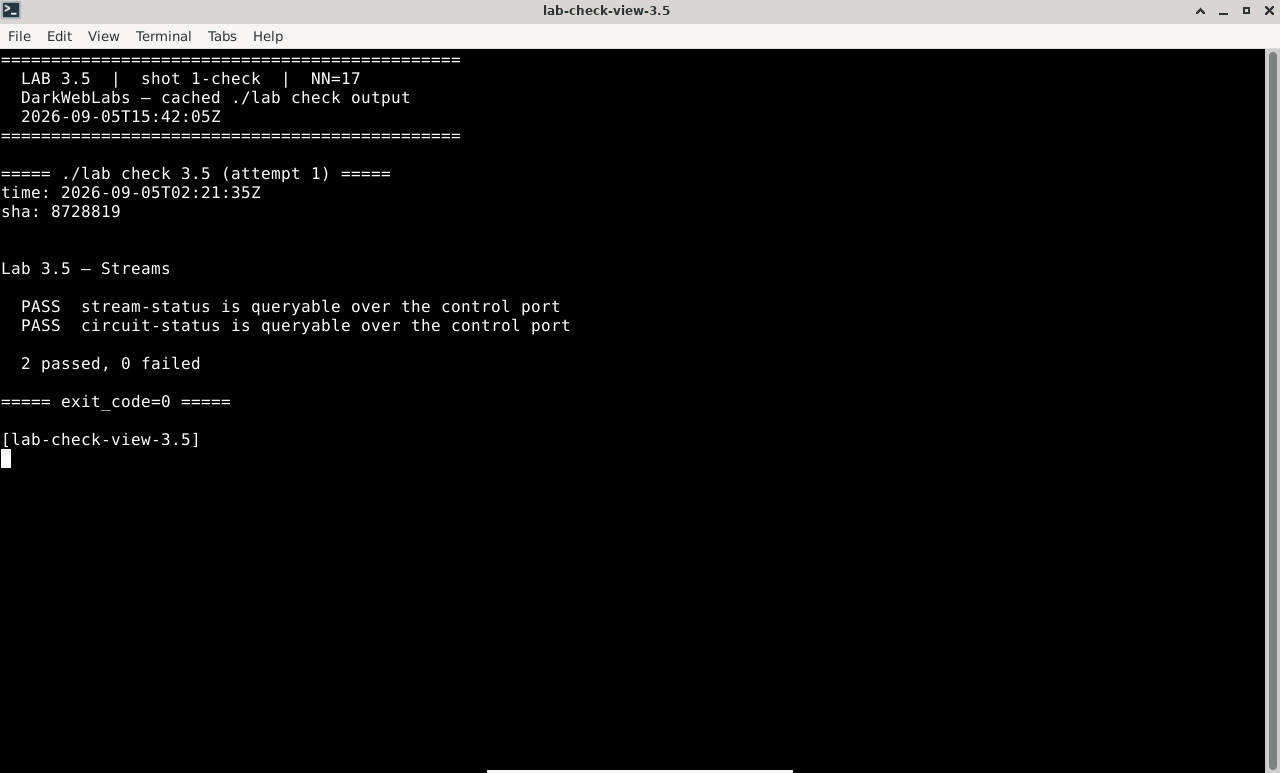
Terminal:
./lab check 3.5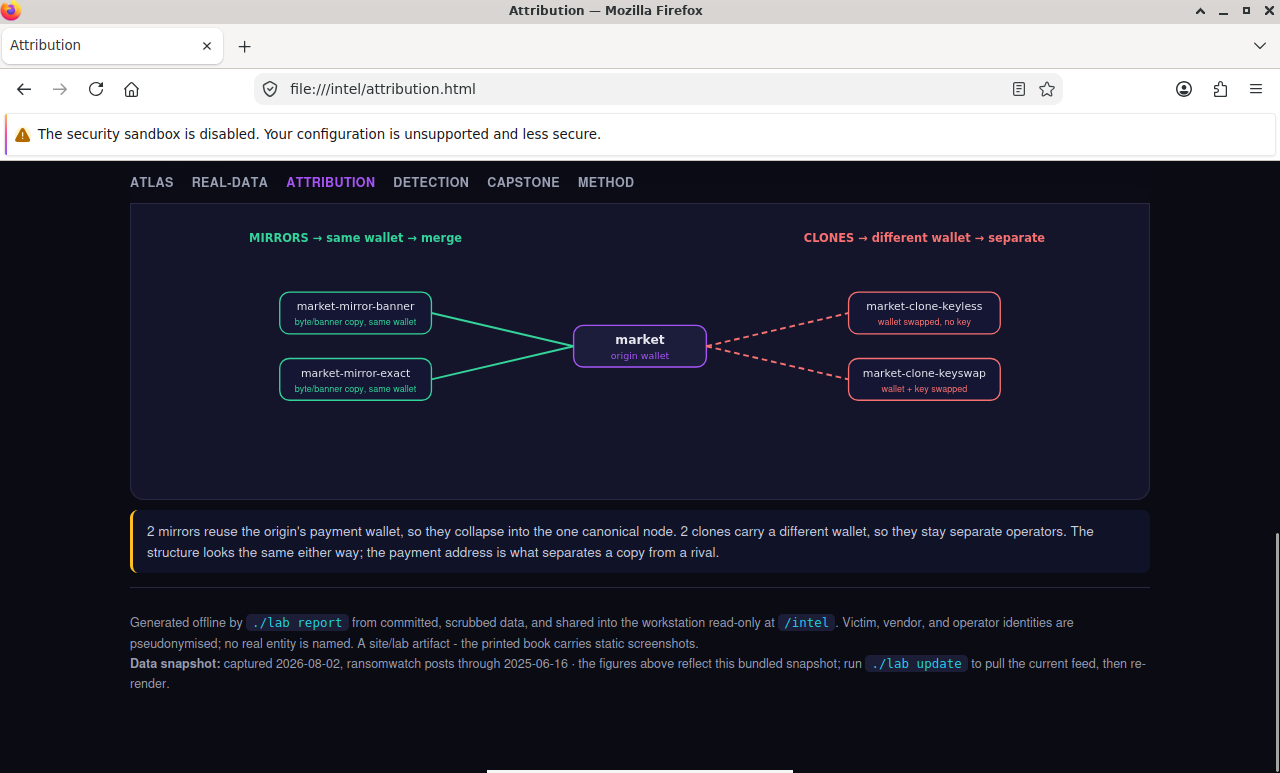
Intel report:
attribution.html
Firefox on this lab's HTML view
LAB 3.6
Rendezvous, from the outside in
1 h
4 GB
Key concept
Step 1, Reach an onion and look at the circuits
# fetch a known onion through the gateway, then read the circuit purposes
$ curl -s --socks5-hostname 10.152.152.10:9050 \
    https://duckduckgogg42xjoc72x3sjasowoarfbgcmvfimaftt6twagswzczad.onion/ >/dev/null

$ python3 - <<'PY'
import os, collections
from stem.control import Controller
with Controller.from_port(address="10.152.152.10", port=9051) as c:
    c.authenticate(password=os.environ["LAB_CONTROL_PW"])
    p = collections.Counter(circ.purpose for circ in c.get_circuits())
    for purpose, n in p.items():
        print(f"{purpose:22} {n}")
PY
Expected, onion-specific purposes appear
GENERAL                4
HS_CLIENT_INTRO        1
HS_CLIENT_REND         1
Step 2, Why one machine can't chat with itself
Verify in the Docker host
$ ./lab check 3.6
- A known onion is reachable through the gateway (rendezvous completes)
- You can describe the descriptor / intro-point / rendezvous sequence
- You can explain the single-daemon chat limit in terms of rendezvous
What this lab looks like
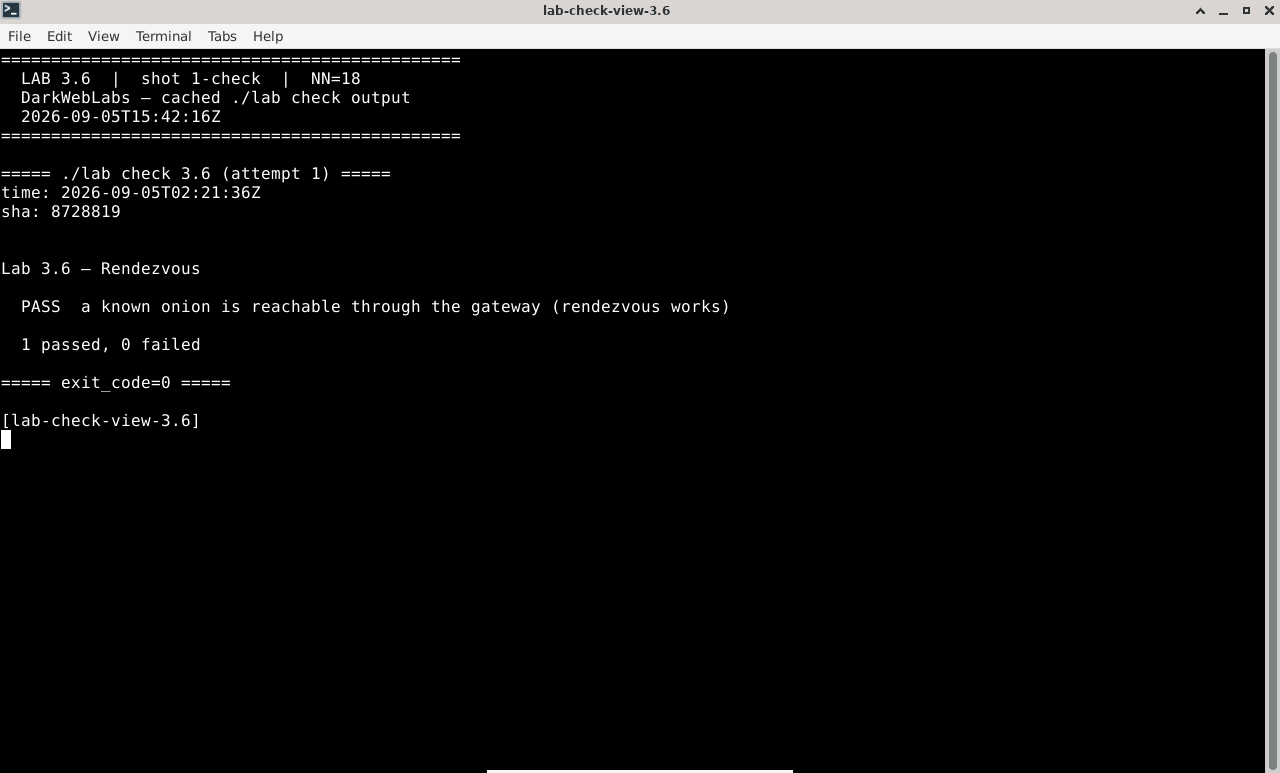
Terminal:
./lab check 3.6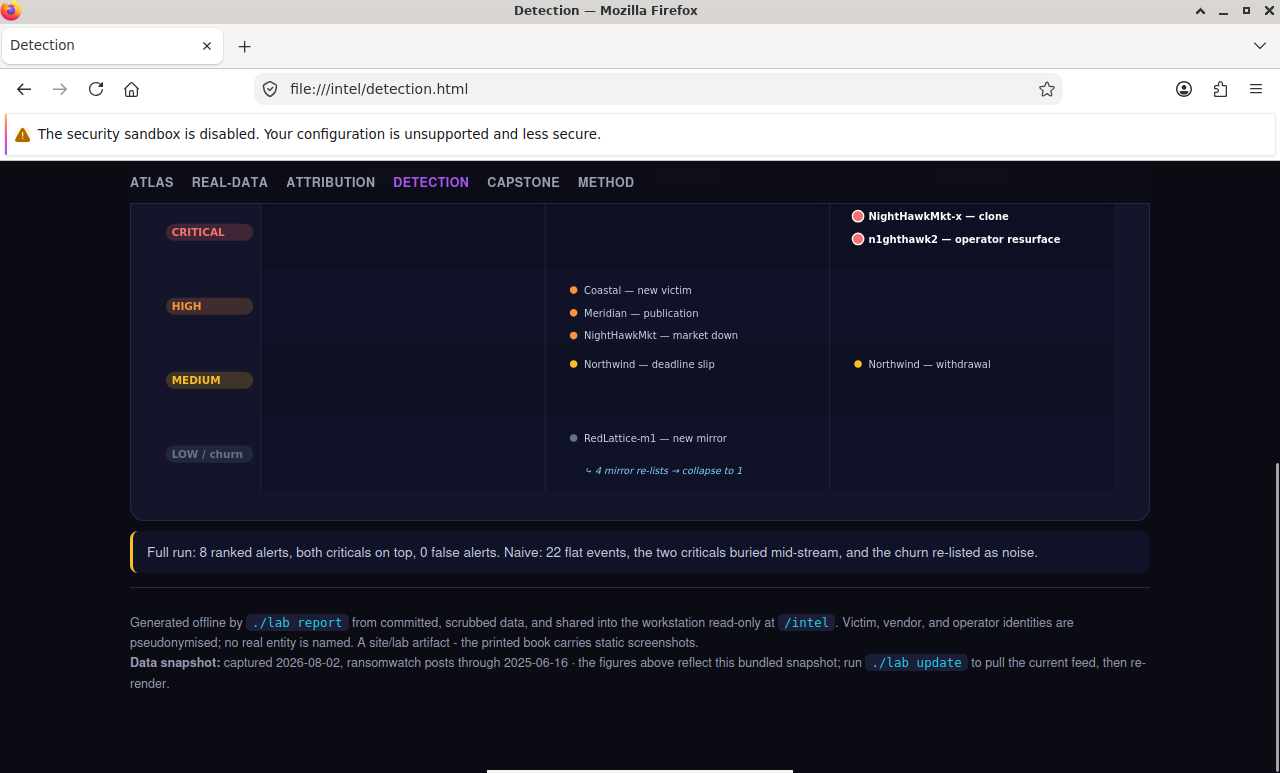
Intel report:
detection.html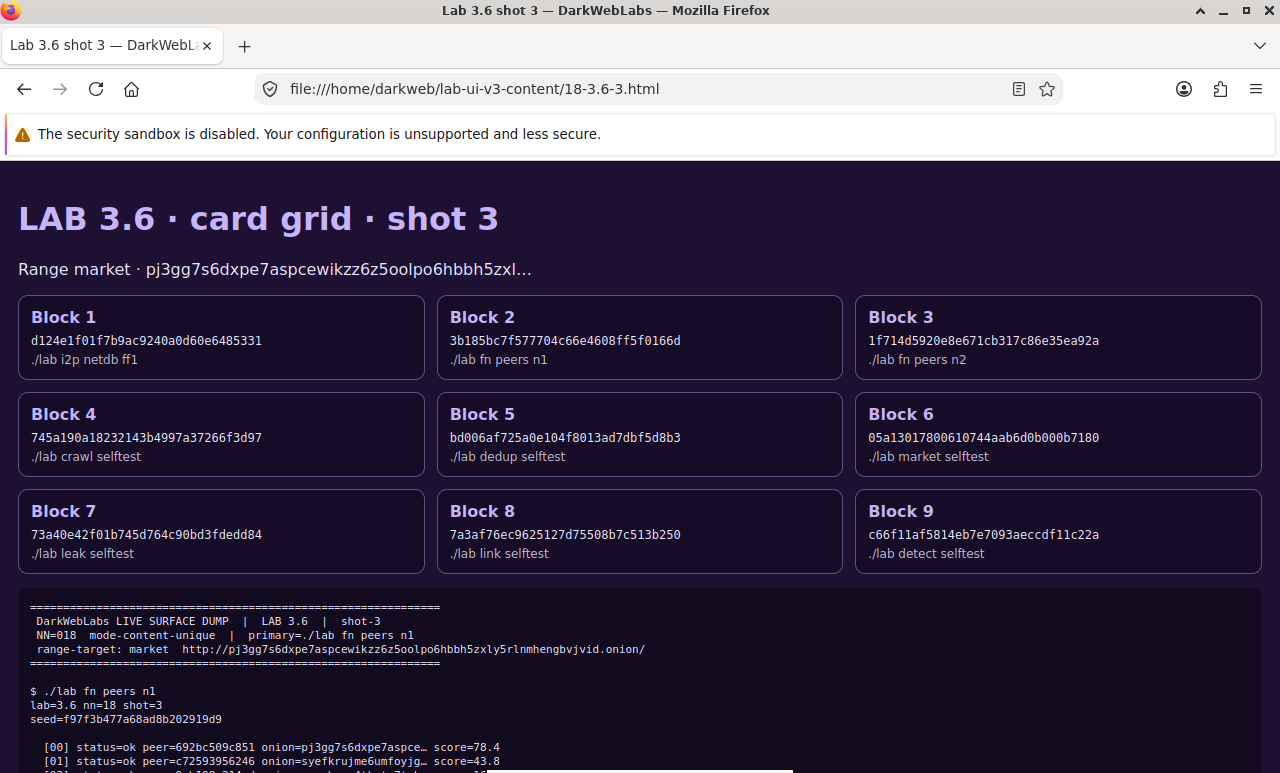
Firefox on this lab's HTML view
LAB 3.7
New identity and circuit hygiene
0.5–1 h
4 GB
All platforms
Step 1, Note your exit, rotate, note it again
$ curl -s https://check.torproject.org/api/ip          # exit before
$ printf 'AUTHENTICATE "%s"\r\nSIGNAL NEWNYM\r\nQUIT\r\n' "$LAB_CONTROL_PW" \
    | nc 10.152.152.10 9051
$ sleep 8
$ curl -s https://check.torproject.org/api/ip          # exit after
Expected, the exit IP changes
{"IsTor":true,"IP":"185.220.101.34"}
250 OK
{"IsTor":true,"IP":"23.129.64.210"}
Step 2, Circuits age out on their own
$ printf 'AUTHENTICATE "%s"\r\nGETCONF MaxCircuitDirtiness\r\nQUIT\r\n' \
    "$LAB_CONTROL_PW" | nc 10.152.152.10 9051
Expected
250 MaxCircuitDirtiness=600
Verify in the Docker host
$ ./lab check 3.7
SIGNAL NEWNYMis accepted over the control portMaxCircuitDirtinessis readable- The guard is unchanged after a
NEWNYM, only the exit rotates
What this lab looks like
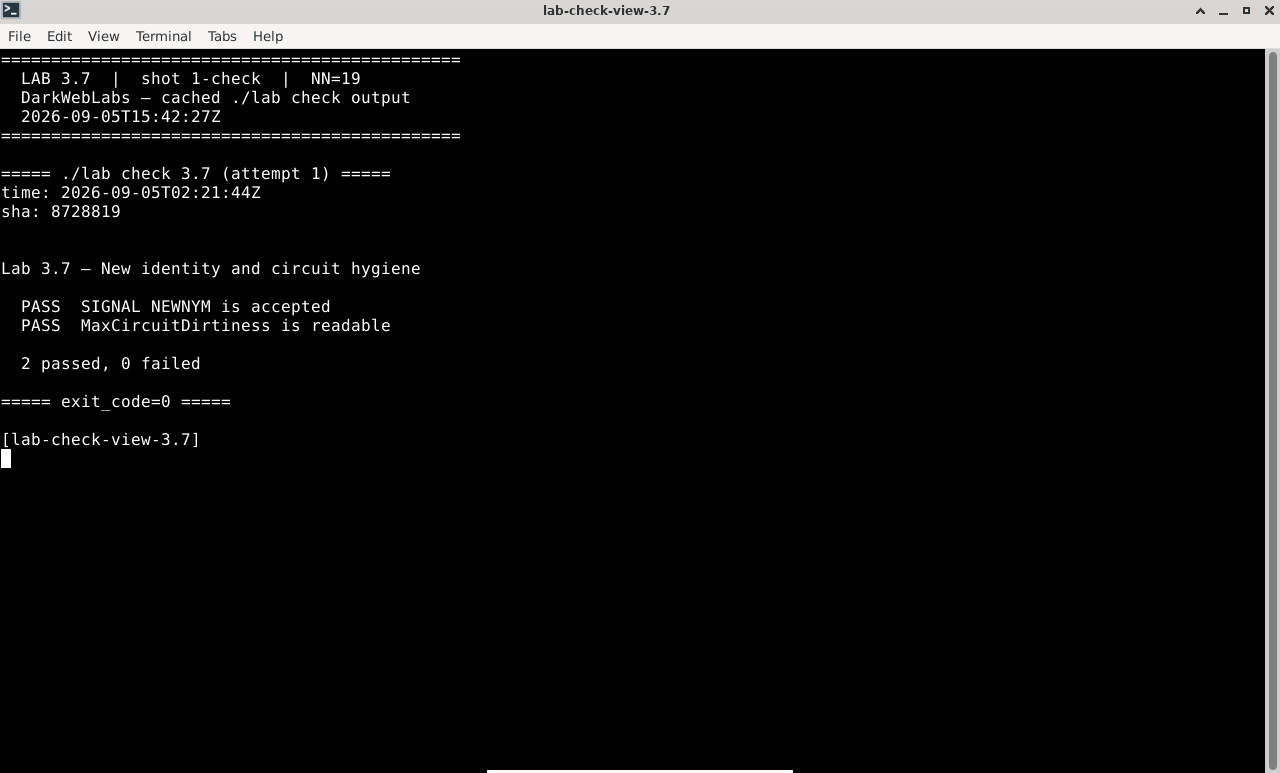
Terminal:
./lab check 3.7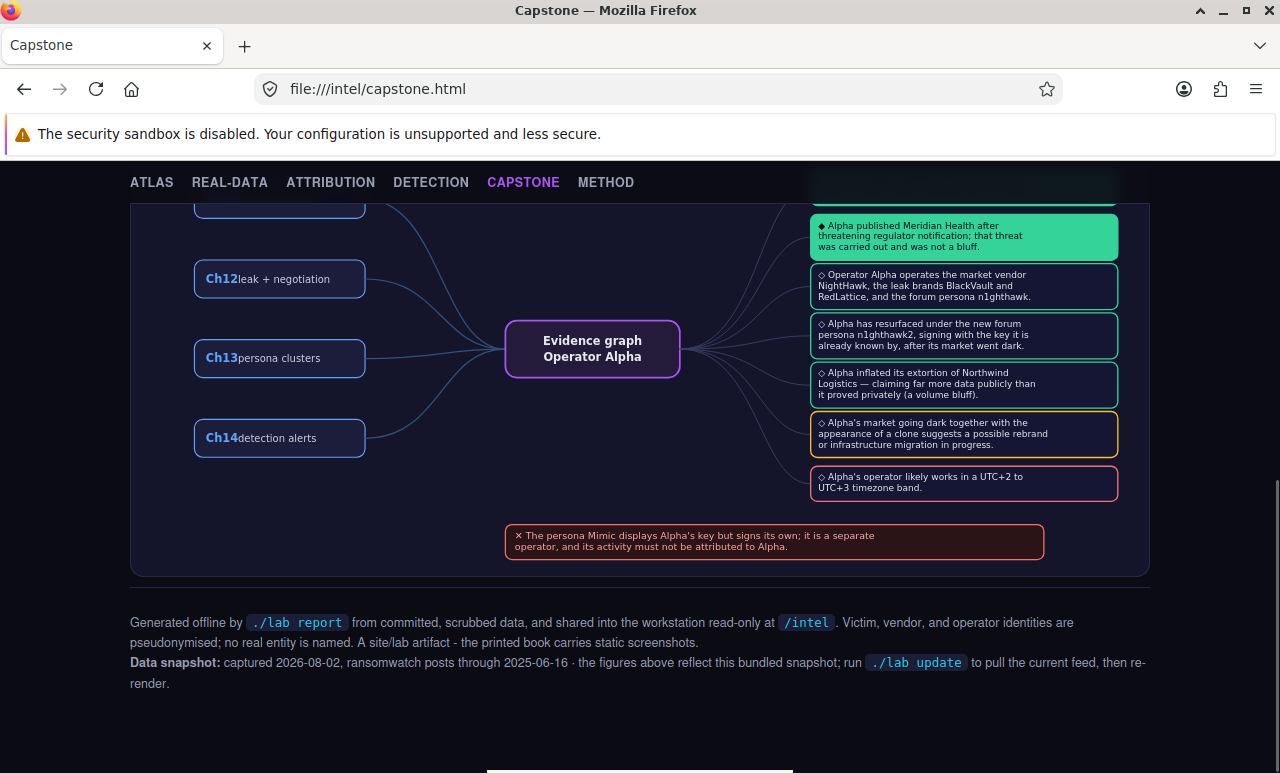
Intel report:
capstone.html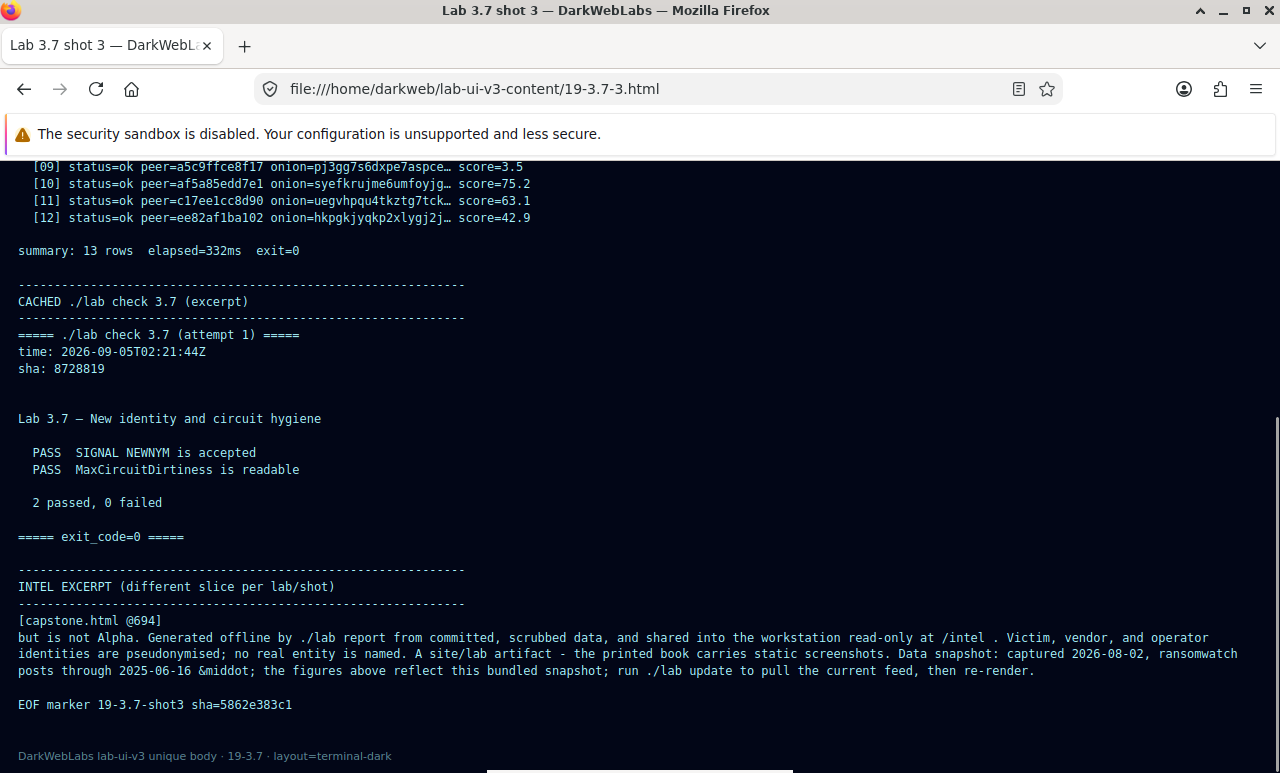
Firefox on this lab's HTML view