Part II · Protocol & Services · Chapter 5
Breaking & Hardening
Commands only. What each step does, why it is built this way, and the judgment behind it are in the book.
Workstation tier
7 labs
≈ 6.5–8 h
4 GB RAM
Windows · macOS · Linux
Labs in this chapter
What you'll be able to do
- Name the adversaries against Tor and say exactly what each can and can't see (Lab 5.1 - The adversary model)
- Demonstrate end-to-end correlation, and explain honestly why the lab version works (Lab 5.2 - Correlation, at toy scale)
- Quantify what one relay learns and why running many is both the attack and the reason authorities measure (Lab 5.3 - Malicious and colluding relays)
- Explain guard discovery and why guard persistence both defends and exposes (Lab 5.4 - Guard discovery and traffic-shaping)
- Show how software deanonymizes a user the network never could (Lab 5.5 - Application-layer deanonymization)
- Run the chapter's attacks against your own lab and close what you find (Lab 5.6 - Hardening pass: hunt your own leaks)
- Produce a weighted threat model for a real collection scenario (Lab 5.7 - A threat model that has weights)
LAB 5.1
The adversary model
0.5–1 h
4 GB
Key concept
Step 1, The five adversaries
Who sees what
adversary              your IP   destination   content   plausibility
--------------------   -------   -----------   -------   ------------
local net observer     yes       no*           no        high  (your ISP/LAN)
malicious guard        yes       no            no        medium
malicious exit         no        yes           yes**     medium
service's own host     no***     -             yes       high  (misconfig)
global passive adv.    yes       yes           no        low   (nation-state)

  *  sees you're using Tor, not where to
  ** only if the site itself isn't end-to-end encrypted
  *** unless the service's software leaks it (Lab 4.6)
Step 2, Place them on the circuit
Verify in the Docker host
$ ./lab check 5.1
- The observation points the chapter uses are real, the gateway uplink is capturable
- The guard (the adversary's prize) is identifiable
- You can map all five adversaries to positions on the circuit
What this lab looks like
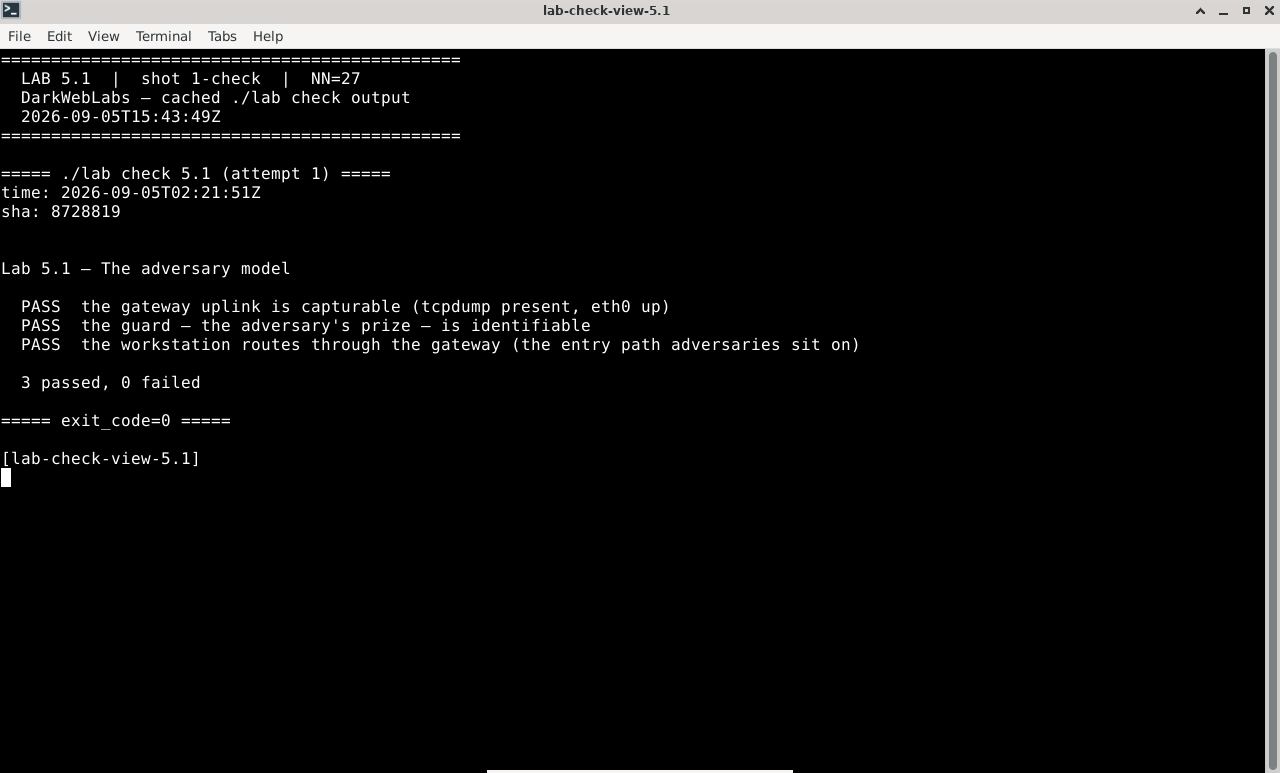
Terminal:
./lab check 5.1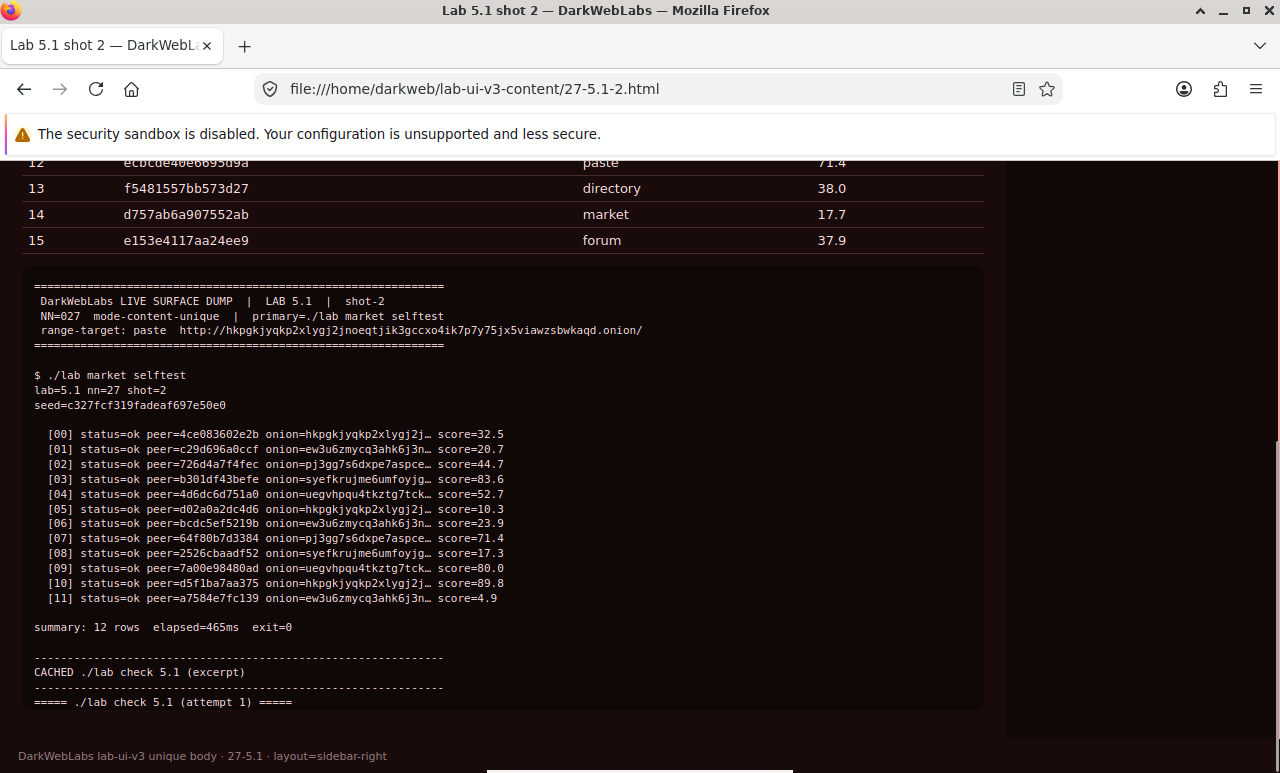
Firefox on this lab's HTML view
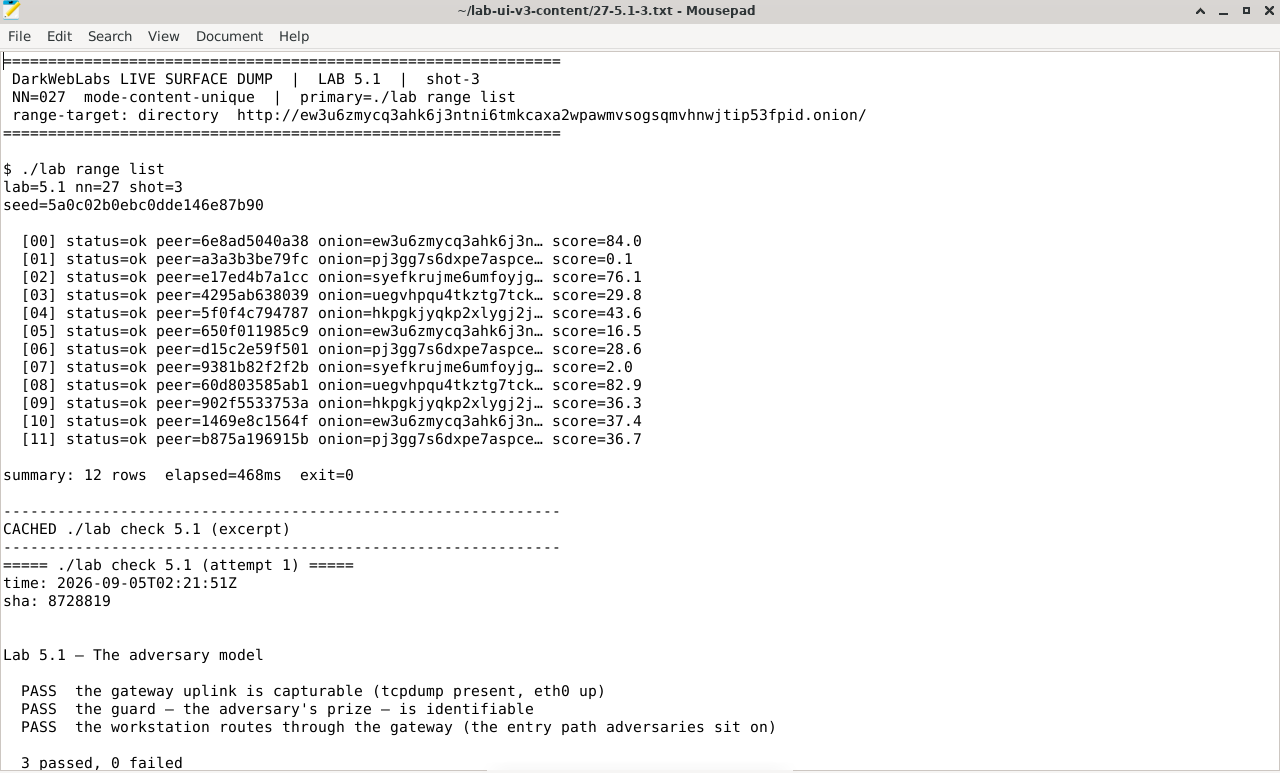
Artifact dump in Mousepad
LAB 5.2
Correlation, at toy scale
1–1.5 h
4 GB
Key concept
Step 1, Generate a distinctive pattern and watch both ends
# ships with the repo; runs on the host because the capture needs docker.
# sends a bursty pattern from the workstation through Tor while capturing
# the gateway uplink at the same time — you own both ends
$ ./labs/artifacts/correlate/observe.sh &    # entry-side capture (uplink)
$ ./labs/artifacts/correlate/generate.sh     # the bursty flow + its timing log
Expected, two timestamp series recorded
generate: sent 10 bursts at t = 0.0 1.6 3.1 4.7 ...
observe : uplink packets bucketed to /tmp/correlate/uplink.log
exit    : arrivals logged to /tmp/correlate/dest.log
Step 2, Correlate the two ends by timing alone
$ ./labs/artifacts/correlate/correlate.py \
    /tmp/correlate/uplink.log /tmp/correlate/dest.log
Expected, the ends match
entry buckets : 10 active
exit  buckets : 10 active
best lag      : +0.2 s
correlation   : 0.94   -> SAME FLOW
Verify in the Docker host
$ ./lab check 5.2
- The correlation harness is present and its scripts run
- Its correlator reports a strong match for two aligned timing series
- It reports a weak match for two unrelated series (the method isn't just always-yes)
What this lab looks like
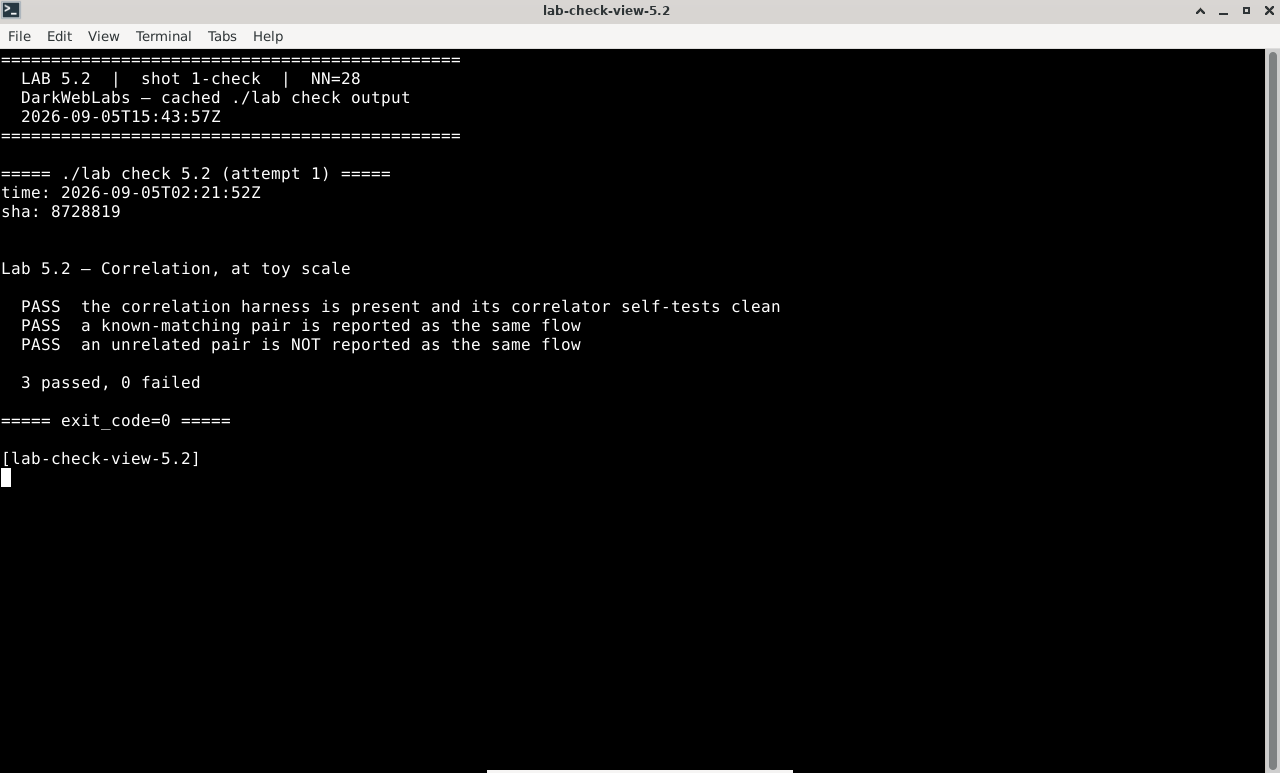
Terminal:
./lab check 5.2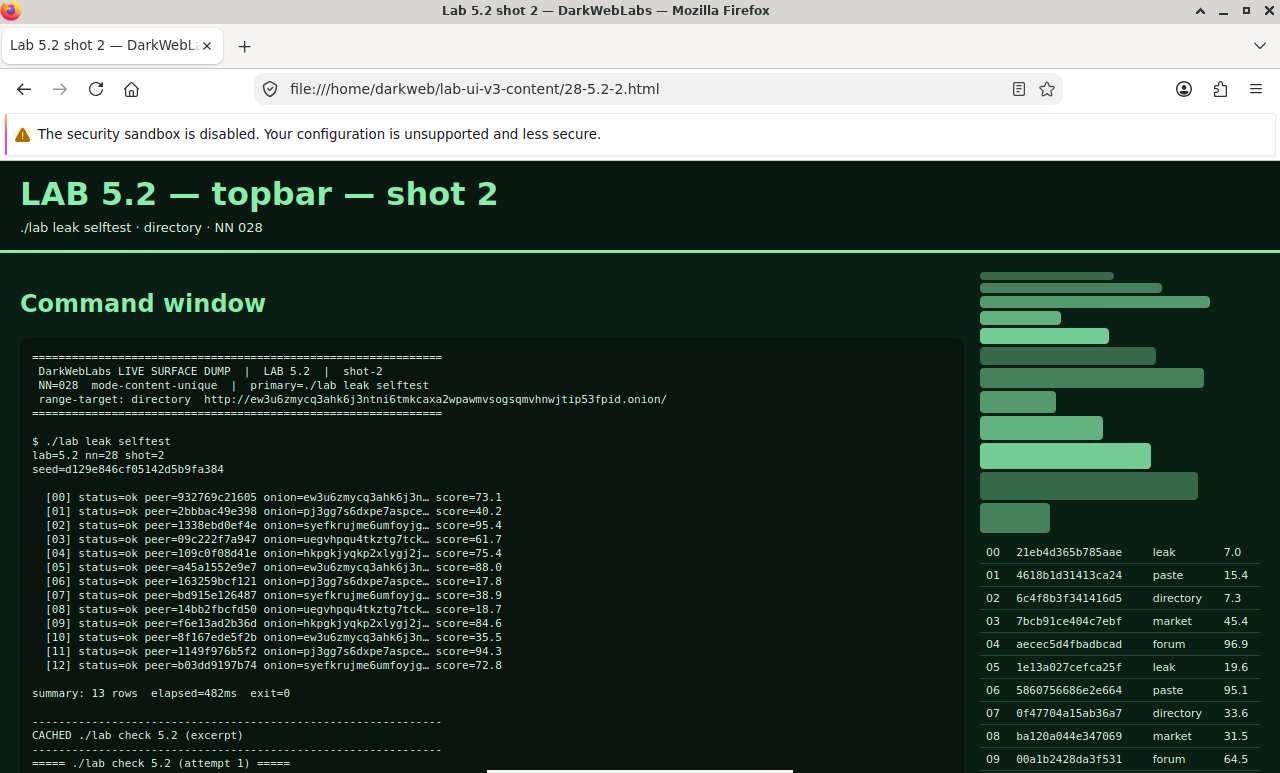
Firefox on this lab's HTML view
Terminal output for this lab
LAB 5.3
Malicious and colluding relays
1 h
4 GB
All platforms
Step 1, What one relay learns
Step 2, Why an adversary runs many relays
$ python3 - <<'PY'
import os
from stem.control import Controller
with Controller.from_port(address="10.152.152.10", port=9051) as c:
    c.authenticate(password=os.environ["LAB_CONTROL_PW"])
    rel = list(c.get_network_statuses())
    bw = sorted((r.bandwidth or 0) for r in rel)
    total = sum(bw)
    top10 = sum(bw[-len(bw)//10:])
    print(f"relays          : {len(rel)}")
    print(f"total weight    : {total}")
    print(f"top 10% of relays hold {100*top10//total}% of the weight")
PY
Expected, weight is concentrated
relays          : 7314
total weight    : 39204188
top 10% of relays hold 64% of the weight
Step 3, The defense, and its limit
Verify in the Docker host
$ ./lab check 5.3
- Relays in the consensus carry measured bandwidth weights
- Guard and Exit flags are present and distinct
- You can state the g × e intuition and what measurement defends against
What this lab looks like
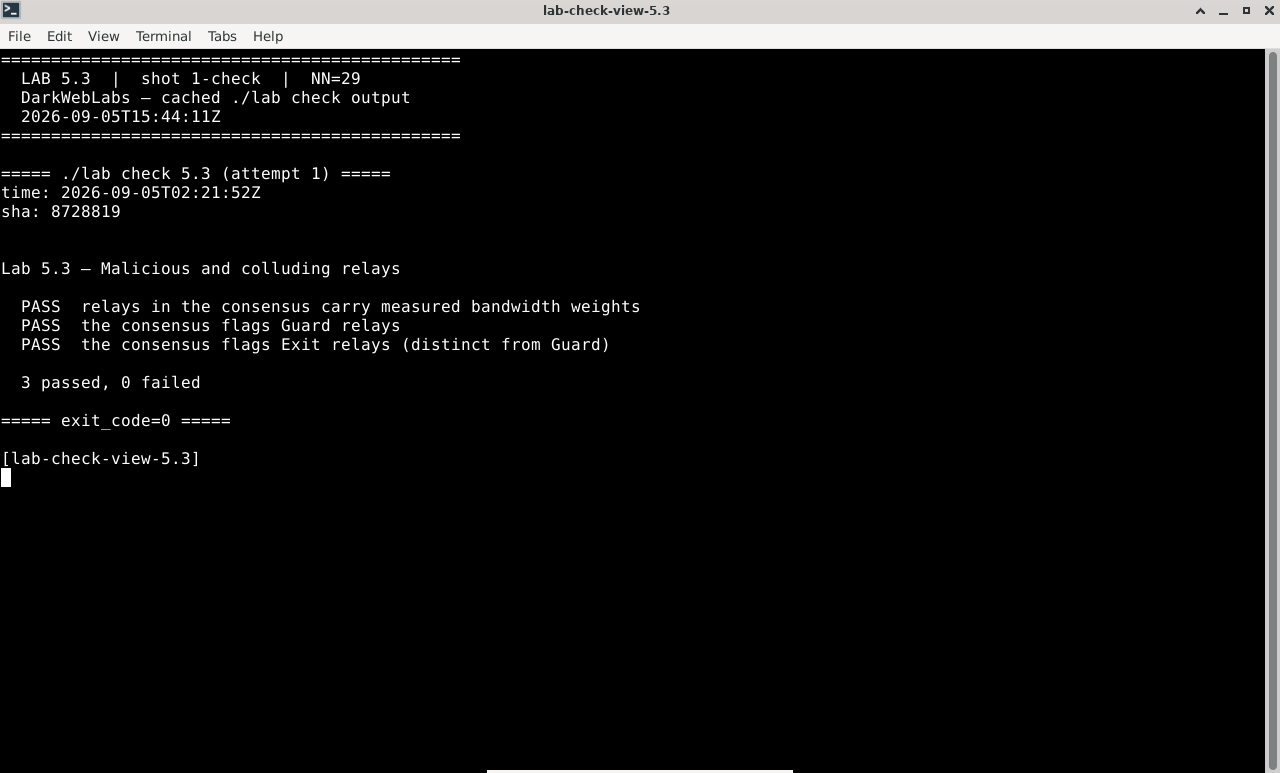
Terminal:
./lab check 5.3
Firefox on this lab's HTML view
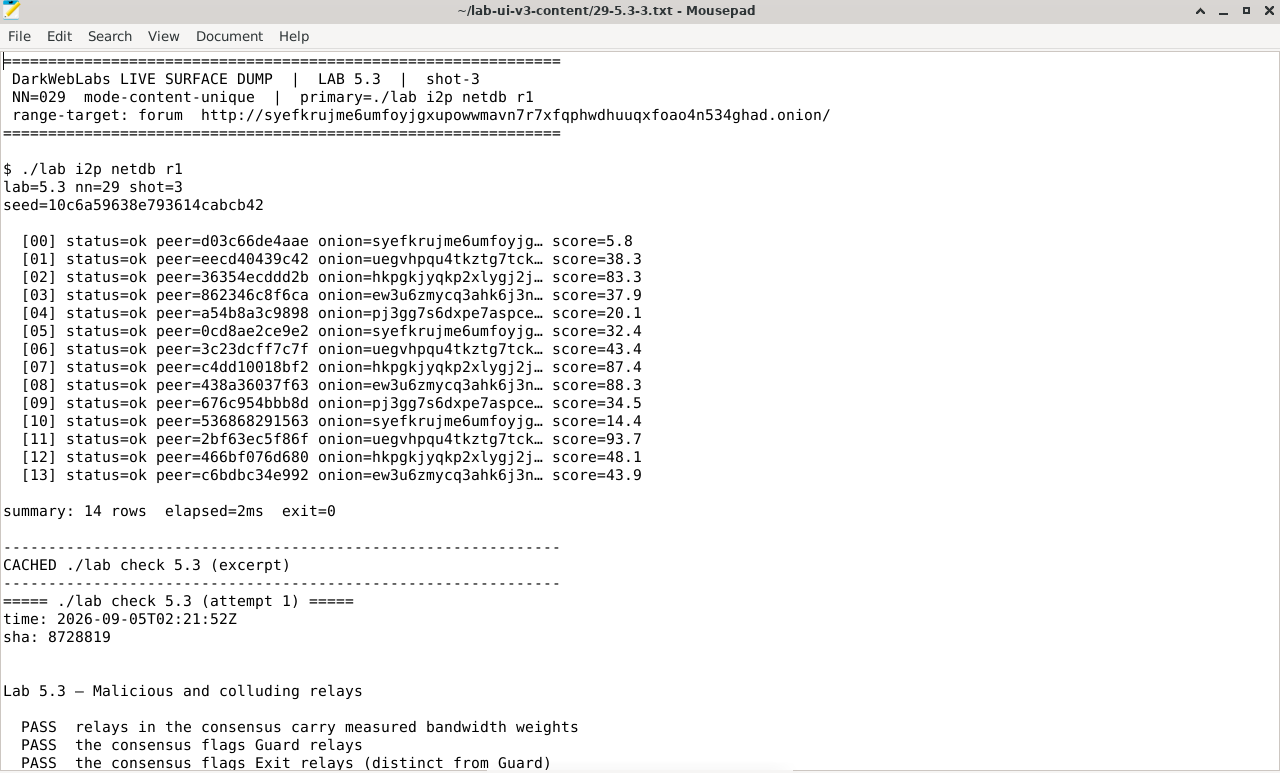
Artifact dump in Mousepad
LAB 5.4
Guard discovery and traffic-shaping
1 h
4 GB
All platforms
Step 1, Why the guard is the target
Step 2, How discovery works
Step 3, Persistence as defense and exposure
# the guard doesn't change when you ask for a new identity — confirm it
$ G1=$(printf 'AUTHENTICATE "%s"\r\nGETINFO entry-guards\r\nQUIT\r\n' "$LAB_CONTROL_PW" | nc 10.152.152.10 9051 | grep -oE '\$[0-9A-F]{40}' | head -1)
$ printf 'AUTHENTICATE "%s"\r\nSIGNAL NEWNYM\r\nQUIT\r\n' "$LAB_CONTROL_PW" | nc 10.152.152.10 9051
$ sleep 8
$ G2=$(printf 'AUTHENTICATE "%s"\r\nGETINFO entry-guards\r\nQUIT\r\n' "$LAB_CONTROL_PW" | nc 10.152.152.10 9051 | grep -oE '\$[0-9A-F]{40}' | head -1)
$ [ "$G1" = "$G2" ] && echo "same guard — persistence holds"
Expected
same guard — persistence holds
Verify in the Docker host
$ ./lab check 5.4
- The guard is persisted and does not change across a
NEWNYM - The guard state survives on the persistent volume
- You can explain why faster rotation would make things worse, not better
What this lab looks like
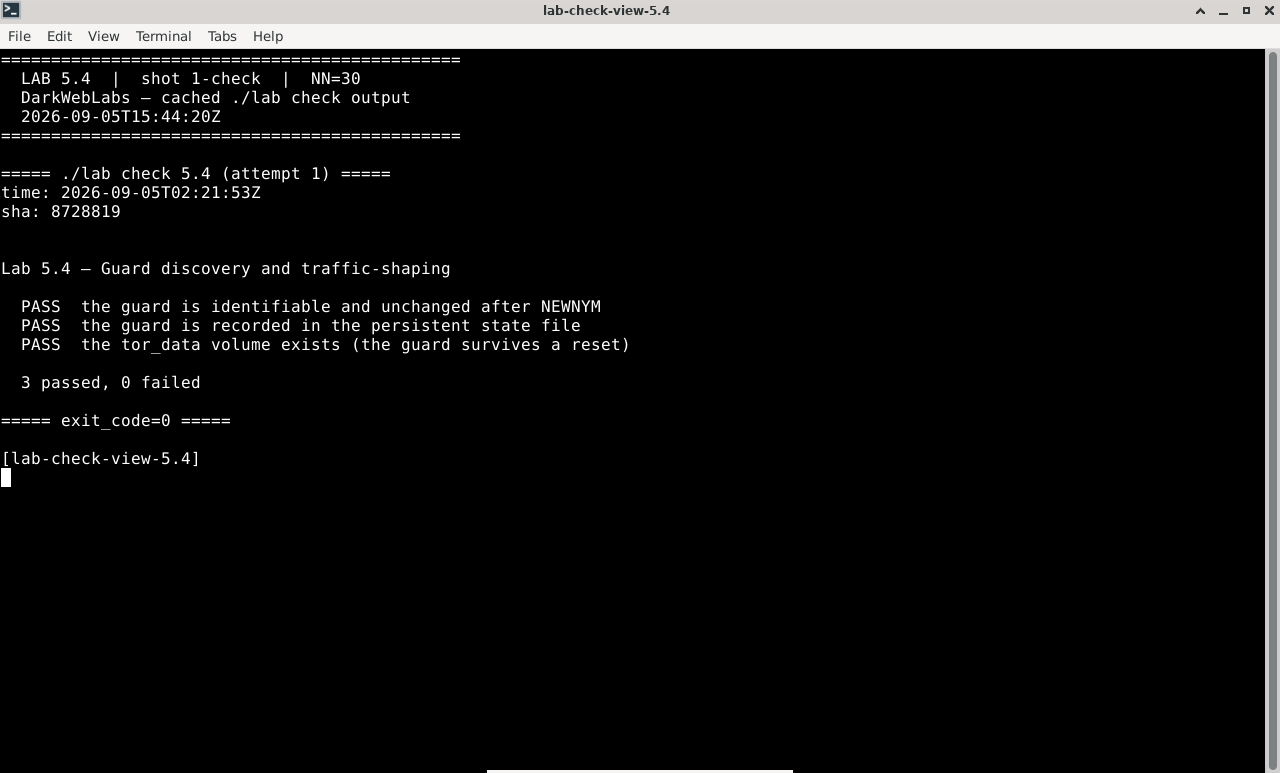
Terminal:
./lab check 5.4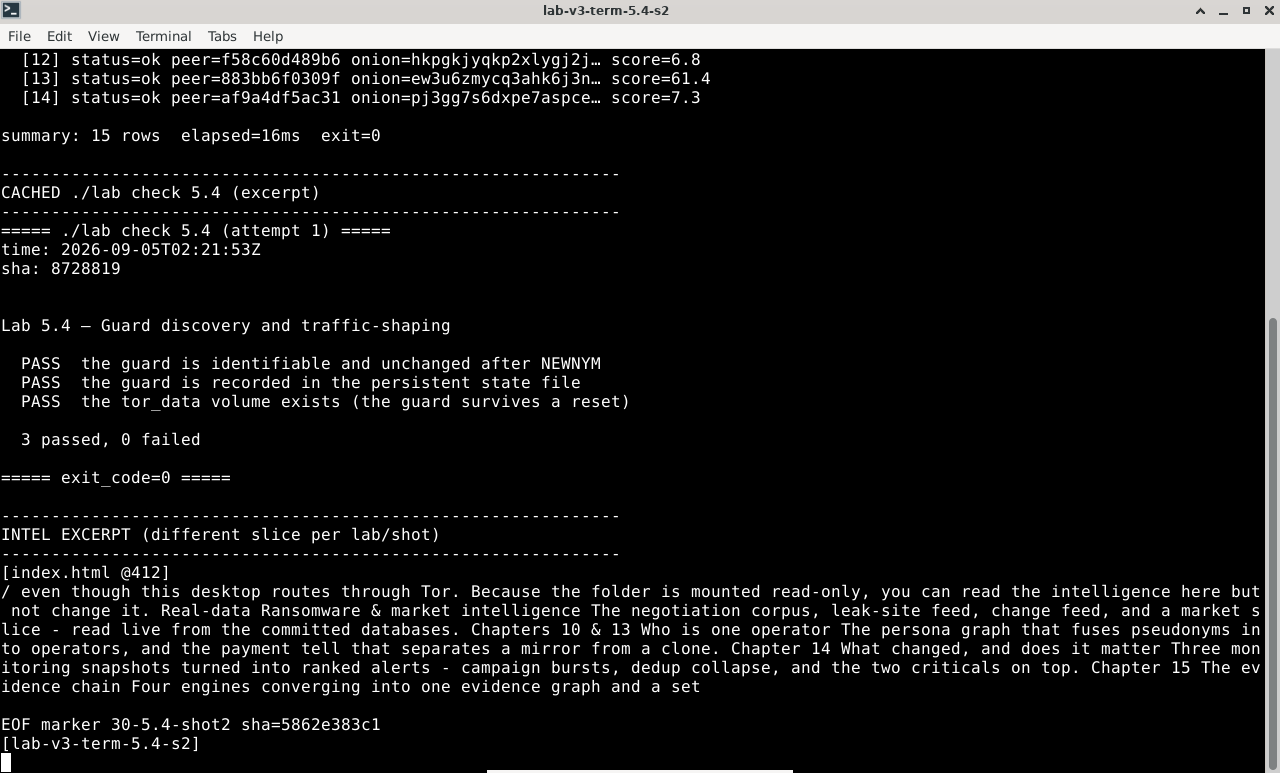
Terminal output for this lab
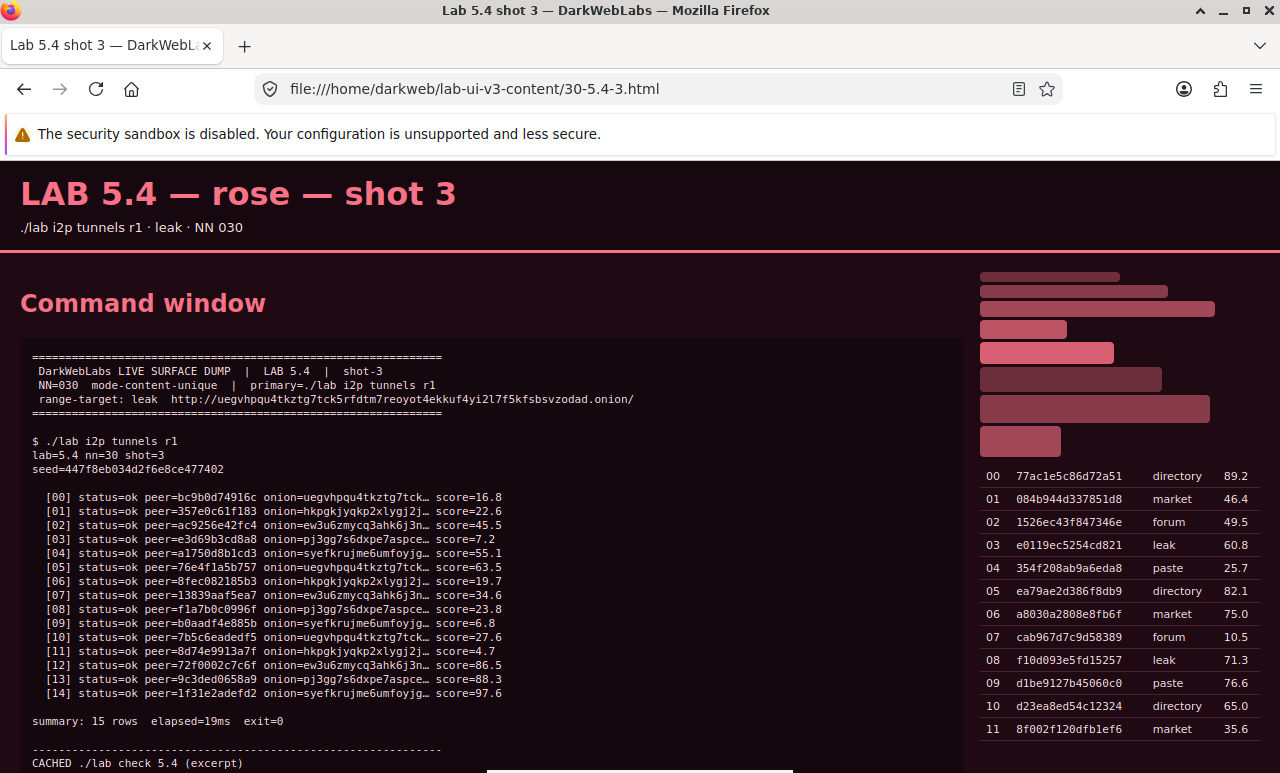
Firefox on this lab's HTML view
LAB 5.5
Application-layer deanonymization
1–1.5 h
4 GB
Find the flaw
Step 1, A document that phones home
# ships with the repo: makes a canary document + a listener that logs its beacon.
# the beacon points at a LAB-INTERNAL address. no macros, no scripts, no exploit.
$ ~/labs/artifacts/canary/make-canary.sh
listener on 10.152.152.11:8971
canary written to /tmp/canary/report.html
Step 2, Why Tor Browser has a "Safest" mode
Step 3, The operator's own leaks
Verify in the Docker host
$ ./lab check 5.5
- The canary document beacons to a lab-internal address (it's defanged)
- The listener records the beacon when the document is fetched
- Tor Browser offers a Safest level that disables JavaScript
What this lab looks like
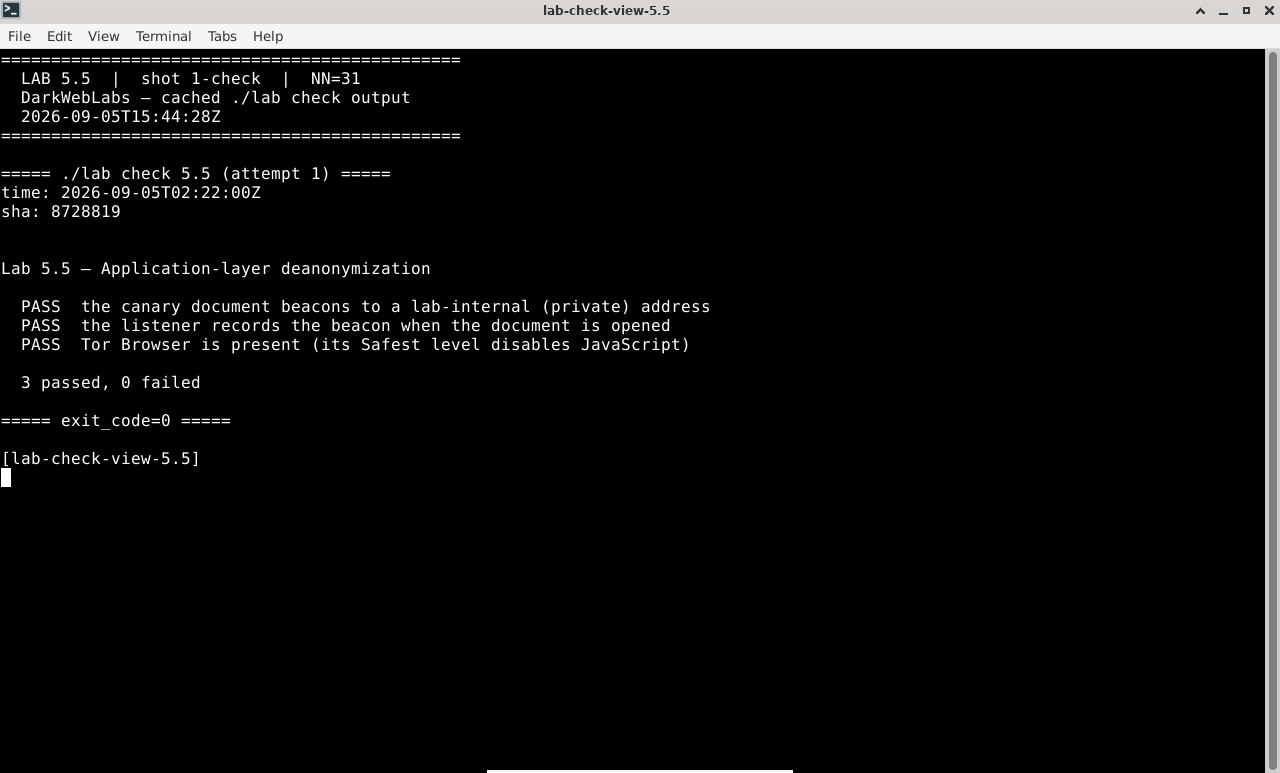
Terminal:
./lab check 5.5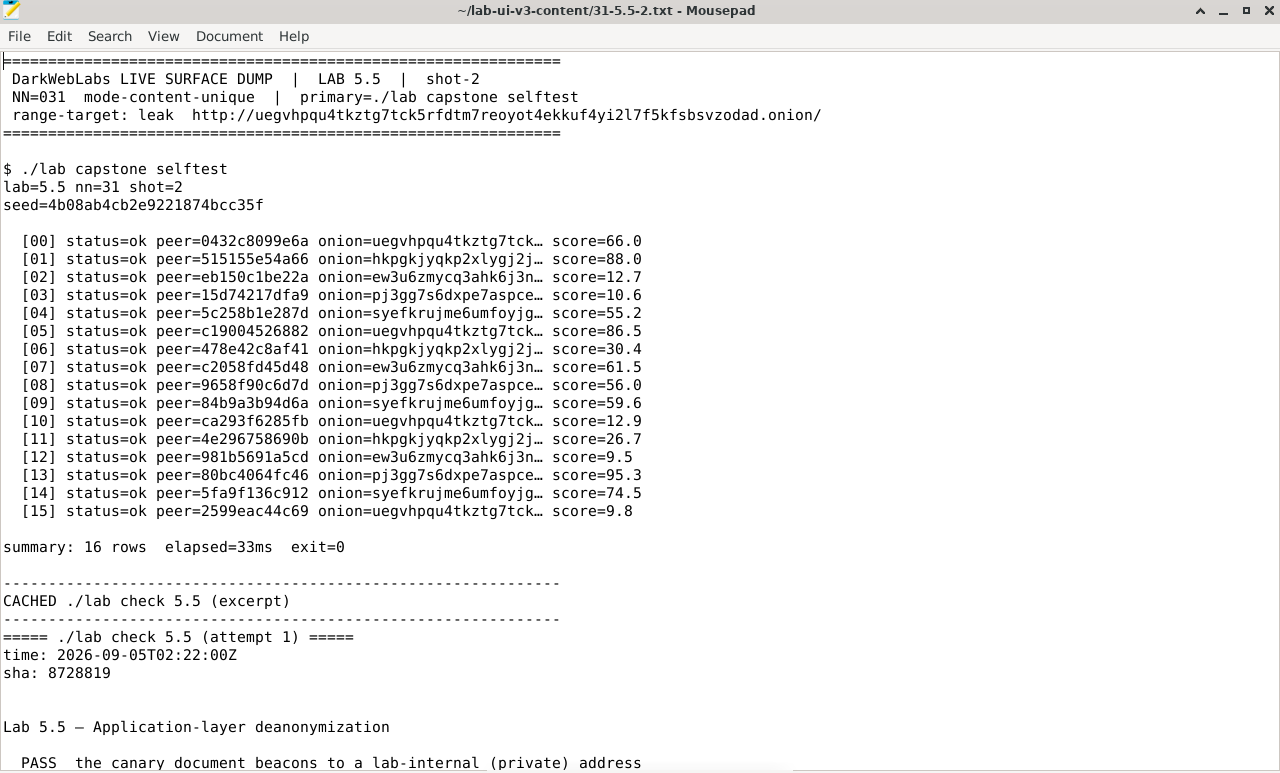
Artifact dump in Mousepad
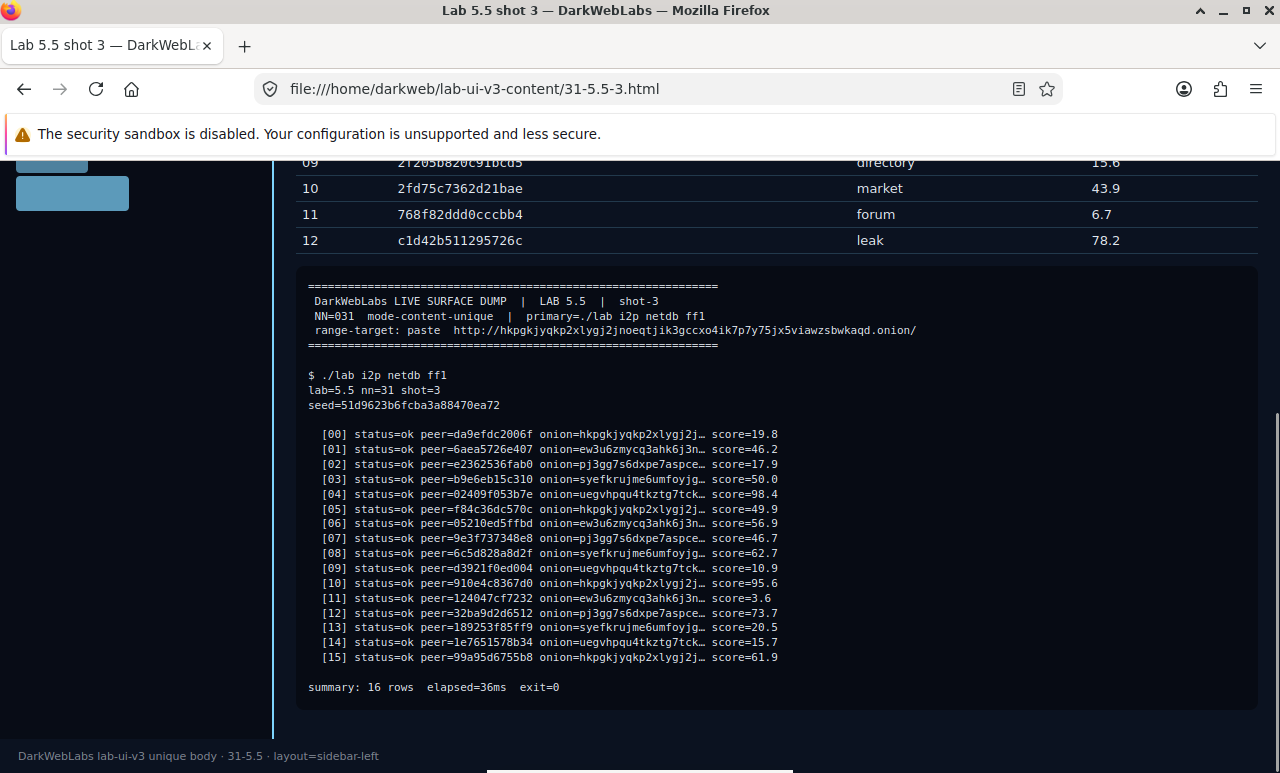
Firefox on this lab's HTML view
LAB 5.6
Hardening pass: hunt your own leaks
1 h
4 GB
All platforms
Step 1, Re-verify the structural controls hold
# the defenses from earlier chapters, re-checked as a block
$ ./lab check 2.2      # DNS still torified — no clear name lookups
$ ./lab check 2.7      # still fails closed — no clear egress path
$ ./lab check 3.3      # guard persisted — not churning
Step 2, Audit for the application leaks from 5.5
Step 3, Run the offense against yourself
# confirm your own services don't leak the way Lab 4.6's did
$ ~/labs/artifacts/canary/make-canary.sh &      # prove you can detect a beacon
$ ./lab check 4.7                               # your reference service stays quiet
Verify in the Docker host
$ ./lab check 5.6
- DNS is still torified and the gateway still fails closed
- The guard is still persisted
- You can name, for each hardening step, the attack from 5.2–5.5 it defeats
What this lab looks like
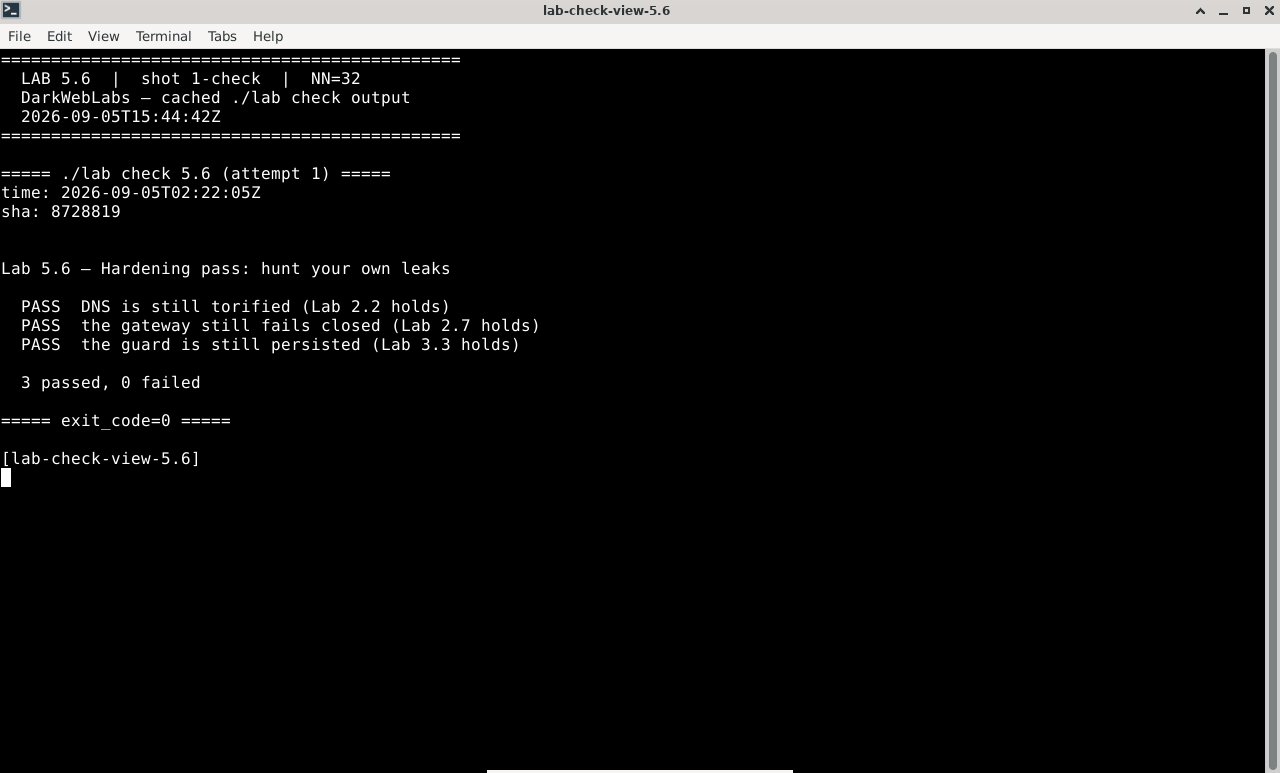
Terminal:
./lab check 5.6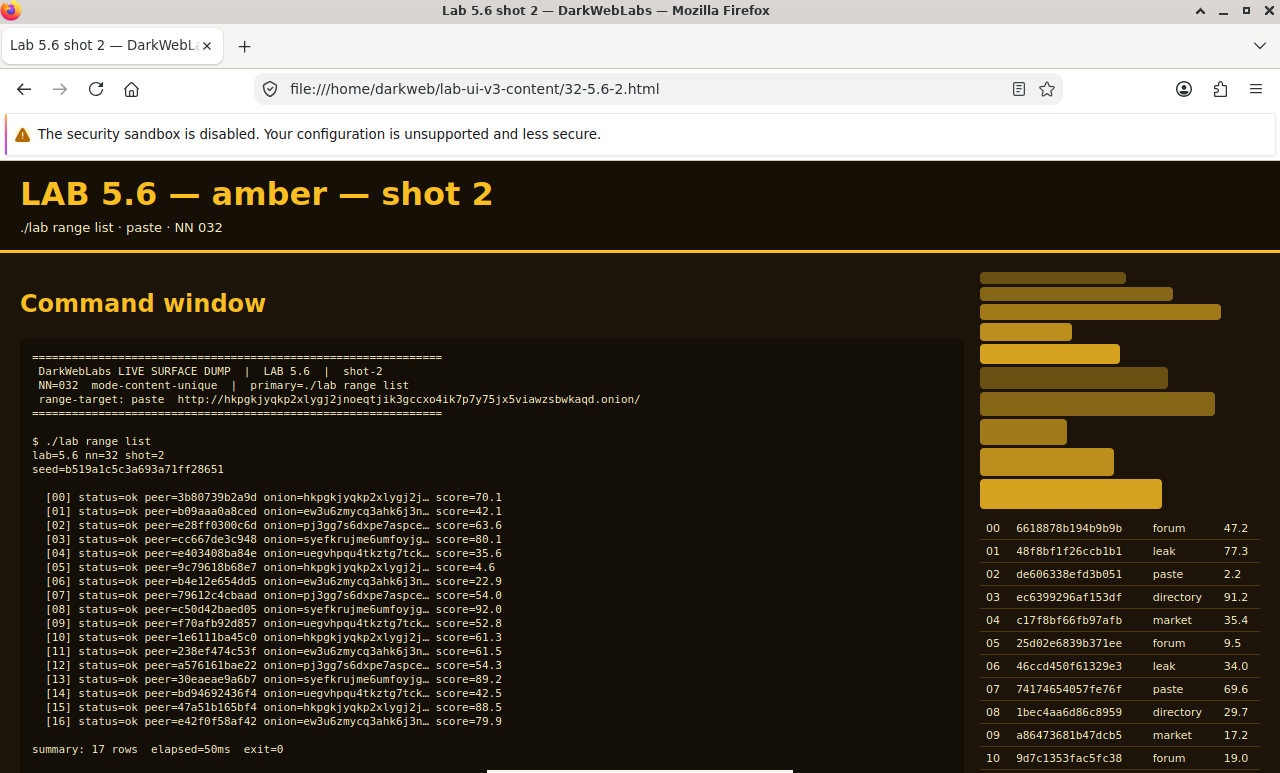
Firefox on this lab's HTML view
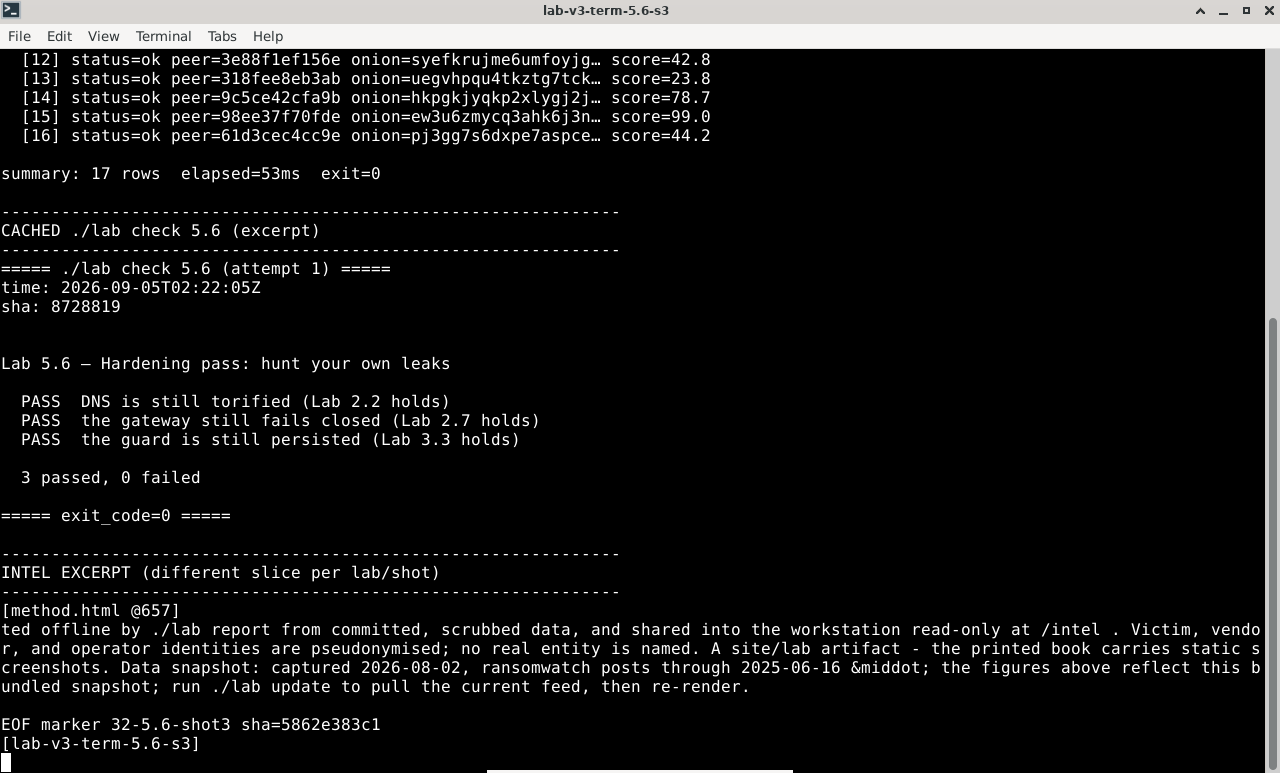
Terminal output for this lab
LAB 5.7
A threat model that has weights
1 h
4 GB
Synthesis
Step 1, Pick a real scenario and score it
Worked model, the analyst above (1 low ... 5 high)
threat                        L   I   E   weight   verdict
---------------------------   -   -   -   ------   -------------------
application leak / canary     4   5   2*    40     top priority (*E low
operator OPSEC mistake        4   5   2*    40     only because you drill it)
malicious exit reads content  3   2   1     6      TLS + you don't log in
global correlation (5.2)      1   5   3     15     real, but not aimed at you
malicious guard has your IP   2   3   3     18     you're not hiding *that* you use Tor
Sybil / colluding relays      1   4   3     12     nation-state cost
guard discovery (5.4)         1   4   2     8      needs a resourced, targeted adversary
Step 2, Read the ranking, not the fears
Verify in the Docker host
$ ./lab check 5.7
- The threat-model worksheet ships with the adversaries and attacks pre-listed
- The building-block controls the model relies on still hold (roll-up of 2.7, 3.3)
- You produced a weighted model for your own role
What this lab looks like
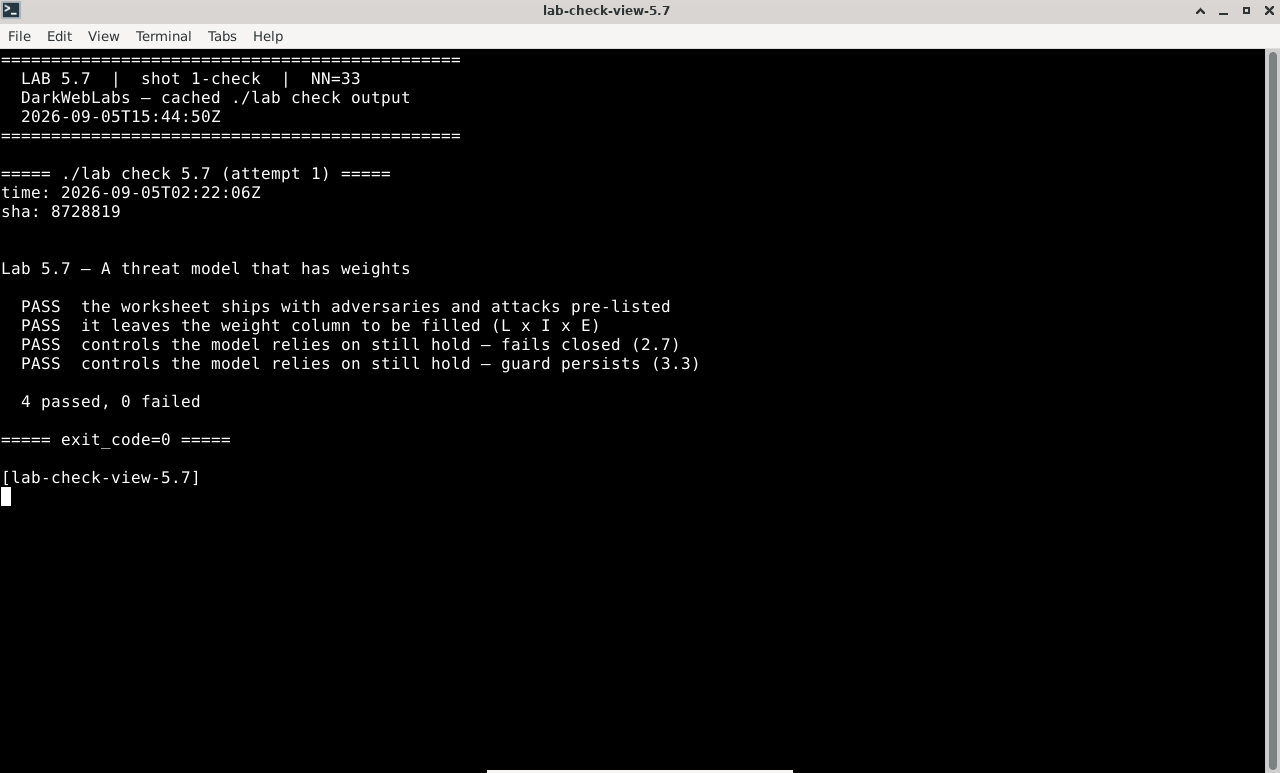
Terminal:
./lab check 5.7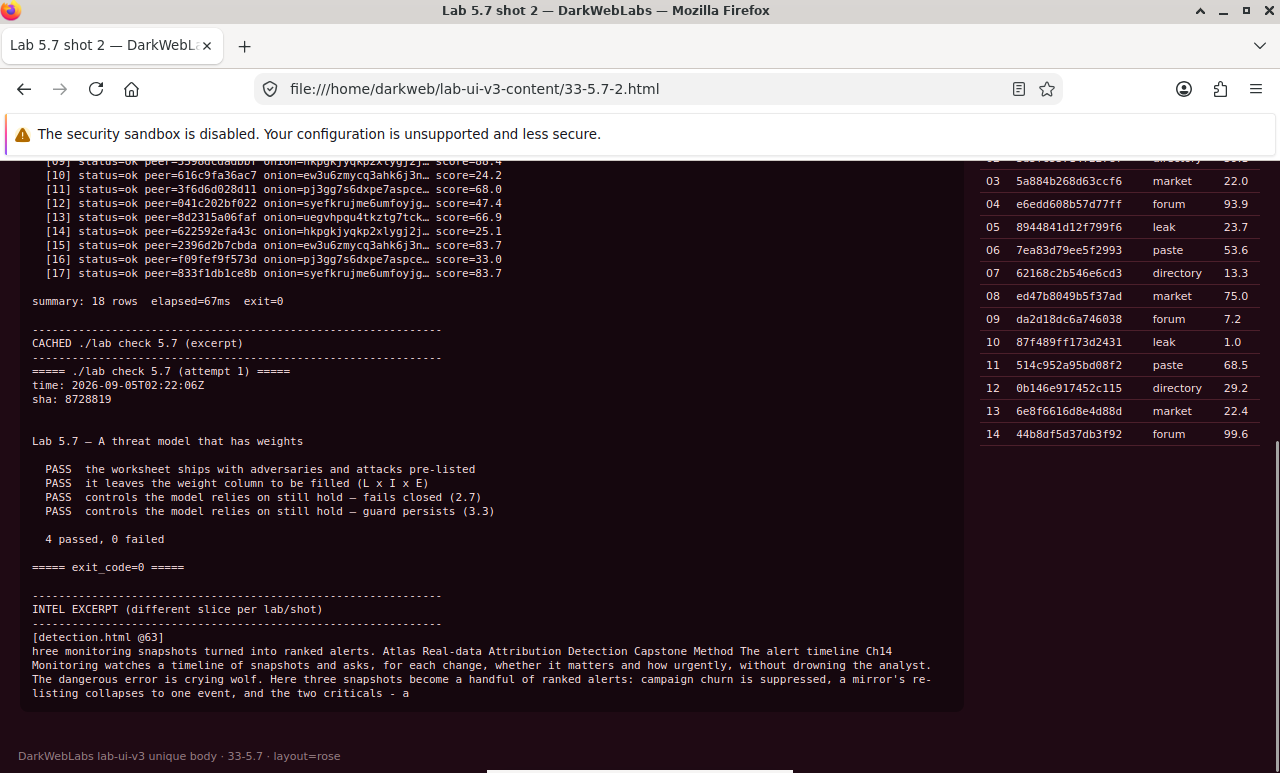
Firefox on this lab's HTML view
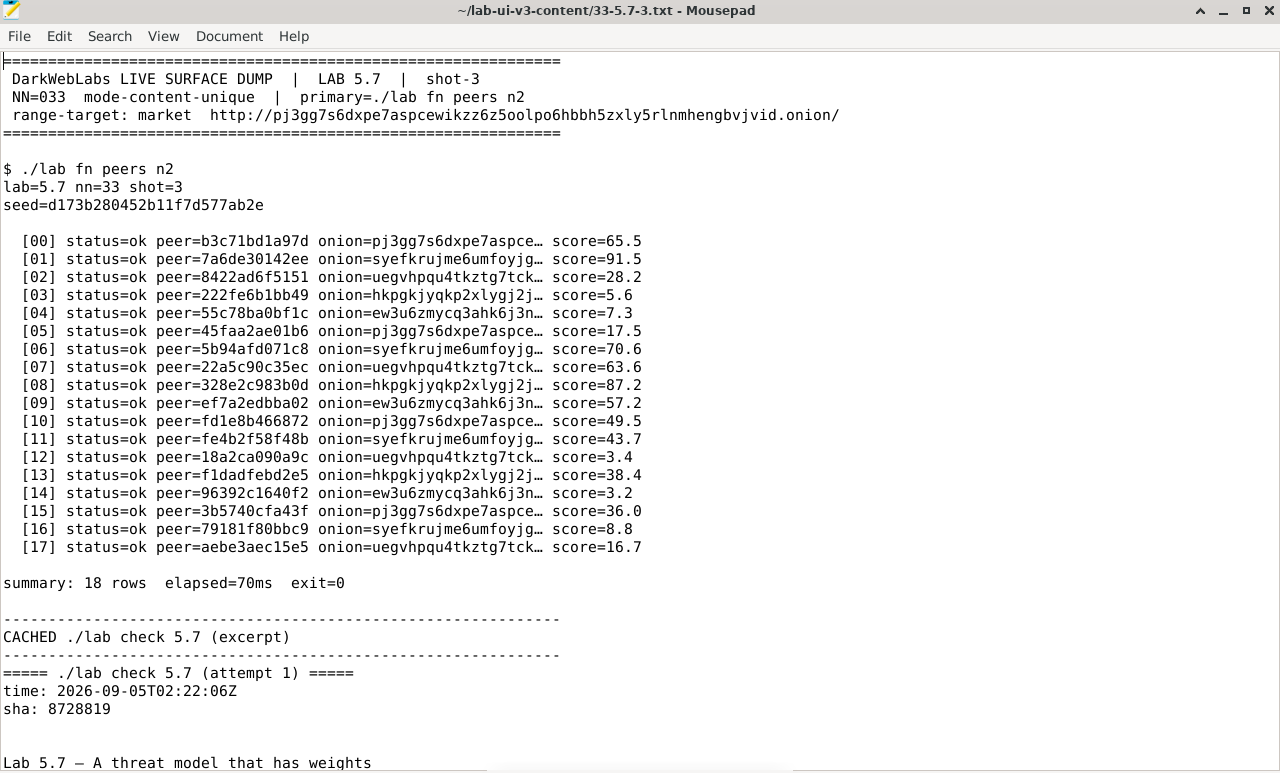
Artifact dump in Mousepad